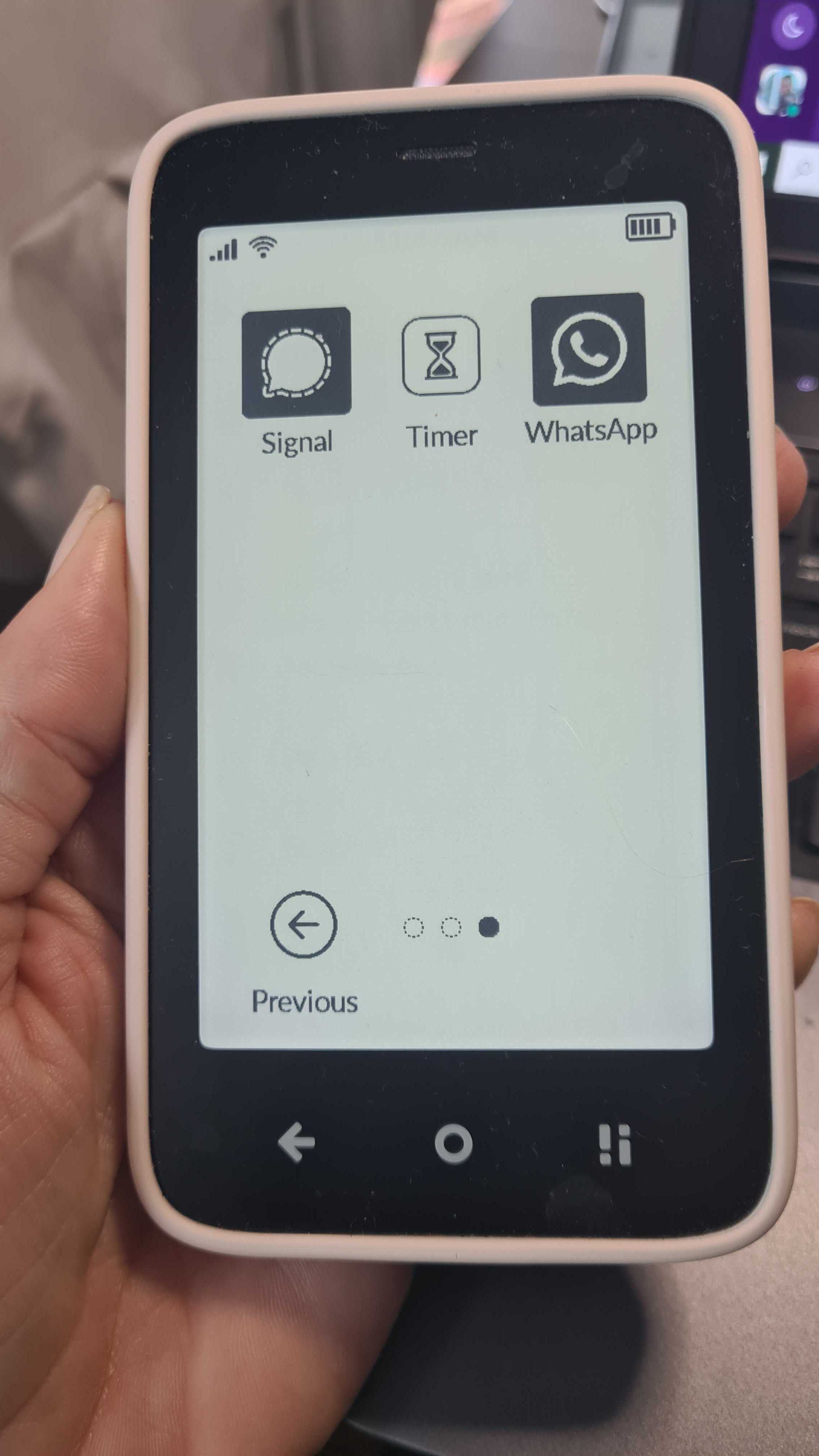
I’m considering buying a Mudita Kompakt as my main phone, but before I do I’m trying to work out how reliable a few specific third-party apps are in real-world use.
I’m not too concerned about whether an APK can simply be installed and opened. I’m more interested in whether people have actually used these apps regularly and whether the important functions work properly on the Kompakt.
The main apps I’d like feedback on are:
WhatsApp
Signal
Telegram
Spotify
Audible
TradingView
Strava
Maps/navigation apps
Train/ticket apps
Authenticator apps such as Google Authenticator or Microsoft Authenticator
In particular, I’d really appreciate hearing about things like notifications arriving reliably in the background, voice calls on WhatsApp/Signal/Telegram, GPS tracking and navigation, Spotify/Audible playback with the screen off, Strava recording activities properly, and whether TradingView charts and alerts work reliably.
TradingView is probably the biggest unknown for me. Has anyone actually installed and used it on the Kompakt? If so, do charts render properly, does touch navigation work reasonably well on the E Ink screen, and do alerts arrive while the app is closed or in the background?
I’m also interested in whether anyone knows how MuditaOS K 2.0 will affect normal sideloaded Android apps. I understand that InkApps are a separate thing, but will K 2.0 improve compatibility, notifications or background operation for ordinary APKs, or will they essentially continue working in the same way as they do now?
I’m looking for a phone I could realistically keep for several years, so I’d especially value feedback from people who are actually using the Kompakt as their primary phone rather than just experimenting with sideloading.
Thanks — any first-hand experiences with the apps above would be really useful.
I can tell you navigating the Transit app hasn’t been a fun time. I don’t have great cell reception in my apartment but my iPhone can get reliable gps most of the time. The Mudita can’t. It’s a coin flip if it determines the right state or not. I had to make sure a VPN wasn’t on! The built-in maps app doesn’t have transit support nor do I expect it to. But the side loaded Transit app is trash. YMMV - I haven’t tried using it in an area with better reception. I’m keeping my old iPhone for trips to new areas or lines where the bus runs once an hour, etc. Or do like the olden days and write my directions down at home before heading out.
Notifications have been…interesting. I’ll hear a notification chime but there’s no info on the lock screen. The power button has to be touched to wake the screen. There’s no banner notifications so what made the noise, and for what reason, is a mystery. I use the Katapault launcher app but it just adds dots when there’s a notification. I have to go to the notification log to find out what happened. Most of my notifications aren’t important. This may be user error but I haven’t found a toggle for notification banners outside of using a different launcher app. the standard launcher revamp in autumn may fix this. A lot of us are switching to get away from notifications but like. If I track my “once every ten days” medication I need to know I got the notification.
For me getting away from my phone is worth it. Every non-mainstream phone will have ups and downs. The Mudita meets my needs…a majority of the time. But I don’t trust it to get me to an appointment on time if I’m unfamiliar with the area and bus routes.
Thanks for you reply! That’s encouraging to hear. With Spotify, do you download music to the device? Does it handle that if so? And have you used Audible too perhaps?
Spotify works without any problems. Personally, I don’t use downloading, but the option is there and I think it works. I would welcome an e-ink version for Spotify. I don’t use Audible.
I downloaded one album as a test and it works even with Offline mode turned on
I use spotify and downloads work fine. Fair warning the app itself sucks to use, it’s basically e-ink’s worst nightmare, but it’s usable and does the job. As for the other things I’m aware of:
WhatsApp
No problems, plenty of people sideload it
Signal
Same
Telegram
Same
TradingView
Maybe it works maybe it doesn’t, but I can tell you the interface will probably be hell on an e-ink screen of any kind. I’d suggest moving your trading to a laptop, that’s what I did. I prefer it that way anyways because I can take in more information
Strava
From a brief look, strava might require google services. This means it won’t work out of the box, but there are things like MicroG which might make it work, for which there are tutorials online. Can’t say first hand if it works.
Maps/navigation apps
Some people sideload Waze, I just started using PaperMaps, designed specifically for the Kompakt and it works great.
Authenticator apps such as Google Authenticator or Microsoft Authenticator
Google Auth obviously won’t work (can’t use anything google), and microsoft auth might, not sure. I use Proton Auth and it works perfectly, I just had to spend about 20 minutes once transferring my accounts manually from Authy, but since then it’s worked great. Can even add your google accounts to it. When you sign in it will give you the option to get a code from “Google Authenticator”, but that’s a lie, any authenticator app works.