This is a great post, hopefully more people do the same - the more real life usage feedback we can get to the team, the better they can make the OS. Win win.
a few, but will add them in the comprehensive test I mentioned.
For sure the quality of an image sent by MMS is poor (heavy compression), but the images itself looks good enough at home environment
@ovy I’ve passed your observations on to our team & I already have some responses for you. I will post the other replies as I get feedback & info from the team:
Lock screen shows no information (no clock, missed calls, or texts)
This likely refers to the default lock screen with the Mudita logo.
We are currently working on an always-on display version that will show relevant information.
Note: If you unlock using the fingerprint sensor, the informative lock screen is skipped. To view it, either use only a PIN or a finger not recognized by the sensor. If you use a fingerprint- then you get this LOCK LOCK screen.
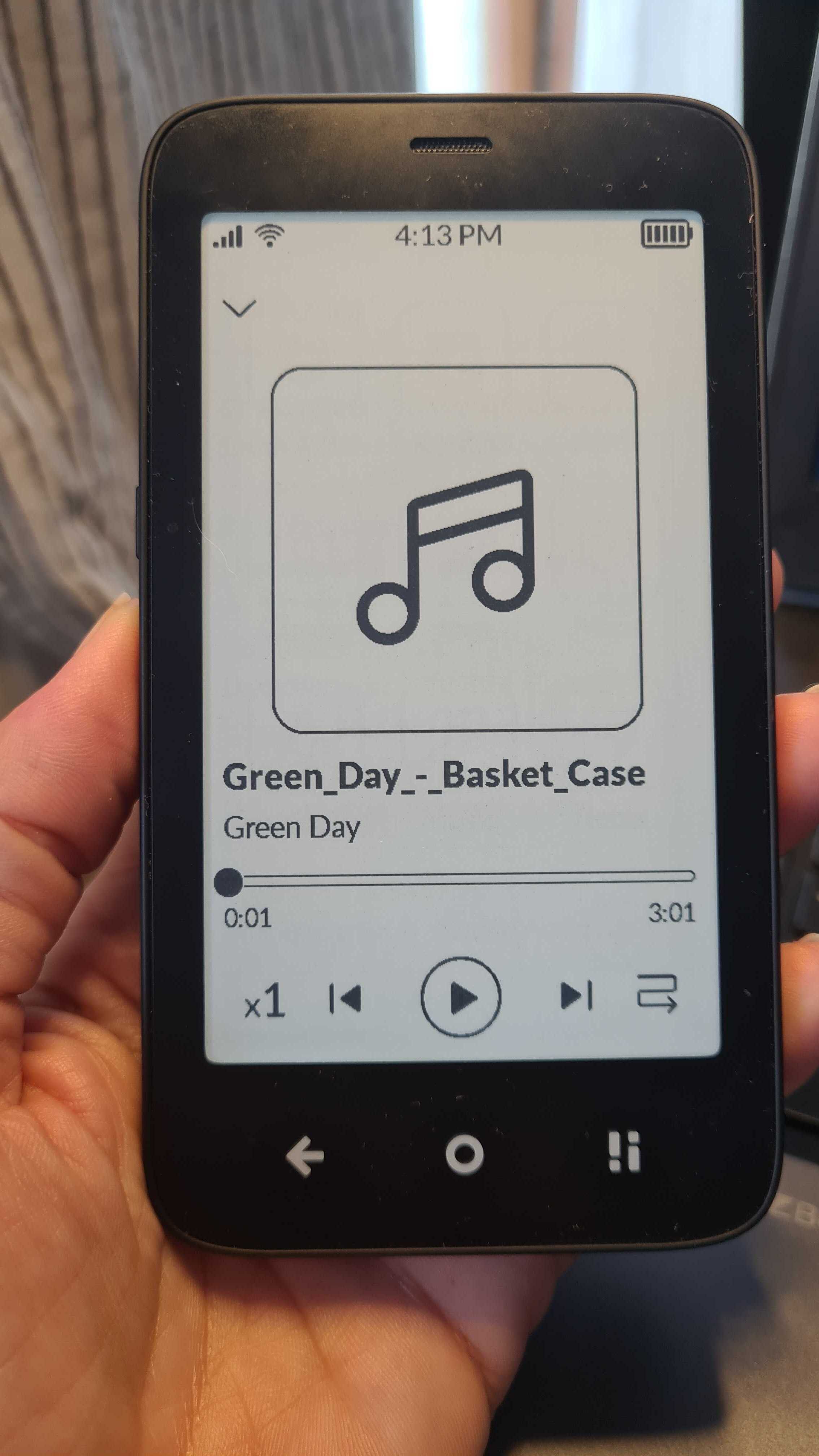
Music app shows incorrect title for newly added tracks on SD card
The Music app currently has limited support for metadata
Audio routing issue with headphones (via minijack): Recorder fails or caller can’t hear user
Could the user be using a DAC (Digital-to-Analog Converter)?
If so, please note that DAC-based recording is currently unsupported.
The vibration issue can be solved. I also thought it’s a bug but it’s not! You have to go to the system settings and go to system language and keyboard. Then to keyboard settings. There you can turn off the vibration!
Why the music app is still not fully functional is really a mystery to me. There are so many open source players that you could have used to create a fork or to incorporate the code base into your own player.
I also hope that the player will be fully functional with the next update.
I don’t want to keep hoping from update to update that such basic things will be fixed, as was the case with Pure. I don’t have the nerve
MMS can be degraded by mobile provider per size, and dimensions are likely limited as well (VGA or slightly more?) regardless whether it’s a dumbphone or premium smartphone. MMS and SMS are reliable at the expense of data footprint and low security. These are technologies from days when cybersecurity and high Internet bandwidths were practically nonexistent, and they still have to support very old phones in their network (2G).
As @buiosu has said, image transmission by MMS can vary.
Here is some of what the Brave browser’s AI-generated summary gave me:
MMS (Multimedia Messaging Service) is a standard for transmitting multimedia content, such as images, over mobile networks. The quality of MMS images can vary significantly due to several factors, including the compression settings of the messaging app, the carrier’s MMS server, and the recipient’s device.
Compression Settings in Messaging Apps
Android Messages : Users have reported that the Android Messages app can significantly compress images when sending MMS messages. For example, a 4.34MB image with a resolution of 4048x3036 was compressed to 472KB and a resolution of 2024x1518 when sent via MMS. This compression is often due to the app’s settings and the carrier’s MMS size limits.
Signal : The Signal app also compresses images for MMS messages, and users have noted that the compression can be aggressive. The app seems to impose a 1024px limit for the longest side of an image and may use a fallback setting that compresses images to about 30KB if there is no carrier-specific XML file.
Carrier-Specific Limits
Carrier MMSC : The Multimedia Messaging Service Center (MMSC) of the carrier can further affect the quality of MMS images. Different carriers have different size limits for MMS attachments. For instance, some carriers in the UK still use a 300KB limit, while others may allow up to 500KB or even 2MB.