Hello!
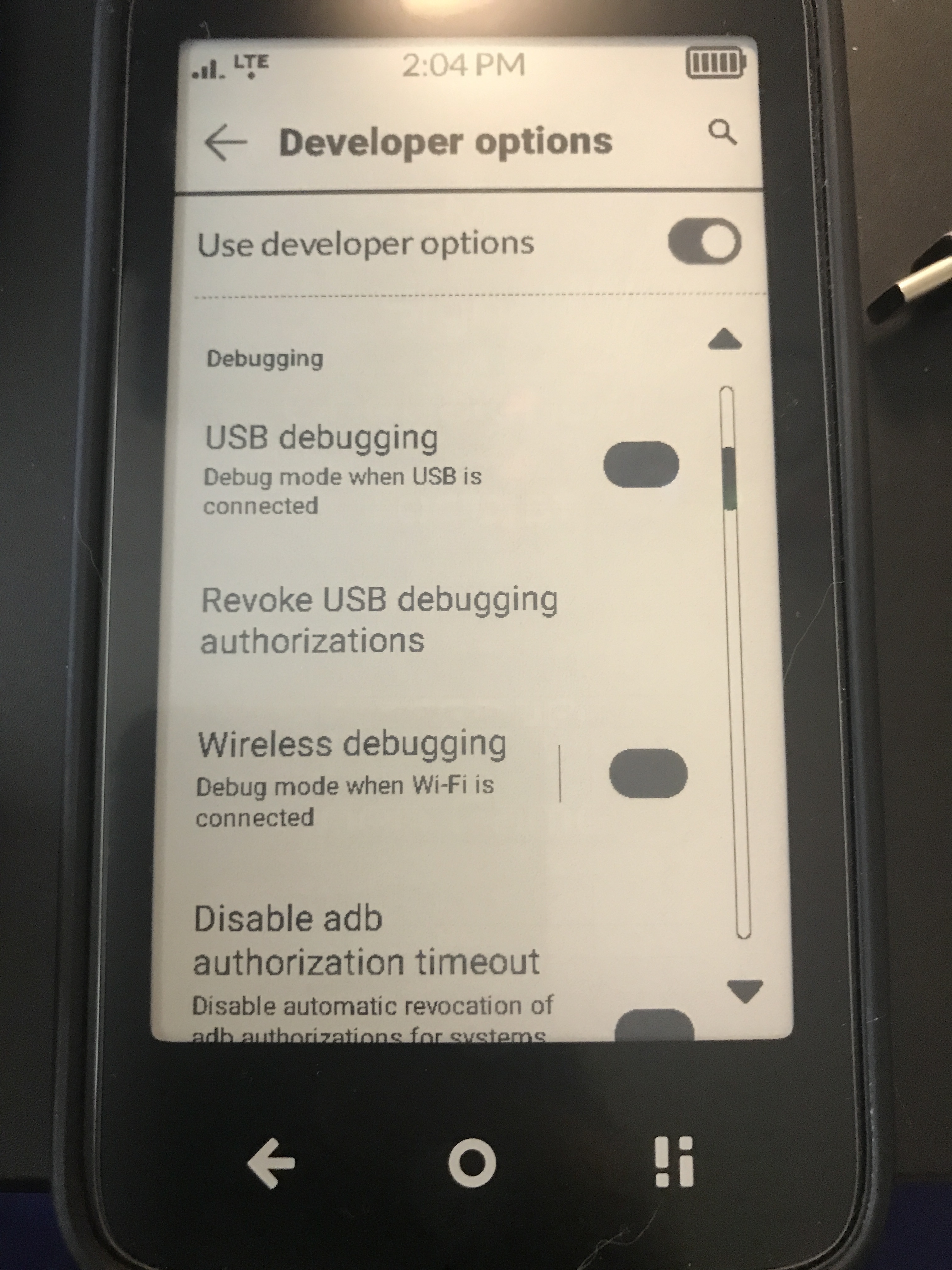
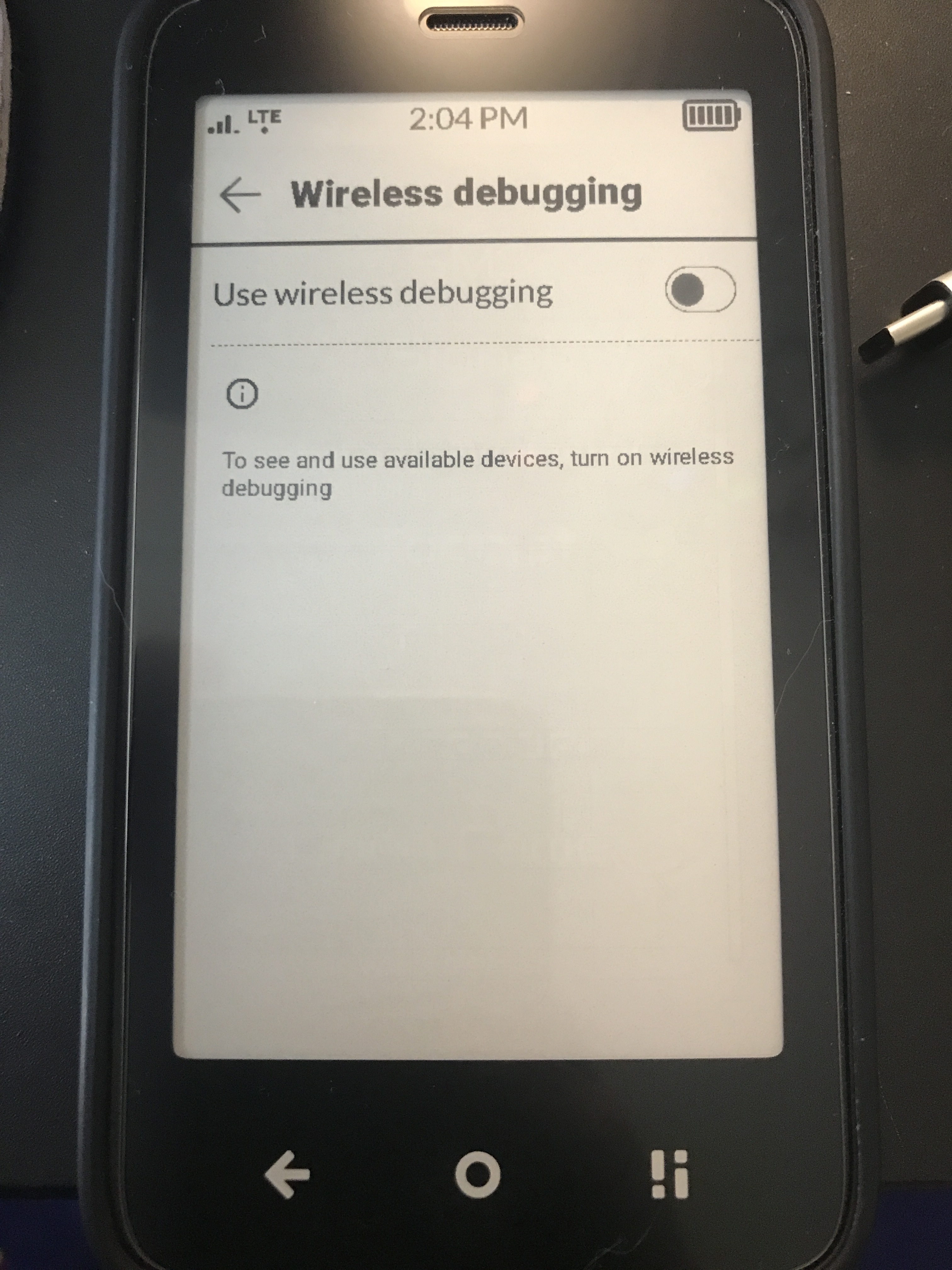
I don’t own a mac or PC, so I’d been using the iOS app “Bugjaeger” to sideload apps and manage my Kompakt from my ipad. Since the last update, wireless debugging has been locked, so I can’t sideload anything. Is there a way around this? This is a major issue for me, as I installed InkOS for the way it manages sideloaded app notifications on the same day that I updated the Mudita OS K, and since then, my battery life has been trash. Installing the InkOS launcher required disabling the native Mudita launcher via adb, so I can’t uninstall inkOS to determine the cause of the battery drain, because I can’t re-enable the native launcher. Does anyone have any suggestions for how I might fix this, or what might be happening? Under your developer options settings, are you able to turn on wireless debugging, running OS K 1.2.0?
1 Like
@motherskunk I just tested this for you and wireless debugging is working for me in 1.2.0 (global version).
I personally don’t recommend anyone to do any adb tweak without a personal computer, but if you have access to a library, internet cafe, or a printing shop you can reactivate the mudita launcher using webadb without having to install anything on that computer.
And I’ve been using inkOS since late may, I haven’t noticed any battery drain compared to the Mudita Launcher. The notifications are already there, so it’s just “presenting” them to the user.
2 Likes
Thank you for checking that for me. I’m on the NA model, but I imagine it’s the same. Also, thank you for making InkOS @gezimos !! So far, I love it!!
1 Like
Hey, motherskunk,
I had this happen after I updated. I think controlling some things in adb can trigger some stability or security issues in some of the developer options. I had no fix, ended up factory resetting my phone. All works as expected now😋
2 Likes
Thank you so much, @tigergarden ! I’ll reset my device tonight.
1 Like