Once again I’m extremely frustrated. I have tried several browsers on the Kompakt, from Firefox to Brave, from Firefox Focus to Fennec, but none of them load any websites. The screen remains blank. The only browser that works is Chinese and not open source, so probably not very safe.
@urszula does use Brave, and it seems to work well for her. I wonder why most browsers aren’t working for me. And yes, my Offline+ switch was off.
2 Likes
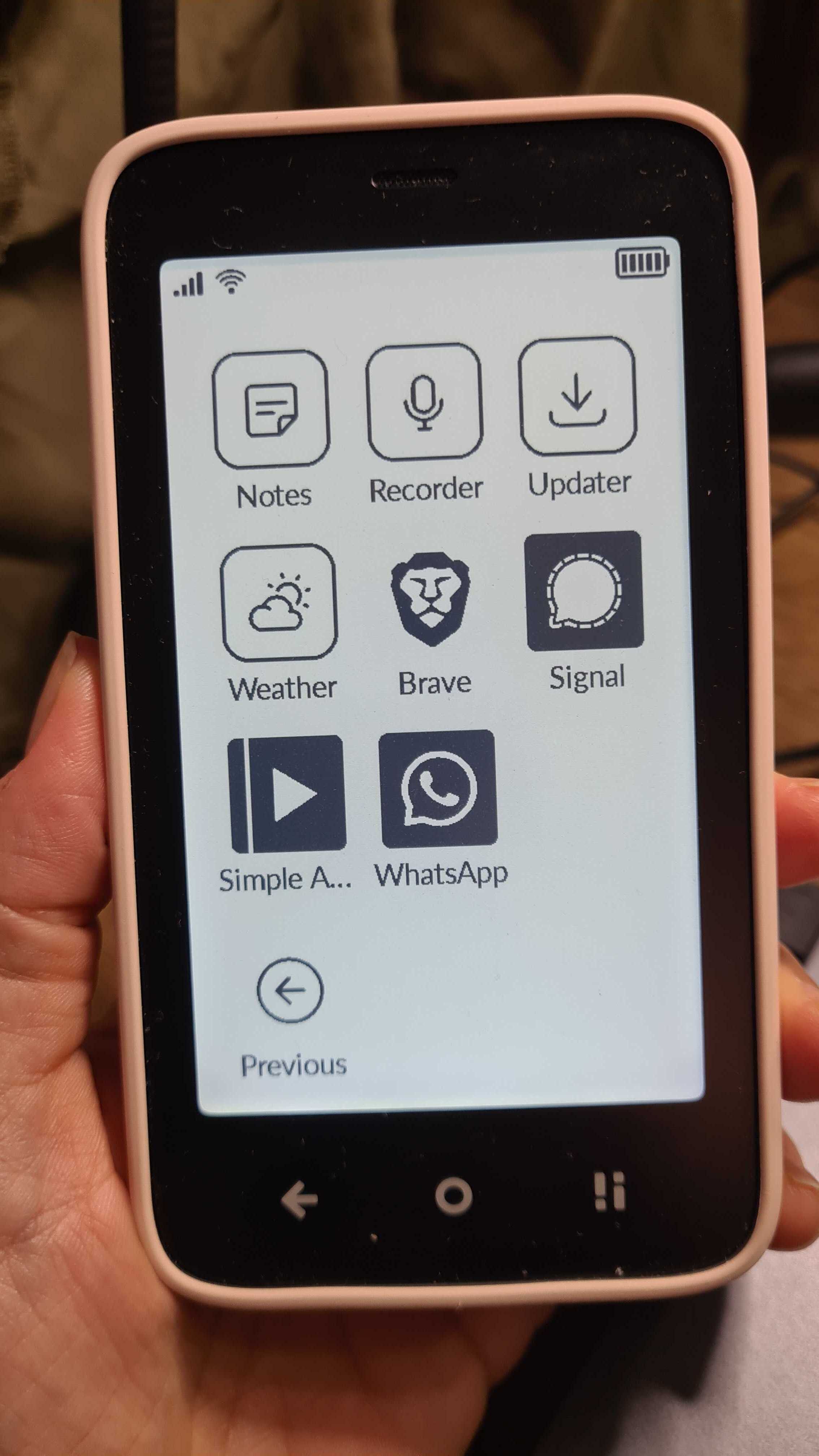
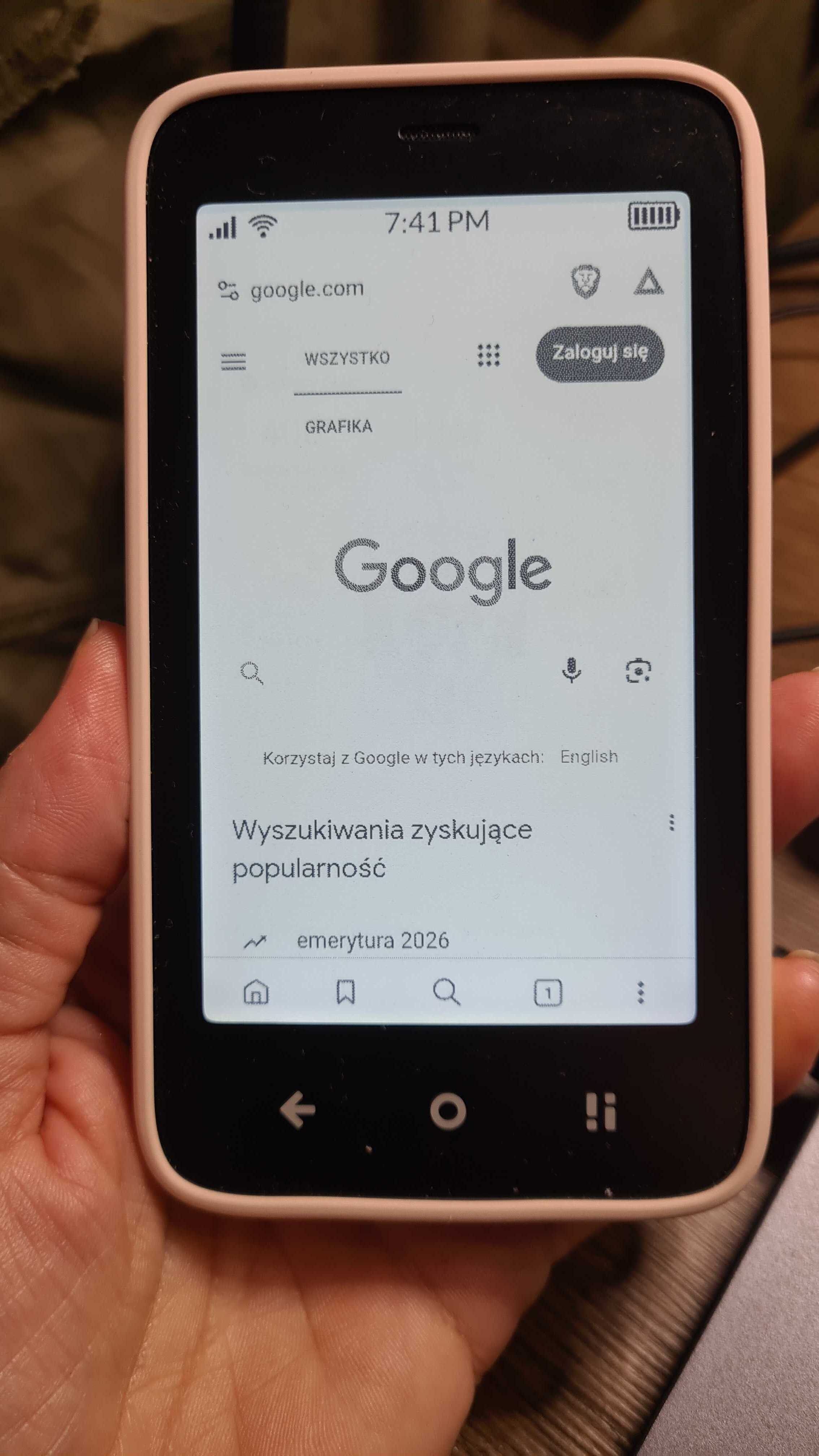

Only if it works  Why is it not working for me ? I installed the latest version via Aurora store. It should work, but it doesn’t.
1 Like
@YYZ Could you try a browser via the apk app install on Mudita Center- let’s try that. Maybe something works that way.
I tried both already many times, apk via Mudita Center, as well as installing directly from Aurora store. The result is always the same… no website.
1 Like
I also have Brave on my Kompact…I’m even sending this reply from it. I just installed off Aurora and it worked…
Are you experiencing any other connecrivity issues?
1 Like
None whatsoever.
What’s even worse is that one Chinese browser works, while all the others don’t. So internet access definitely works.
2 Likes
Vivaldi worked lile a charm when I tried it on Kompakt. It’s my favorite browser on desktop and mobile. Highly Recommended!
Are you experiencing this issue with both your WLAN and mobile connections?
2 Likes
I can only use mobile since there is no wifi hotspot nearby, but so far all apps had perfect internet access.
Now I just installed Fennec again from F-Droid. The latest version on F-Droid is 143.0.3, yet my installed version is 142.0 (???). Strangely it worked in the beginning and when I entered yahoo.com it loaded the website. Then I changed some settings, and it would no longer work. Then I changed all the settings back, but it still didn’t work. None of this makes sense.
2 Likes
Can you please detail which settings you changed. I want to consult this with the devs because I am also struggling to figure out what could be causing these issues for you.
I turned off location sharing in site settings (in the browser, not on the Kompakt), and a few other things, but then turned them back on again, but the websites don’t load anymore
I haven’t even added any extensions yet (ad blockers etc). I keep installing and uninstalling browsers because all of them stop working, even when I don’t change settings. It seems they only work for 2 minutes and then they won’t.
The weird part is that both Gecko and Chromium refuse to work. There have been lots of reports on reddit about Firefox not working on mobile phones, but then Brave should work because it’s based on Chromium. But it doesn’t.
1 Like
@YYZ I talked to one of the MuditaOS K devs about this & he suggested to just factory reset the phone. That would be the simplest fix. Yes, it’s a headache, but he believes that that are some settings that have been altered which my impact connection. If we reset default settings then the problem should resolve itself.
3 Likes
I just tried something else. Fennec (a Firefox fork) is now working, but only if I enter the URL into the search engine and click one of the results there. Then it suddenly loads any website. But when I enter the URL directly, nothing happens. What is the explanation for that ?
Also, I still have the same old battery problem. While browsing for less than 10 minutes, I lost 4% of battery life. Is that normal ? I lost only 1% overnight, but 4% in less than 10 minutes ?
I would rather not do a factory reset. Going through all the headache again ?
Once I do a factory reset, I will send the Kompakt back and ask for my money.
Stand and deliver! 
P.S.: I bet a factory reset wouldn’t have changed a thing.
2 Likes
We do offer the 14-day money back guarantee. You can always return the product if you feel that it’s not not up to your expectations.
Those 14 days are long gone, thanks to support not replying in time Up to this day I don’t know whether my battery is ok or not, and I’m still testing it. I’ll probably keep the Kompakt anyway, being as masochistic as I am
1 Like
I might be “that guy,” but I personally love that my Kompakt has no browser on it, because I have a PC at home that I use for all my web-related tasks. I mentioned in a post I made on this forum that when I was researching dumb phones and minimalist phones, I made lists of what tasks I needed to be able to do on my mobile device every day, and what tasks I could wait to do on my PC at home.
I probably would not have bought the Kompakt if I needed a web browser on the go and didn’t already have a PC at home.
I love that the Kompakt has allowed me to take back control of my time and how I’m spending it. Finally got my life set up so that the chance of me finding myself doom scrolling for hours is basically zero, because I can only access social media on my PC, and it’s a pretty different (although still pretty addictive) experience on a desktop computer.
3 Likes
I too won’t use the browser much, but I wanted to make sure I have a working one, just in case. But it’s not just the browser. All the other apps have their bugs too, and I’m glued to the Kompakt way too much because of that. I spent next to no time on my old dumbphone, but now I’m constantly checking the phone or reading this forum. So it didn’t help me get rid of an addiction, but rather it created one.
I’ve been using both Brave and Firefox without issue. I wonder if there’s some random setting that was tweaked along the way that is preventing yours from working properly. What’s the browser you were able to get working?
Now all of them work ONLY IF i go through the search engine, which is kinda lame because I have to pick the right search result. I’d rather just enter the URL, but then none of them load any website. It’s a weird bug. The only browser that lets me enter the URL directly is Via, a Chinese light-weight browser. It’s by far the fastest one and has some security features, but I don’t know how trusted it is, considering it’s not open source.
1 Like
A wild guess but could your keyboard maybe autocorrect URLs when you enter them? Like adding a space somewhere for example https :// ?
Otherwise my guess would be a DNS problem with your provider. I’d try WLAN somewhere possibly to rule out an issue with your mobile connection.
1 Like