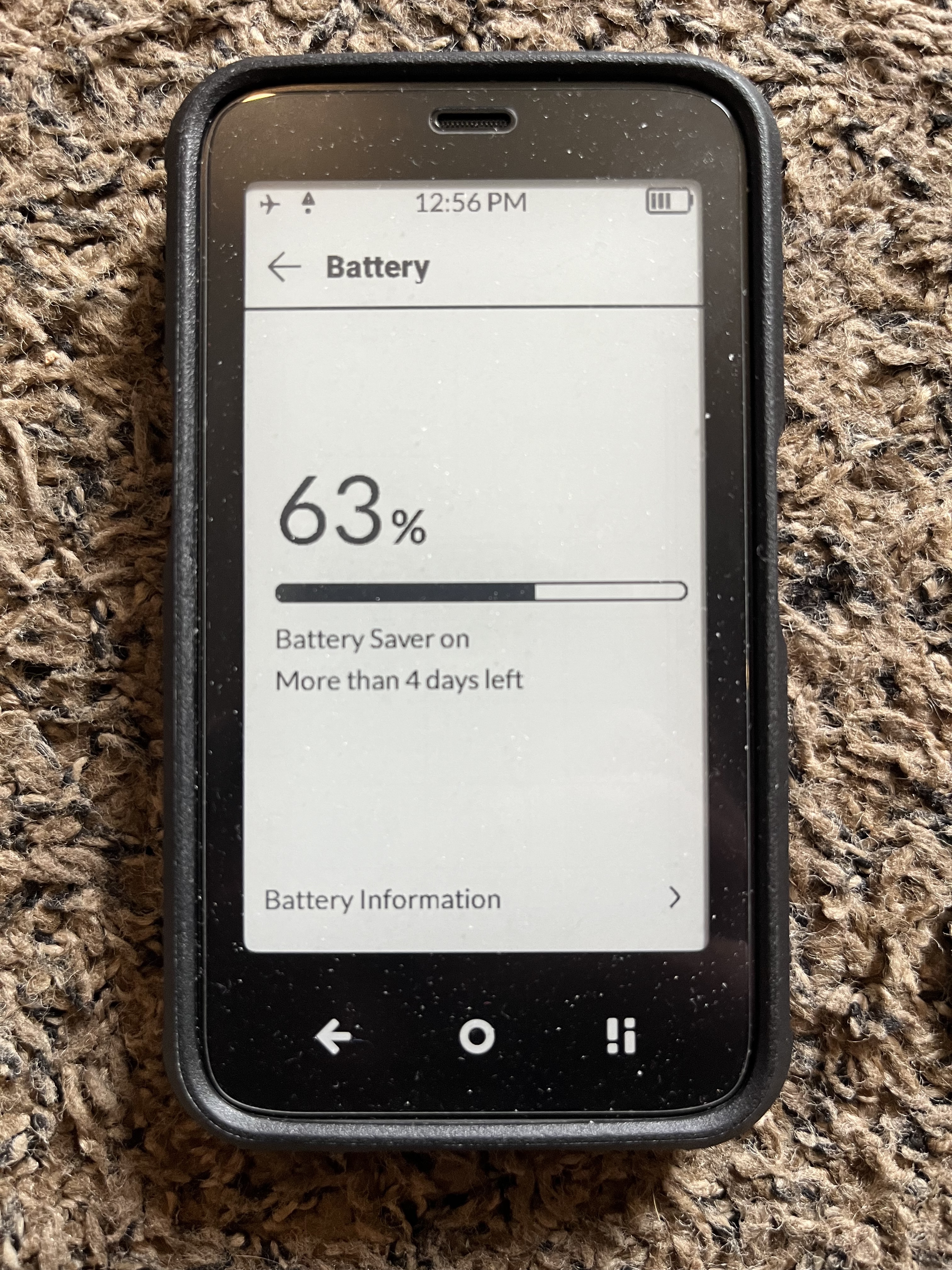
I found a way to turn on low power mode which extends battery. First download this app. Android settings. I’ll leave a link but it’s in Aurora store also. Then go to battery saver in the app. It will open battery settings on the phone. Click on low power mode and turn off (turn off at 90%) that way it stays on. Now it’s going to be dark mode which doesn’t do well do to turn that off you have to do an adb command.
adb shell
settings put global battery_saver_constants “enable_night_mode=false”