Hello: the lock screen comes on when I am calling on speakerphone and this can be problematic when making long service calls when the dialpad or mute button needs to be accessed intermittently. Assuming there is no significant downside to disabling the screen lock during calls, I would be grateful if this new behavior gets implemented: that the screen lock is disabled during a call.
3 Likes
Increase the time out delay:
This may help ~
Settings / Display / Screen Timeout: After 30 min of inactivity
(“Never” time out is not an option)
1 Like
Thank you for the kind suggestion. I am however looking for disabling the lock only during calls. Otherwise, I would much rather have the lock activate at a reasonably small time period.
I understand that one option is to go into settings each time I make a call, however I would be grateful if the developers coded the behavior in.
1 Like
Simply press the power button to lock immediately, quite easy and available presently as a feature now. Your screen doesn’t need to auto-lock so quickly on your important calls.
You do have a valid requirement for an improvement, submit your change request to the support team.
1 Like
I’m also disturbed by the lock screen during calls : why this screen ?
Is it to avoid pushing buttons by accident ?
If, so it would be better, in my opinion to have a distinctive screen that does not confuse the user : you did not lock your phone by accident and the phone is not really locked as you don’t need a fingerprint or password to unlock it…
3 Likes
Sorry, I do agree, and wish you luck. 
I cannot find the emoji for :bang_head_on_wall:
2 Likes
I have this problem as well, am constantly having to shake the phone while on speaker phone. Also if I’m trying to swap calls I usually can’t get the lock screen to go away before the calls hang up. I need the lock button on the side to end calls, so it’s very difficult when the lock screen is constantly turning on!
1 Like
The press power button to end call is a setting by default, it is off.
1 Like
Can you tell me if you can use the power button on the side to wake up the screen? Or do you have it set so that it hangs up the call?
@urszula I use the power button to wake up the screen.
2 Likes
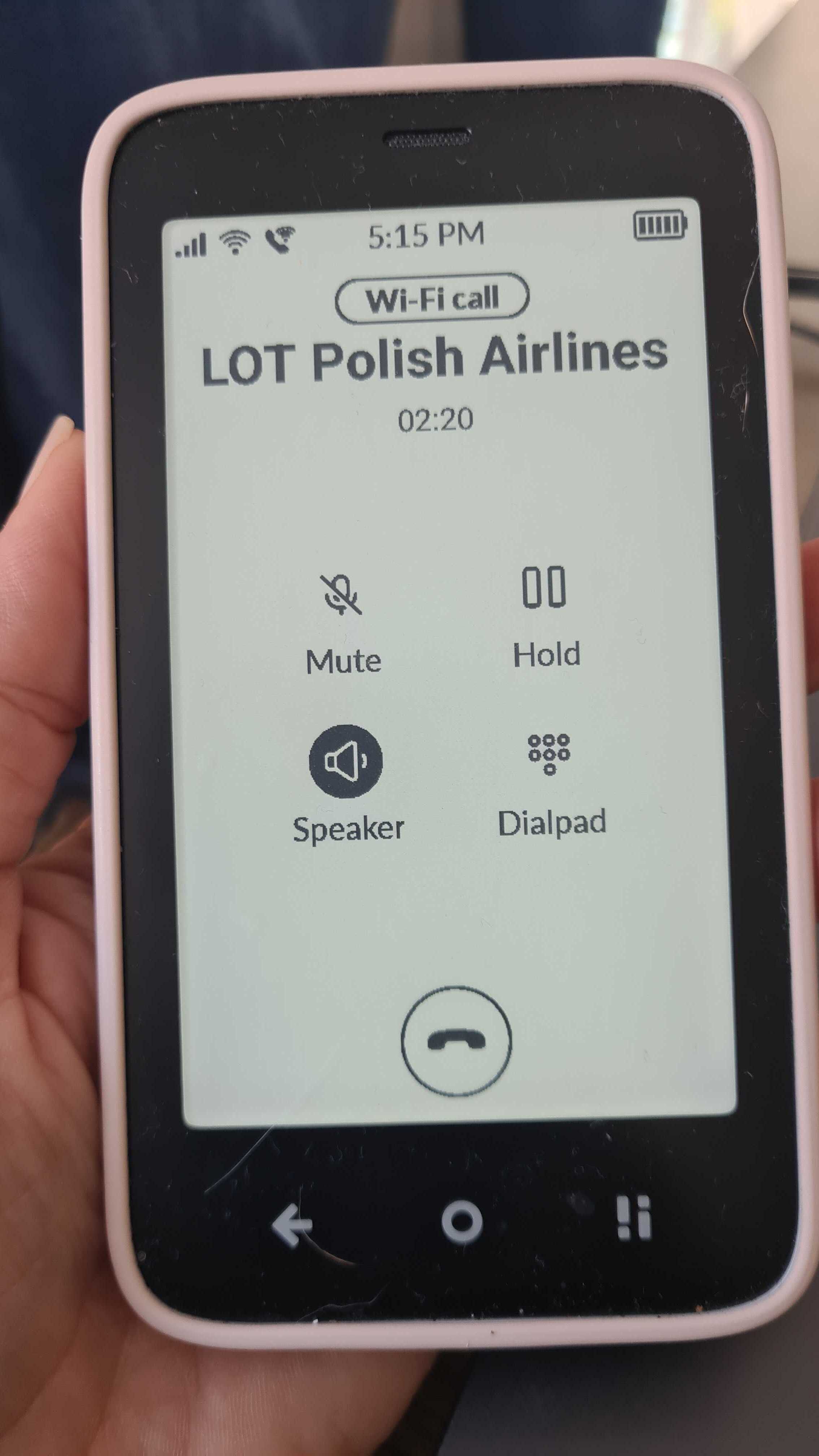
Thanks for the confirmation. I did pass your feedback to the team & I totally get where you’re coming from- it can get frustrating. I recently tried to call the airlines to rebook a cancelled flight & YES- the only way to do this with any sanity is on speaker phone. And being asked to input digits when the phone is locked is not fun.
1 Like