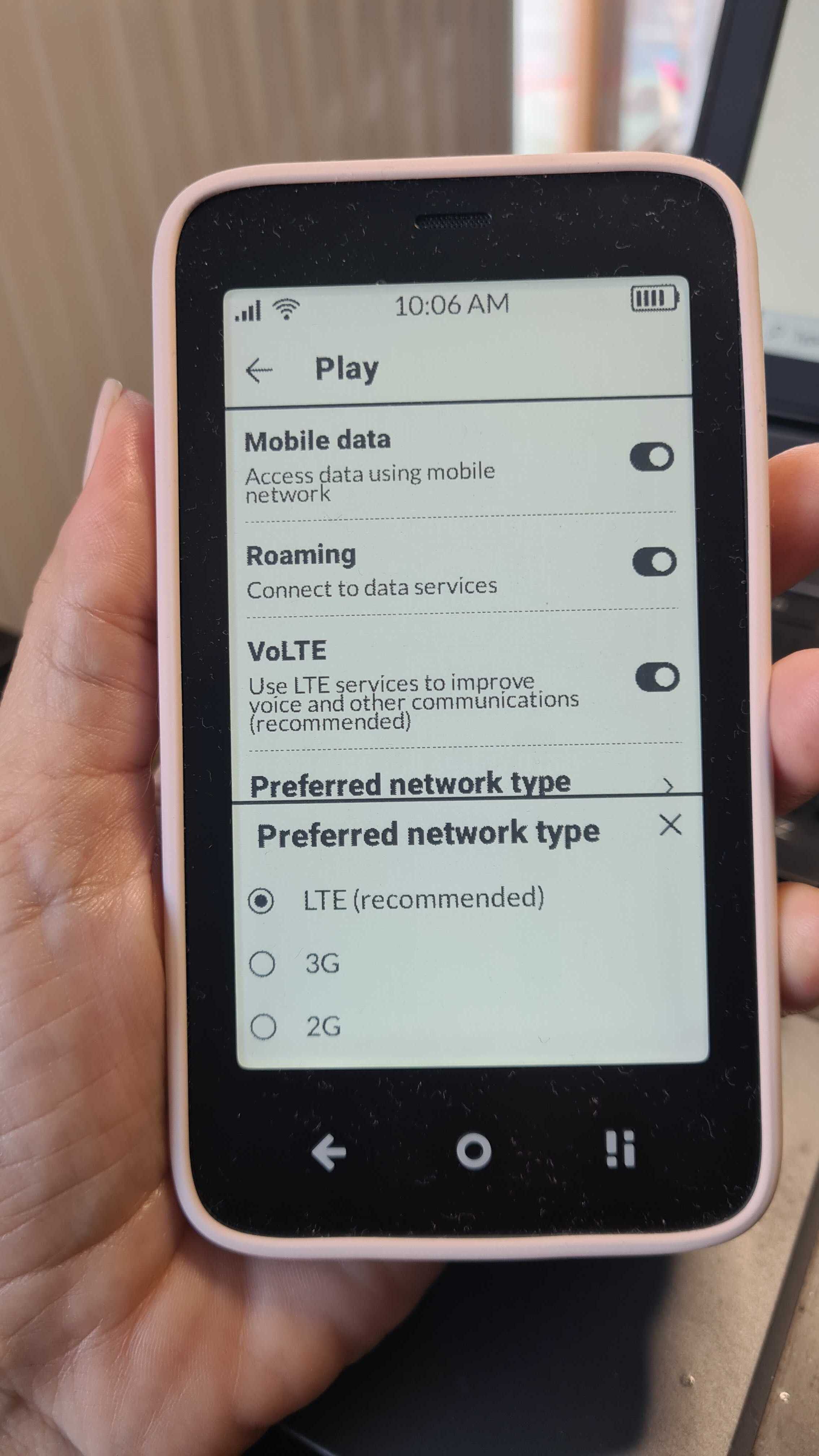
Has here been consideration to allow the option to only use LTE, instead of it just being recommended?
There are areas that not so nice people use devices running higher power 3G signals to capture your phone instead of connecting to your carrier. I’d love to be able to prevent that with a switch in the settings.
1 Like
1 Like
Yes, that is exactly it! 
1 Like
@jrjkrall While the standard settings menu only allows you to select “4G (Recommended)”—which technically still permits the phone to fall back to older networks if the signal is weak, there is a way that you can force a strict lock using the Android testing menu.
Open the Phone app (Dialer).
Type *#*#4636#*#*.
Select Phone Information.
Scroll down to “Set Preferred Network Type”.
- Select “LTE Only”.
BUT you should know the Risks of doing this. YES, you are absolutely right about the consequences of this setting, and this is why it is hidden by default:
- Total Signal Loss: If you enter an area (like a basement or rural road) where 4G is unavailable, the phone will show “No Service.” It will not attempt to connect to a strong 2G or 3G signal for emergency calls.
- Voice Call Failure (Crucial): This is the biggest risk. Standard voice calls often rely on switching down to 3G/2G (CSFB). If you lock the phone to “LTE Only,” you must have VoLTE (4G Calling) active and working. If VoLTE is not supported by your carrier or fails for any reason, you will have data, but you will be unable to make or receive any calls.
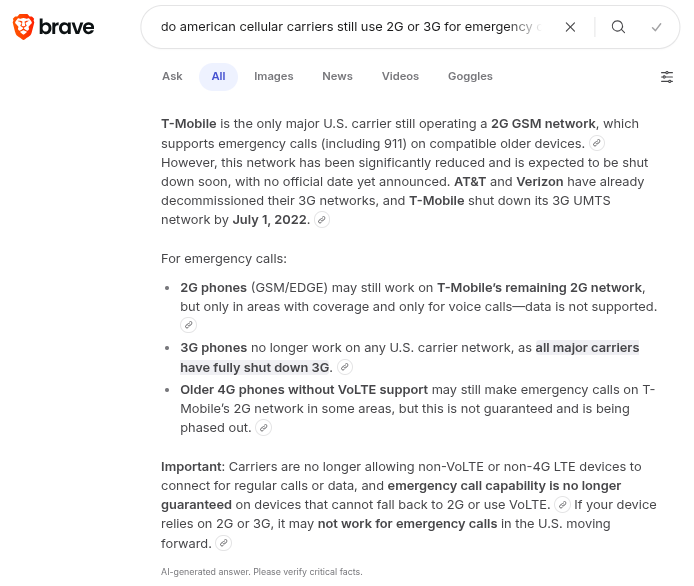
Do American cellular carriers still use 2G or 3G for emergency calls?
Here is an AI-generated answer from the Brave browser:
2 Likes
Thanks for looking that up kirkmahoneyphd! Here is a link from the FCC site from October 2022 that has dates as well: https://www.fcc.gov/consumers/guides/plan-ahead-phase-out-3g-cellular-networks-and-service.
And thank you urszula for the code and menu option to get this setup!
2 Likes