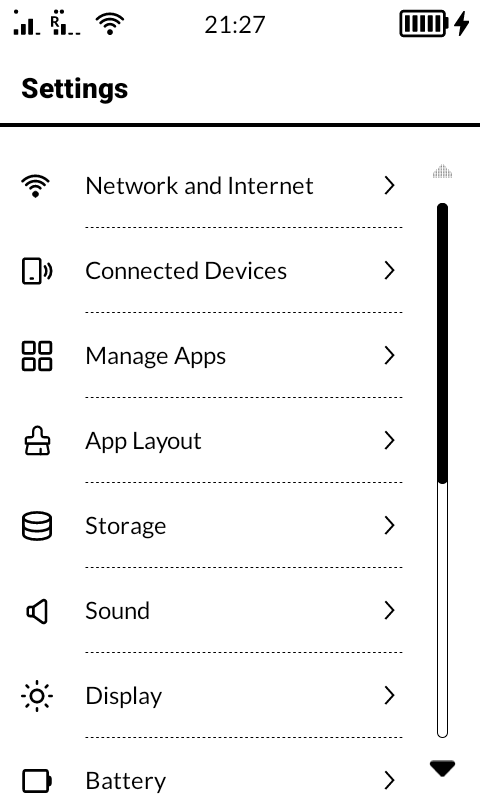
Hi, how can I modify the perceived display size on a phone like the Mudita Kompakt. Adjusting the zoom level or font size. This allows users to customize the visual experience and improve readability, especially on minimalist phones where screen real estate might be limited?
Thanks……
That can’t be done with the current settings by default, but it can be done in the developer options at 2 places:
- “Smallest width” by default it’s 360dp, if you raise the number it will change the resolution to make everything smaller. I wouldn’t go past 399, because it messes the PIN screen layout which is not responsive for different resolutions.
- “Accessibility settings” Text and display, there you can set the font sizes.
2 Likes
Thankyou for the setting.
I also like to know how did this YouTuber loaded a row of 4 application wigits on the screen.
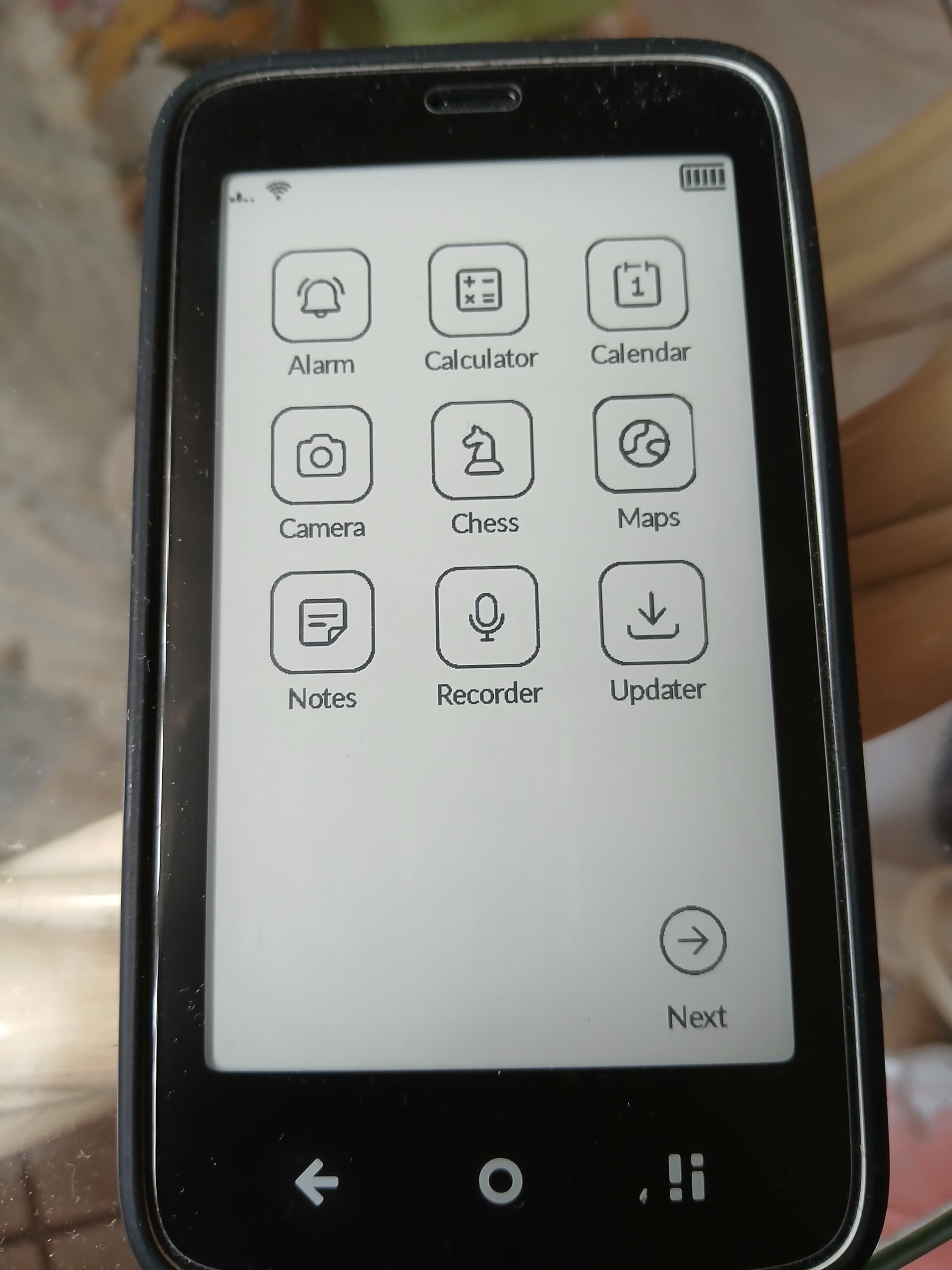
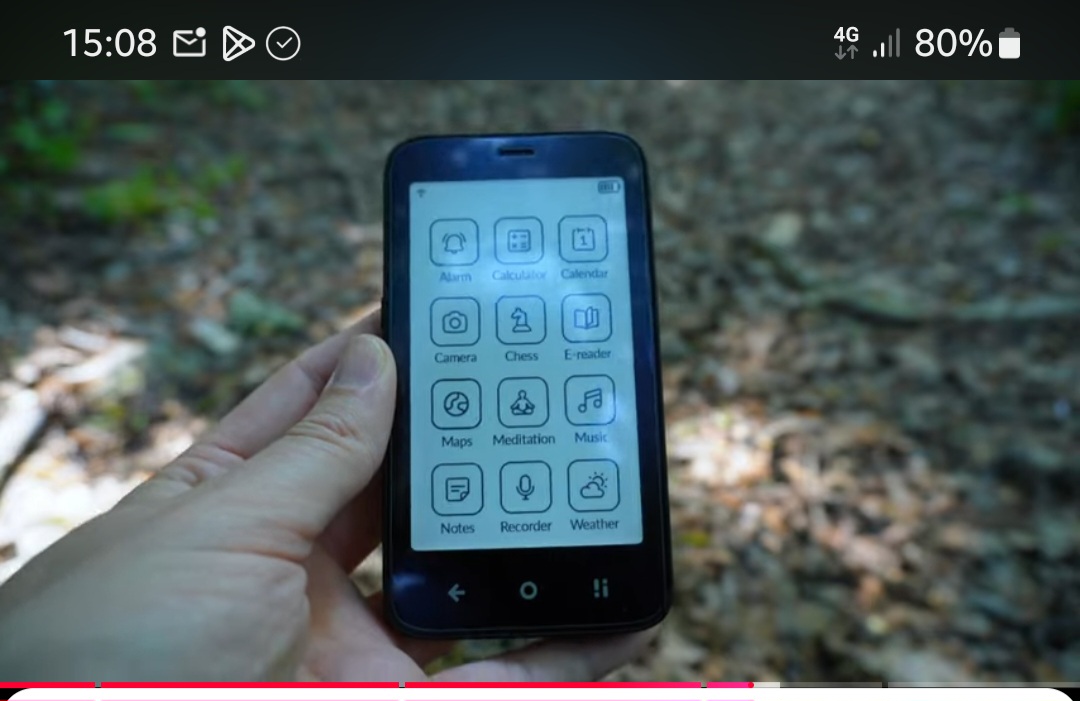
Thanks for your help…
1 Like
Settings / App Layout
If you only allow 12 apps to be shown it will remove the Next button
2 Likes
OK. Thanks for your help…
2 Likes
How do you do that ? I can’t find the setting in question 
1 Like
The developer options? or The app layout one, the Load Parent post button is not working on the forum so I’m not sure for which one you’re asking
1 Like
I’m asking about the app layout 4 rows thingy ! I can’t find the setting in the App Layout
1 Like