KISS launcher fork for eink mudita kompakt

I love the KISS launcher, i was missing it on the kompakt.

I love the principle of this launcher where i don’t have to mind about “which app should i put as my favorite?”
or “how should i order them?” and all this kind of stuff because it’s just based on history.
It shows what you use, that’s it. Pretty simple and works for me.

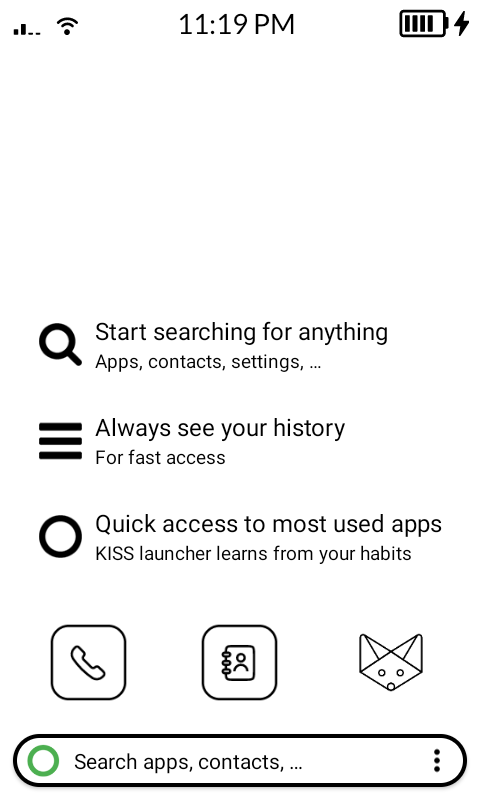
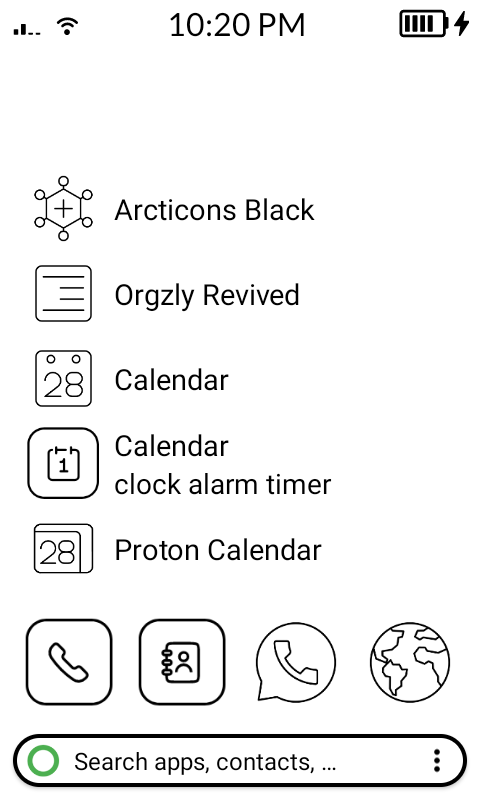
But of course, by default it’s not great on the kompakt, so i figured i could just fork it and tweak the styles. How hard could this be?

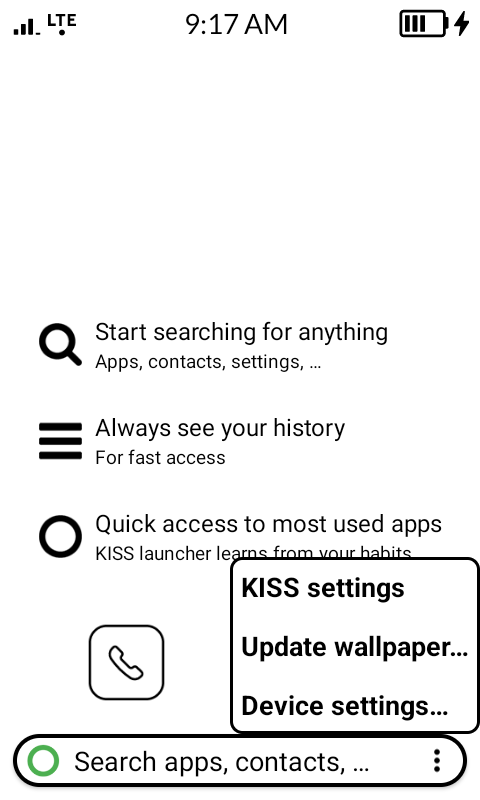
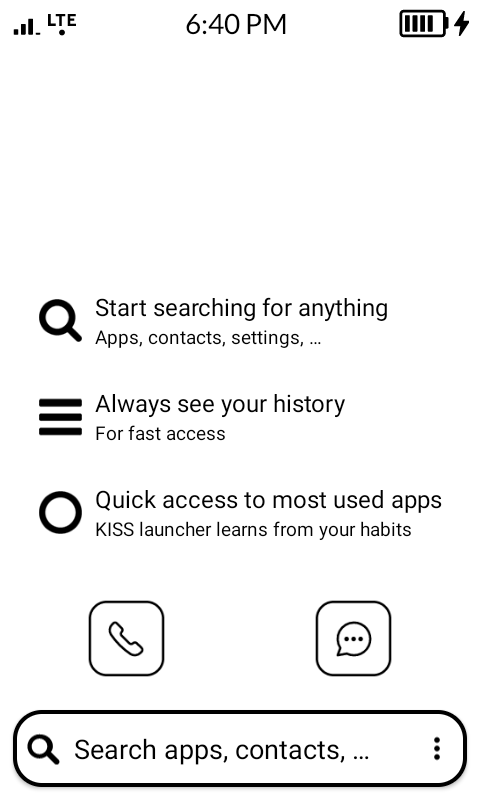
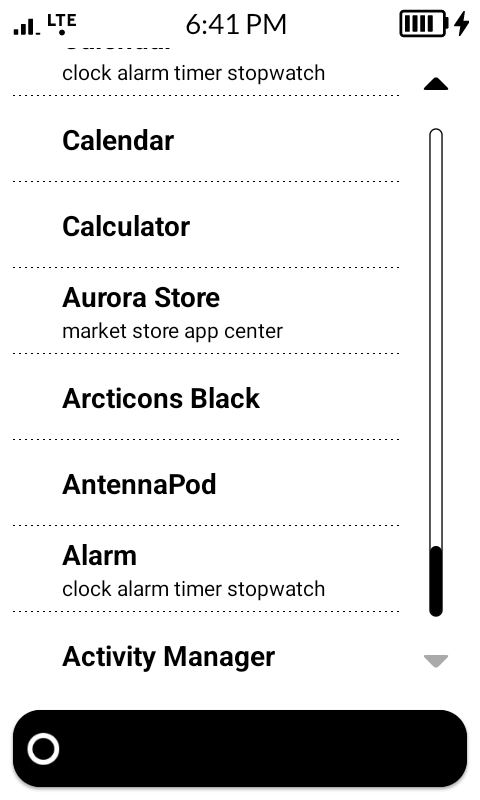
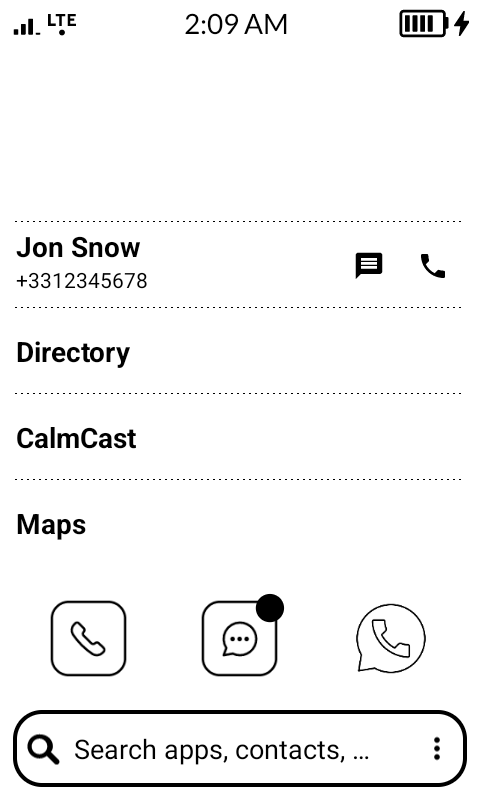
With minor changes i got something running:


For the icons, i used the Arcticons Arcticons - icon pack

Link to my fork: GitHub - fridim/KISS-eink: Lightning fast, open-source, < 250kb Android launcher - Fork dedicated to e-ink display

What do you think?

7 Likes

From the screenshot it looks great!

However I couldn’t try it since you didn’t add a release apk in github. I suggest you do so, since most users here are not able to compile their own apk.

Also it would be great the make the Mudita app icons the same style as the arctics to match them.

2 Likes

Thanks for the feedback!
I created a release and uploaded the APK here: Release v0.0.1-rc1 · fridim/KISS-eink · GitHub

3 Likes

good point but… idk, i kind of like that they are different since they are optimized for the device :slight_smile:

2 Likes

I understand what you mean.

I downloaded and installed it and it’s very snappy, I think people that require a launcher with a search could be very happy with this :slight_smile:

Only suggestion that comes to mind now is to reduce the size of the font in settings because some are cut off. Or simply rename the strings to something shorter.

3 Likes

Just releases a new version of this KISS fork for eink !

Try to follow mudita mindful design (link).

Since last release:

  • Hide icons by default - this is a performance saver! Also aligns with mindful design better
  • Disable animation and scrolling - page up & down instead
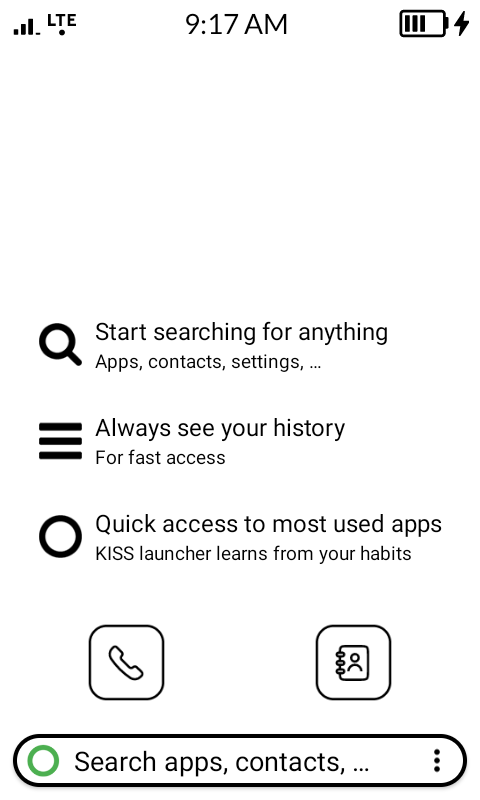
  • Remove browser from default favorite bar. Keep only Phone and Contacts, as per the default launcher app from Mudita.
  • make favorite bar icons a little bigger
  • KISS 3-dot menu: swith to the popup style for consistency and readability

This release includes previous changes compared to upstream KISS:

  • E-ink theme:
    • black&white only
    • remove shadows
    • adjust font size for the mudita kompakt
    • background color of fix bar
    • font size of the KISS menu
    • properties menu b&w


2 Likes

I’m now looking at the scrollbars and i’ll see if i can pull mudita’s scroll bar there too

2 Likes

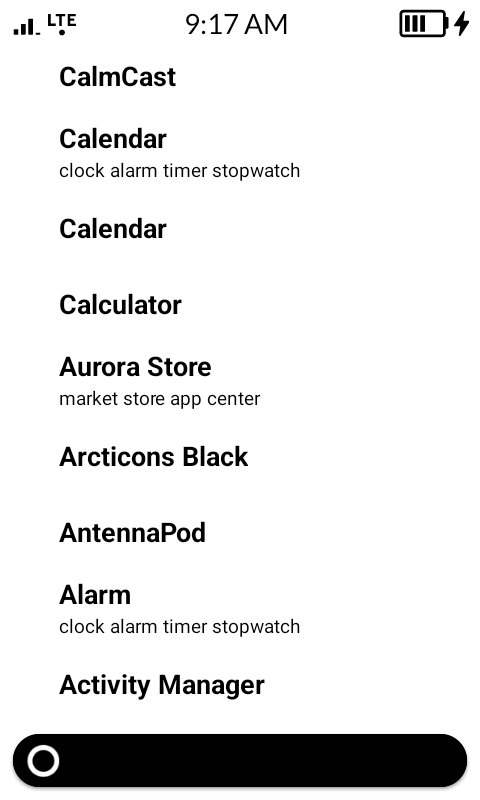
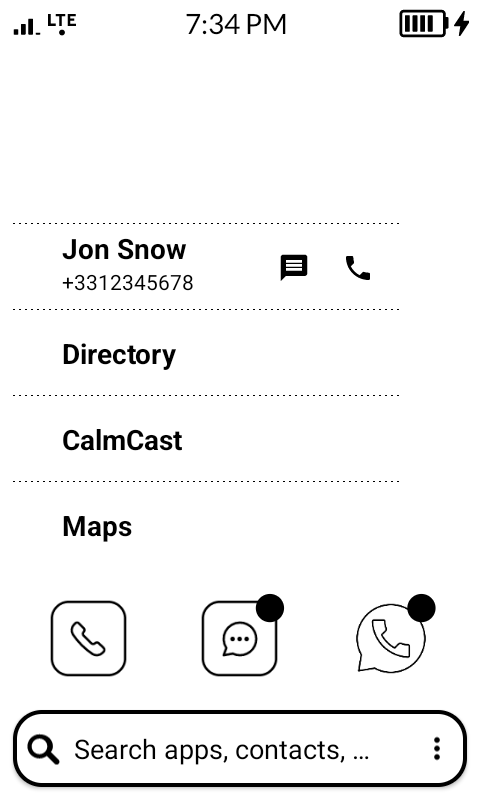
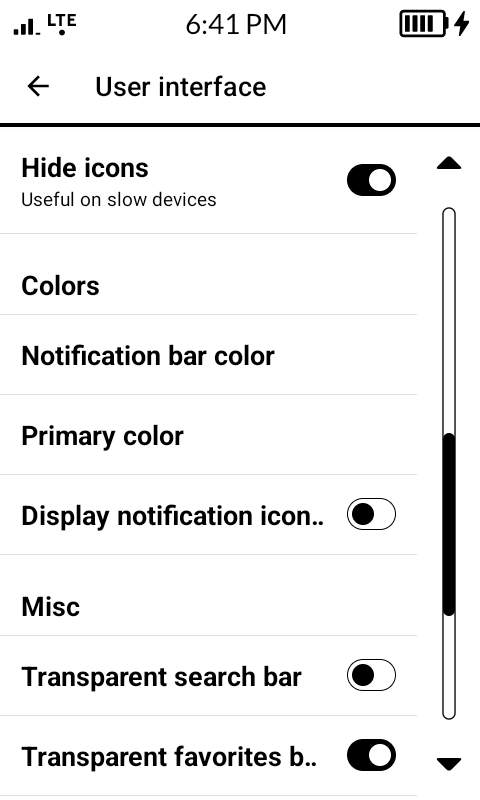
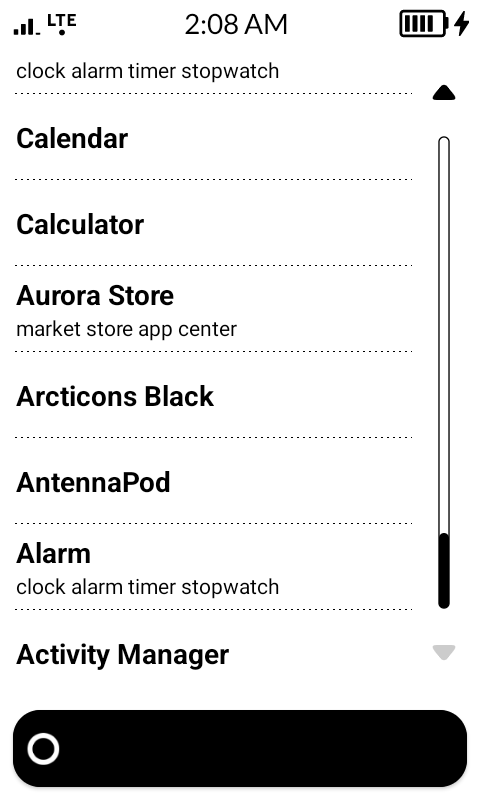
Had fun implementing the MDD here for:

  • separators
  • scroll bars
  • switch buttons in settings
  • search bar

APK v0.0.2 available here: Release v0.0.2 · fridim/KISS-eink · GitHub

Some screenshots:

@gezimos any feedback appreciated :slight_smile:

2 Likes

@T9Pilot

I can’t test this right now, but based on the screenshots my suggestions are these:

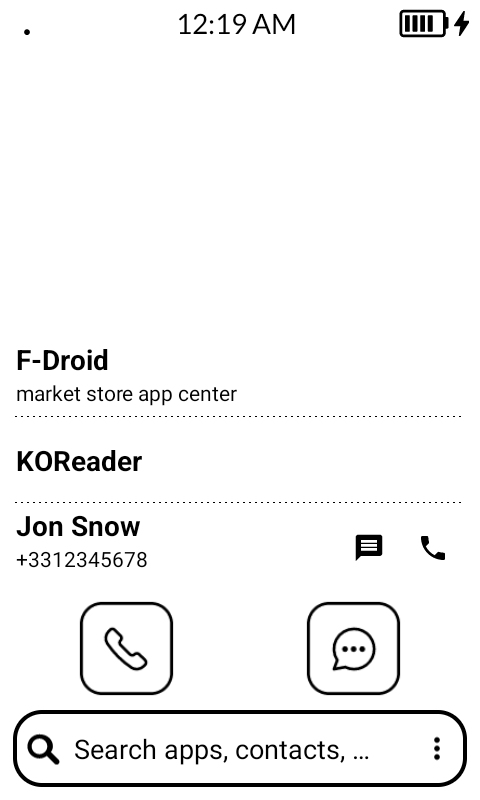
  • The alignment on the settings is good but in the result list you have too much padding on the left.
  • The search box still has a shadow under it
1 Like

Good catch. Fixed. (in next version)

on the left? You mean right? the bar is not to the right enough?

1 Like

No, left as well it starts too far, but yeah when there’s no scrollbar make the width full. It looks odd like that.

2 Likes

Thanks for the feedback.

I removed entirely the icon layout, it was causing too many alignment issues.
I think it’s way better now:

1 Like

Created v0.0.3 APK with latest changes: Release v0.0.3 · fridim/KISS-eink · GitHub

1 Like