Is the Kompakt suitable for someone with visual impairment?

Hello everyone,
I have nystagmus and albinism, which makes it so that I can’t see small text or in brightly lit areas.

I am quite interested in the Mudita Kompakt but have some questions about usability for my specific case

Question 1: How good is the navigation app? As I can’t see signs with street names, house numbers, directions, etc, I often rely on Google Maps, Magic Earth, OSMAnd, etc for navigation. I can only walk (I can’t drive a bike or car due to my visual impairment), so I am only interested in walking directions. How good is the default app? Is it easy to follow with the eInk refresh rate? Is the location tracking accurate?

Question 1a: I rely heavily on public transportation. I live in Germany, and I am wondering if other people here were able to successfully load transportation apps on this phone, and how well they work.

Question 2: How good is the camera quality for photographing text pages?

I often like to take a photo of things like menus, user-manual pages, books, etc to zoom in and read text I otherwise can’t see. I need to be able to do this on the fly, not wait to go back home and open the photo on my computer.

And as a bonus question: how well does this work in dimly lit environments? Let’s say I take a photo of a menu in a dimly lit restaurant in the evening, would I be able to zoom in and read the text?

Question 3: Can I increase the system font? I usually use my phone with large text, but I noticed the smaller phones often have issues rendering apps with large text sizes.

Question 4: This is more of a convenience I can live without, but is there a way to increase the contrast of menus and text in the phone? I often prefer to set the font to bold or increase the contrast, but I can live without this if it is not possible.
1 Like

Hi Caramel,

Thank you very much for your questions. I will briefly explain how I see it from my perspective. It would also be good if more users shared their experience, so you can get a more balanced opinion.

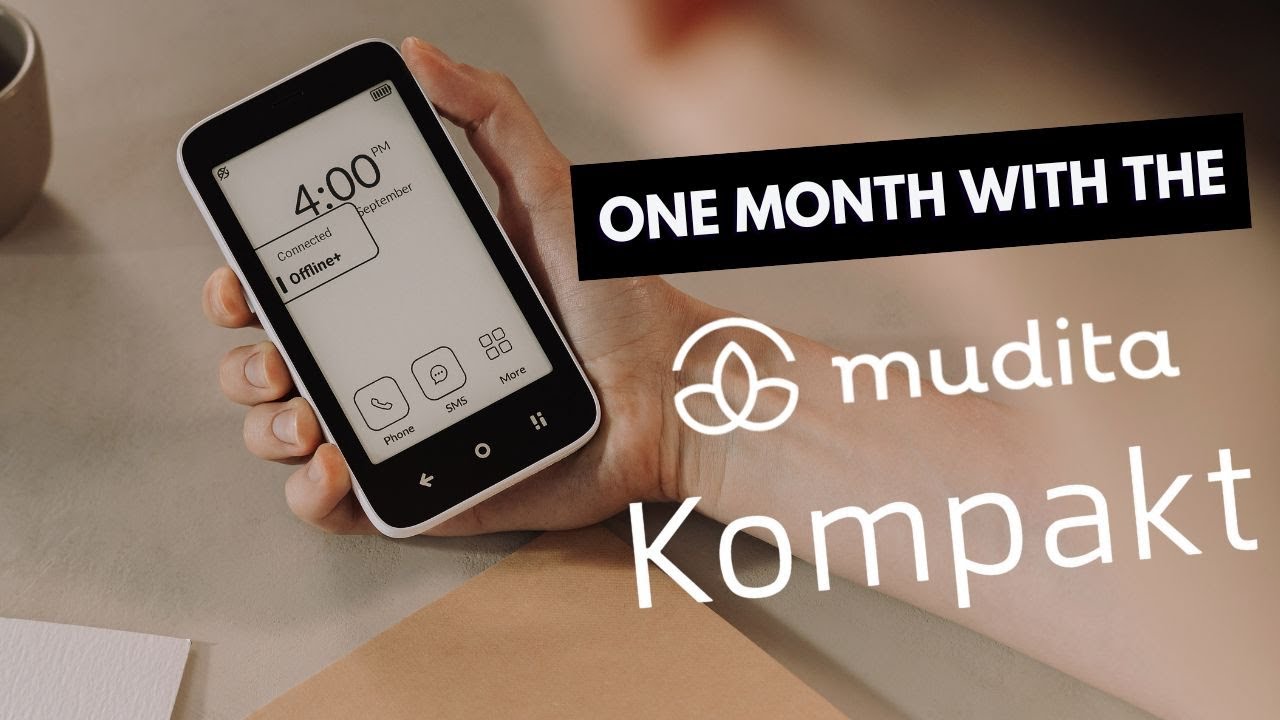
The first and most important thing is that Kompakt has a small screen. This alone does not make readability easier, so unfortunately you should expect some compromises. Video reviews and photos online may also help you understand whether the screen could work well for you. Still, I will try to answer your questions.

Q1: Navigation

The maps improved significantly after we added A-GPS support. Personally, I have only used walking navigation from time to time, but it worked well enough to help me reach my destination.

Google Maps is more advanced and flexible. There is no question about that. The main area where our maps have an advantage is offline use. I used this function while travelling in Italy, and I liked that I did not have to depend on mobile data abroad.

I also know that many users use HERE WeGo Maps on Kompakt. It also works well offline.

Q2: Camera and photographing text

For photographing text, the camera should be sufficient. Our main intention for the Kompakt camera was exactly this kind of practical use, such as taking photos of documents, menus, instructions, or other information.

Thanks to the flash, it should also work in worse lighting conditions, for example in a dim restaurant.

For normal photos, we also tried to get the best possible results from the camera. However, the result has more of an old-school, nostalgic feeling. It is not intended to compete with the cameras in the newest smartphones.

You should also remember that the screen is small when viewing and zooming into photos, this may be less convenient from really big smartphones.

Q3 and Q4: Font size and contrast

At the moment, the options for changing the text size are quite limited, and this is important to keep in mind.

However, much better font adjustment is already on our roadmap, and we are already working on it. We plan to release an update with more font size options later this year.

Hope this helps.

1 Like

Is the Kompakt suitable for someone with visual impairment?
Short answer: No.
..

1 Like

Well, Mudita Kompakt was reviewed by a visually-impaired user and she really liked it:

1 Like

It’s worth noting the a lot of public transport apps rely on google services (both of the info & if you want to purchase a ticket). If the one you use relied on google services, it might not work properly, so it’s worth checking.

1 Like

@smuch It’s impossible to give a flat “yes” or “no”. There are many different types and degrees of visual impairment; the Kompakt will work well for some people, and not for others. For example, I have glaucoma and some vision loss; glare and lack of contrast are my biggest problems, so e-ink works very well for me. But for someone who needed very large type, a device with a larger screen would likely work better.

2 Likes

I would emphasize your statement that the screen is small when zooming in – I think I would find it frustrating to try to zoom in on menu text with this screen. I don’t think the camera resolution would be adequate for this use case either. Just my opinion.

1 Like