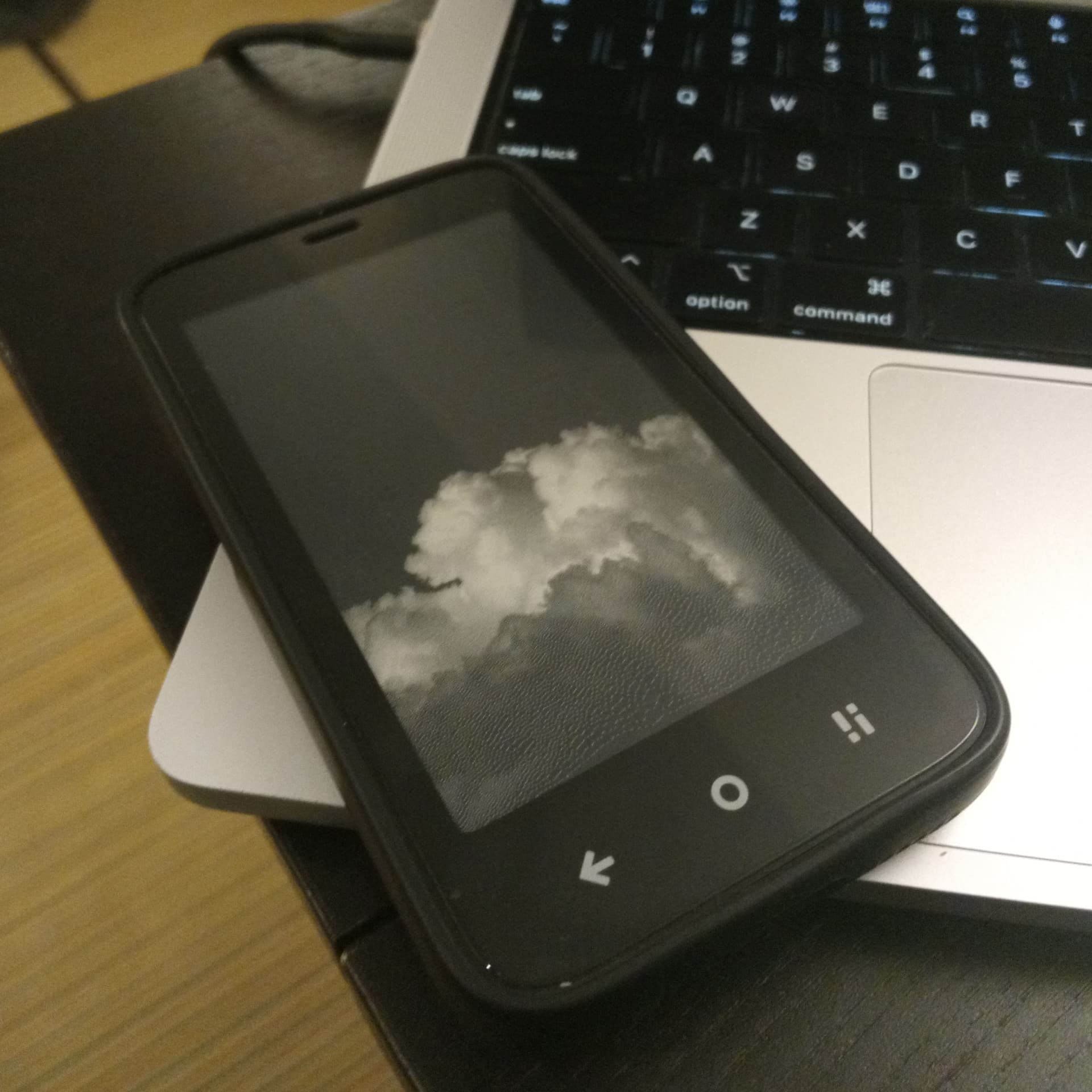
I made an app to change the idle screens on the Kompakt: GitHub - jacksongoode/Inkwell: Lockscreen utility for the Mudita Kompakt
Inspired by the method from clippy . An unlocked bootloader and Magisk required.
Use at your own risk! If something goes wrong the factory boot is at /sdcard/Inkwell/factory_boot.img
7 Likes
Hi i tried to use inkwell on my kompakt with mudita k os 1.5 and it said “forge failed kernel markers not found”. Am i just doing something wrong or does this not work on mudita k os 1.5.
1 Like
chadp
August 21, 2026, 11:32pm
3
Have you rooted your Kompakt? This app only runs on devices with an unlocked bootloader.
1 Like
pdsluk
August 29, 2026, 3:08am
4
This is awesome! Thanks for more great work! I installed Inkwell without issue and enjoy the added customization.
1 Like