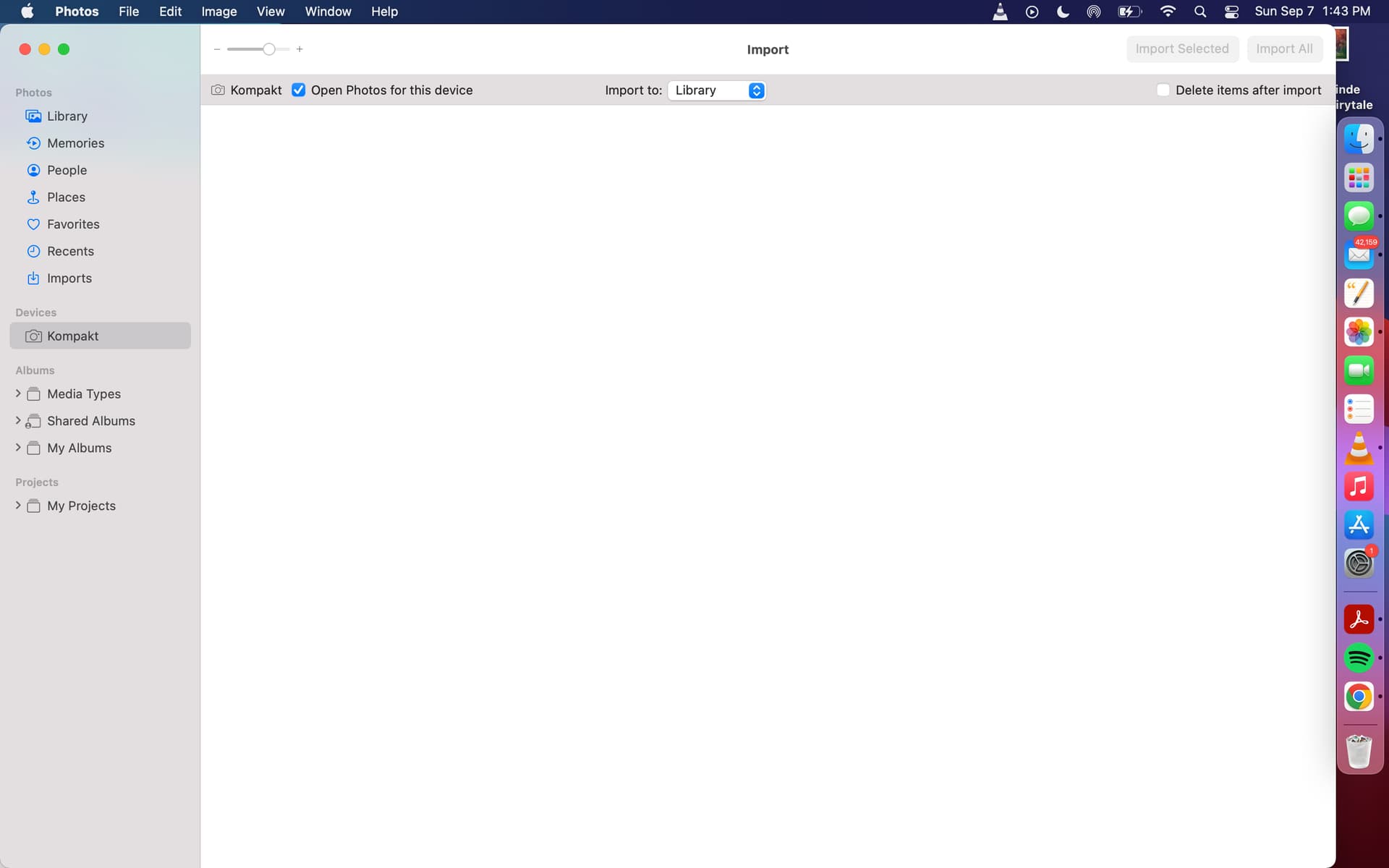
I purchased a Mudita Kompakt in July. It has the latest updates.
I cannot connect it to my computer. I am using USB.
I need to be able to :
Sideload What’s App for international Calling
Download photos from the mudita to my mac
I have 50 photos on my Kompakt. When I connect it to the computer photos recognizes the Kompakt but it says there are no photos to download.
Should appears in the files list.
After that you can launch the center.
But for the photos, except to delete them, it isn’t through the center.
Go in « Photos », choose « add » and then in the file navigator MK- DCIM-Camera here are your pics.