Hey everyone! I’m David. I carry a Mudita Kompakt every day, and over the past month I started building a handful of small, calm apps I wished the phone had. I’m calling the project Slow Pixels!
Everything is designed specifically for E Ink (no animation, no flicker, crisp black-and-white contrast, and page-by-page scrolling), with no accounts, no ads, and no tracking.
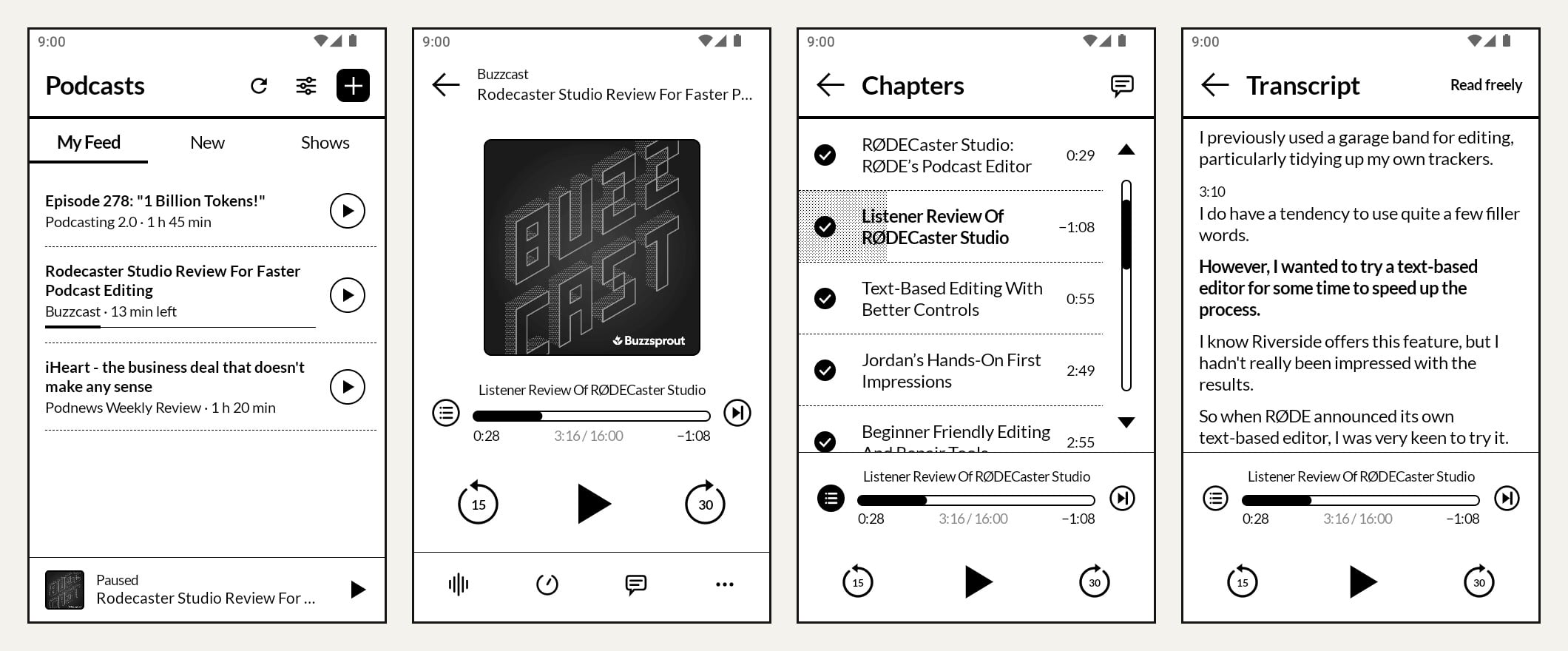
CompactCast: A quiet podcast player with RSS feeds, offline downloads, chapters, transcripts, and optional bring-your-own-key AI extras if you want them.
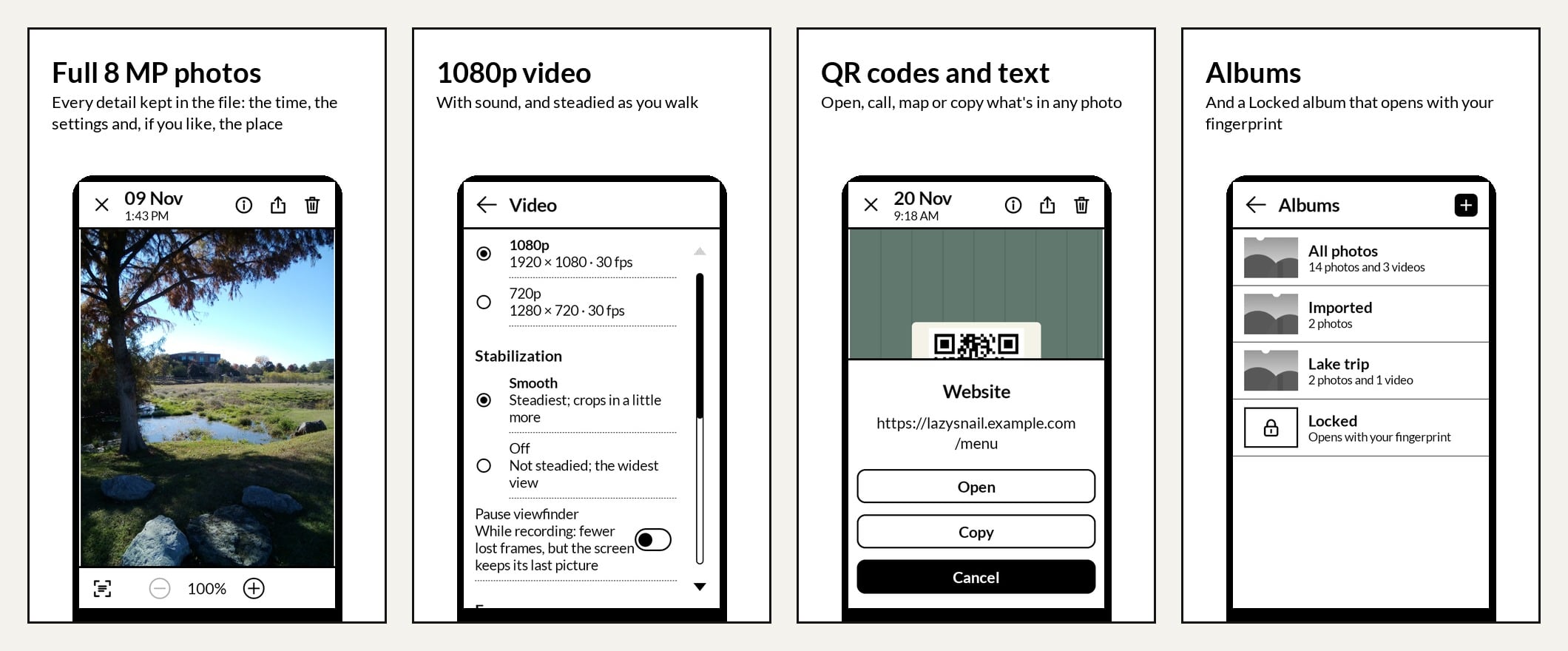
CompactCamera: Made specifically for the Kompakt. Adds steady 1080p video with sound, QR scanning, copy-text from photos, full 8 MP EXIF details, albums plus a fingerprint-locked album, USB-C card/camera import, and no duplicate thumbnails on Mac.
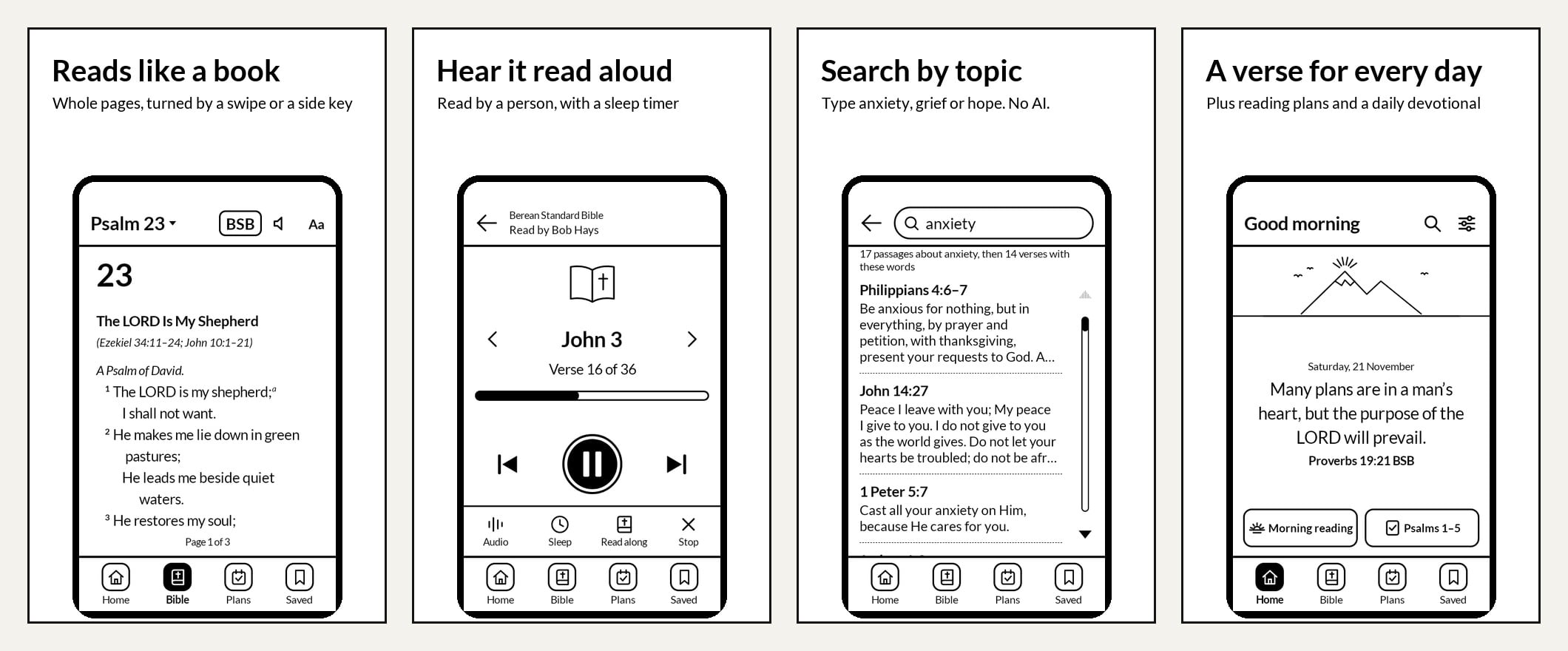
CompactBible: Reads like a book (swipe or side-key page turns), with BSB, KJV, and WEB offline plus 80+ free translations, human-read audio, offline topic search, highlights and notes, and zero AI.
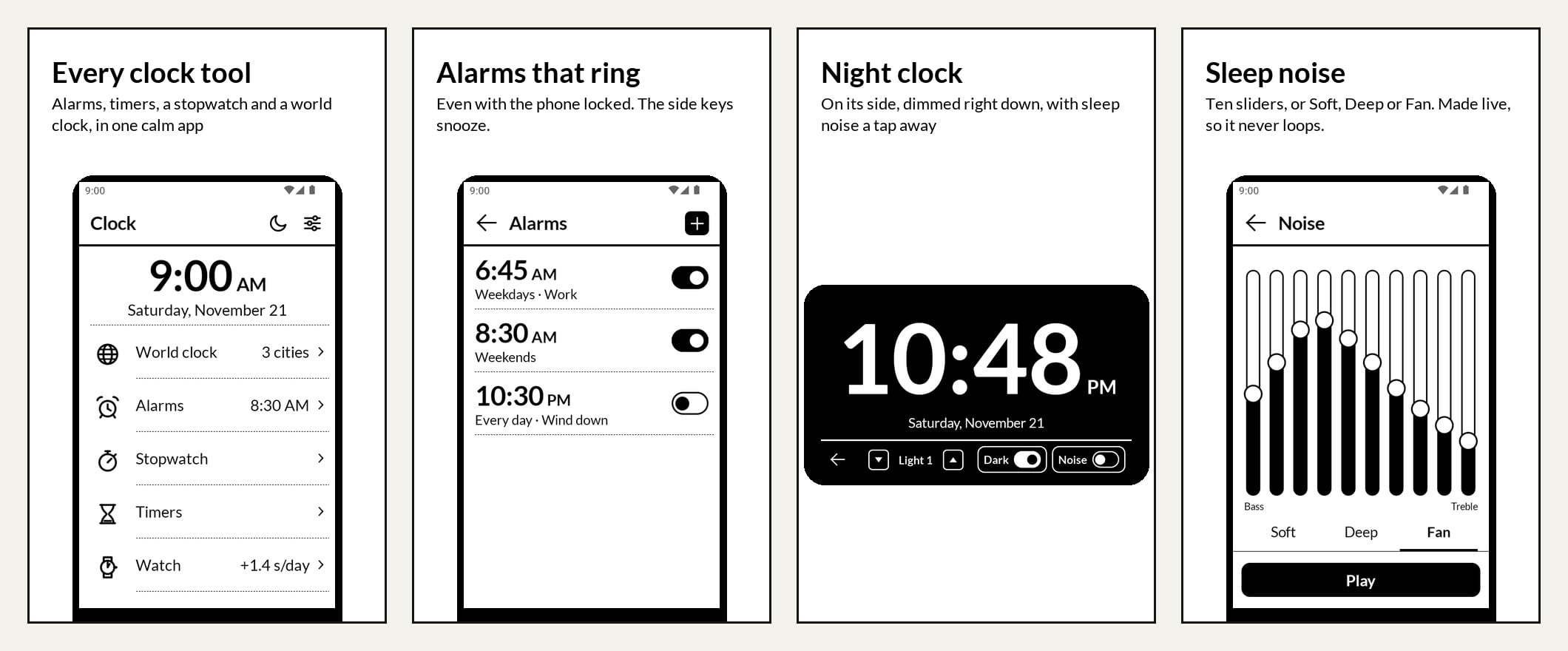
CompactClock: Alarms, timers, stopwatch, world clock, a dim sideways night clock with live-generated sleep noise, and a mechanical watch-setting mode with daily accuracy tracking.
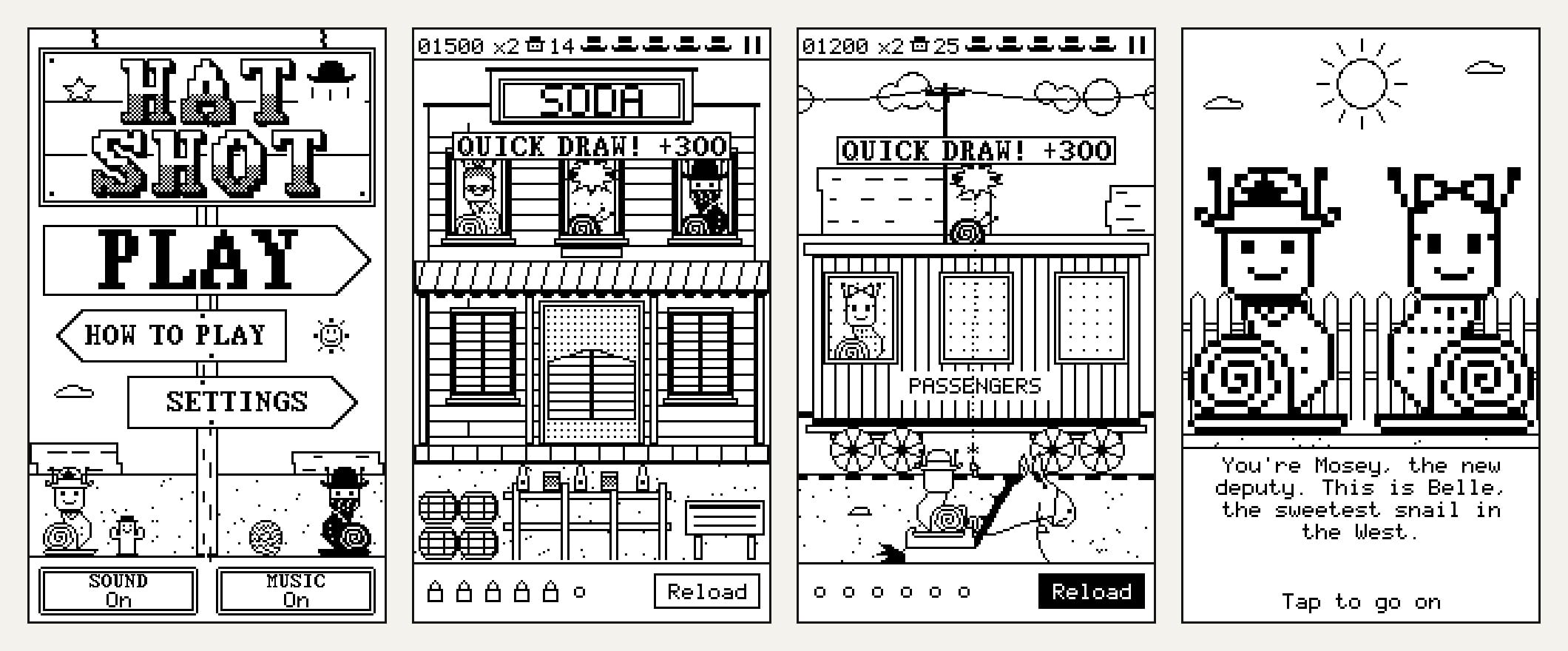
Hatshot: A tiny 8-bit Western target game where everyone is a snail.
I’ve submitted CompactCamera, CompactBible, CompactClock, and Hatshot to InkApps (and reached out to the Mudita team about CompactCast), so hopefully they’ll be one-tap installs soon. In the meantime, all five are ready to sideload via Mudita Center on https://www.slowpixels.com with SHA-256 checksums if you like verifying files.
I’m also testing a Mac companion app (SMS text from your Mac using your Kompakt’s Messages, Wi-Fi notes sync, CompactCast and CompactBible listening and reading from the app, and one-click app installs). There’s a waitlist on the site if you’re a Mac user and want in when the beta opens.
I’d genuinely love your feedback, bug reports, or ideas, especially from anyone running MuditaOS 2.0!
Here are a few screenshots of my apps, I’ve been running these myself for the last few weeks and CompactCast in particular is the tool I am most proud of. PLEASE let me know what you think!!!
How does CompactCast compare to CalmCast? I’m asking since I thought I’d try CalmCast when I have the time but now that you’ve made an alternative, i’d be curious to know if there are some significantly different design choices between the two.
Big respect to CalmCast! I actually used it myself for a while and loved how simple it is. I just found myself wanting a few extra features for my own daily listening, so I spent the last month building CompactCast.
Out of the box (with no accounts, no tracking, and zero AI), CompactCast adds support for each show’s built-in chapters and transcripts, a quick audio-output picker right on the player screen for AirPods or Bluetooth headphones, and I spent a lot of time making sure background playback stays on MuditaOS 2.0.
The optional extra I’ve been having the most fun with is bringing your own key (like a free Groq account, or OpenAI/Gemini) for automatic chapters, speaker-labeled transcripts, skipping long intros and plugs, and a “clean listening” mode that mutes swear words. That last one has been huge for me in the car with my kids (or honestly just for myself when I don’t want to hear the F-word a hundred times in an episode). All of that is completely off unless you turn it on, and the audio always plays straight from the show’s own server untouched so creators still get counted.
This is absolutely amazing! CompactBible installed right away! I was really struggling to find specific verses using an EPUB on my E-reader app. This makes things so much easier. Thank you!
Praise God! That’s awesome!! Please let me know what you think. Ive just been using these myself. I’m excited to see how you like it.
there’s so many rules about Bible translation rights and stuff, but hopefully it’s clear in the app to you about how to get access to like the NIV, ESV and CSB… let me know if you have any questions!
Regarding the Bible, is it possible to download custom versions? I mainly think about one specific Polish translation.
@urszula what are the odds of getting those into InkApps? I haven’t been around for a while so now I need to catch up, but I see that with growing number of developers with apps so cool, keeping up with manual updates will become a bit messy. Although I don’t expect updates beyond out-of-the-box functionality, seems like InkApps is that piece to give the sideloaders’ gang a helping hand.