How do I set a third party app as the default calling app?

Hi ,

I really need to get the system call app off the main phone screen. Its causing me major headaches with pocket dials.

The new Firmware upgrade has a Default App setting right ?

So If I install a third party calling app(these exist right?) then I could set it as the main call app and it will be way less likely to pocket dial as it will be off the main screen and in the apps section where I could even hide it?

I cant seem to find anything on the phone about setting default apps. Where should I look for that ?

Thank you your advice is seriously appreciated.

1 Like

Settings / Manage Apps / Default apps.

Or simply when u install a new phone app you’ll get a popup to ask if which one u want it to be default phone app.

1 Like

Thank you ! do you know by any chance if I set a new app as the main phone app if it will stop the system phone app from working(this is what I want).

Also have you any recommends by any chance of a third party calling app

I cant see anything about Default Apps on the phone under Settings / Manage Apps , under Setting /Manage apps I just see a list of the apps on the phone that’s all.

Big Thanks

1 Like

This is the one i’ve used. U can make the theme black and white in its settings it looks pretty good.

And yes it should stop the original phone app from working.

If you’re in 1.4.0 update u should have it there. If you’re not look it up in developer options.

2 Likes

Thank you so much , so first I download that f droid client apk onto the phone and then use that to download fossy onto the phone I guess.

I have the new update alright but don’t see it there , and i had a look in developer options , it didn’t jump out at me there either.

1 Like

It might be that u don’t have any third-party apps installed to be able to see the default apps option in Manage Apps.

Check after installing fossify. phone.

Anyway during installation of Fossify phone it will ask u to choose it as default phone app.

2 Likes

really appreciate the assist

1 Like
  1. Does Fossify Phone have its own spam filter and its own contacts ?

  2. What if I have 100 contacts saved in the stock phone app, can Fossify Phone access them, or would I have to paste them there ?

  3. If I use a third party app like Calm Directory, which has an option to call hotels etc. directly from that app, will it then use Fossify Phone for calling, once it’s set as the default ?

1 Like
  1. no
  2. yes u can access them
  3. i don’t know you’ll have to try it
1 Like

Unfortunately this did not work in that installing fossify phone and setting it as the default phone does not stop the phone app on the main screen from calling out if touched.

1 Like
  1. Use a different launcher
  2. You can disable the Mudita phone app using adb/webadb.

To disable the app:
adb shell pm disable-user --user 0 com.mudita.dial
To re-enable the app:
adb shell pm enable --user 0 com.mudita.dial

If you’re using webadb, don’t add the “adb shell” part just:

To disable the app:
apm disable-user --user 0 com.mudita.dial
To re-enable the app:
pm enable --user 0 com.mudita.dial

2 Likes

ok thanks , a little out of my tech ability comfort zone but i will try thanks

1 Like

Ok great That worked Thank you so much , My call app is now on the second page of the app screen and the main app on front screen is disabled. I imagine that pocket dials will be much more unlikely now.

3 Likes

On one of the previous OS versions I’ve had problems receiving calls with a 3rd party phone app, it just wasn’t reliably taking over the screen and sometimes I was stuck not able to take an incoming call, so I went back to the stock phone app. I don’t know how it is on 1.4, maybe it works better now
1 Like

It works fine for me so far with Fossify Phone.

1 Like


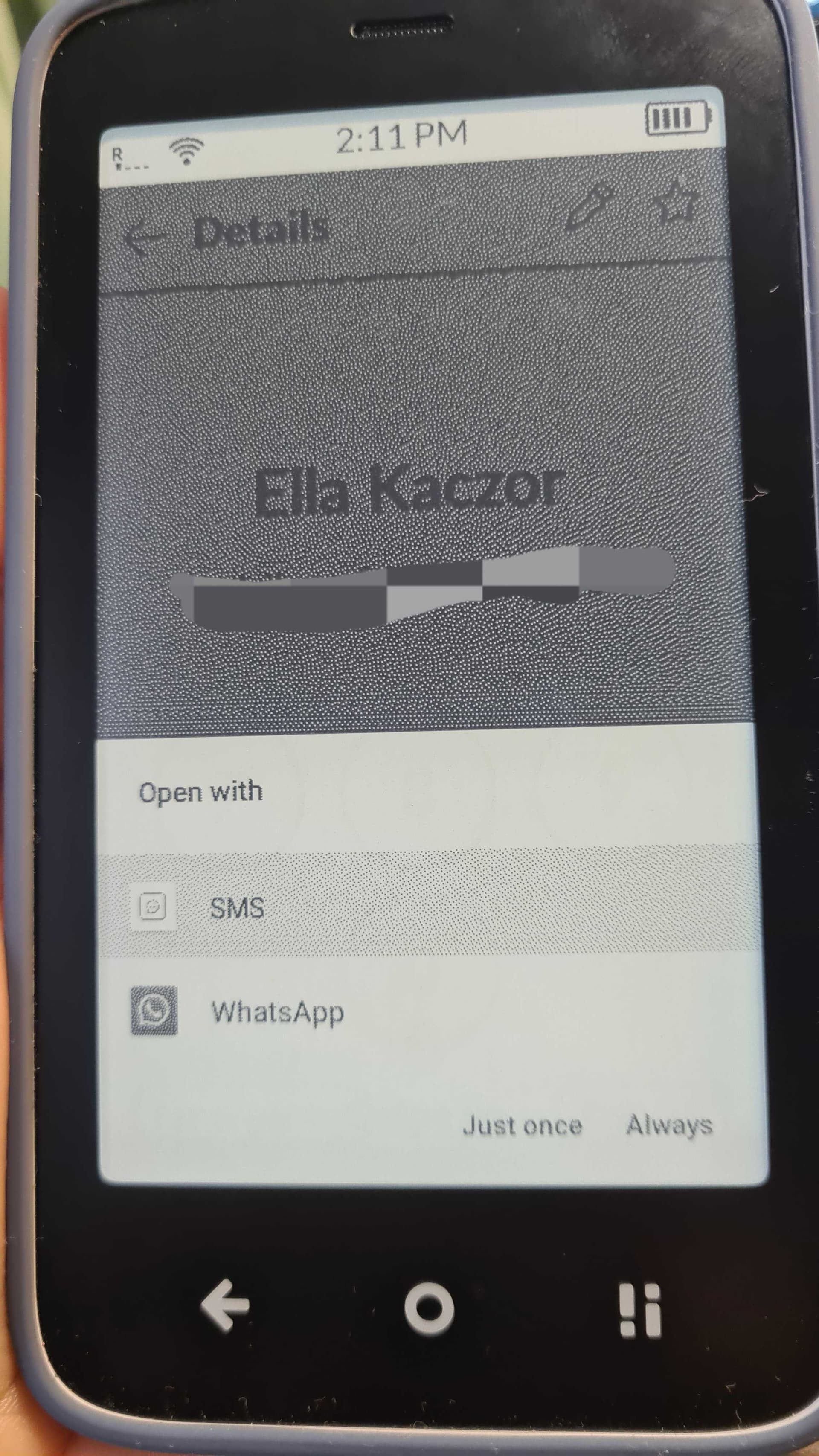
It allows me to choose, for texts & calls.

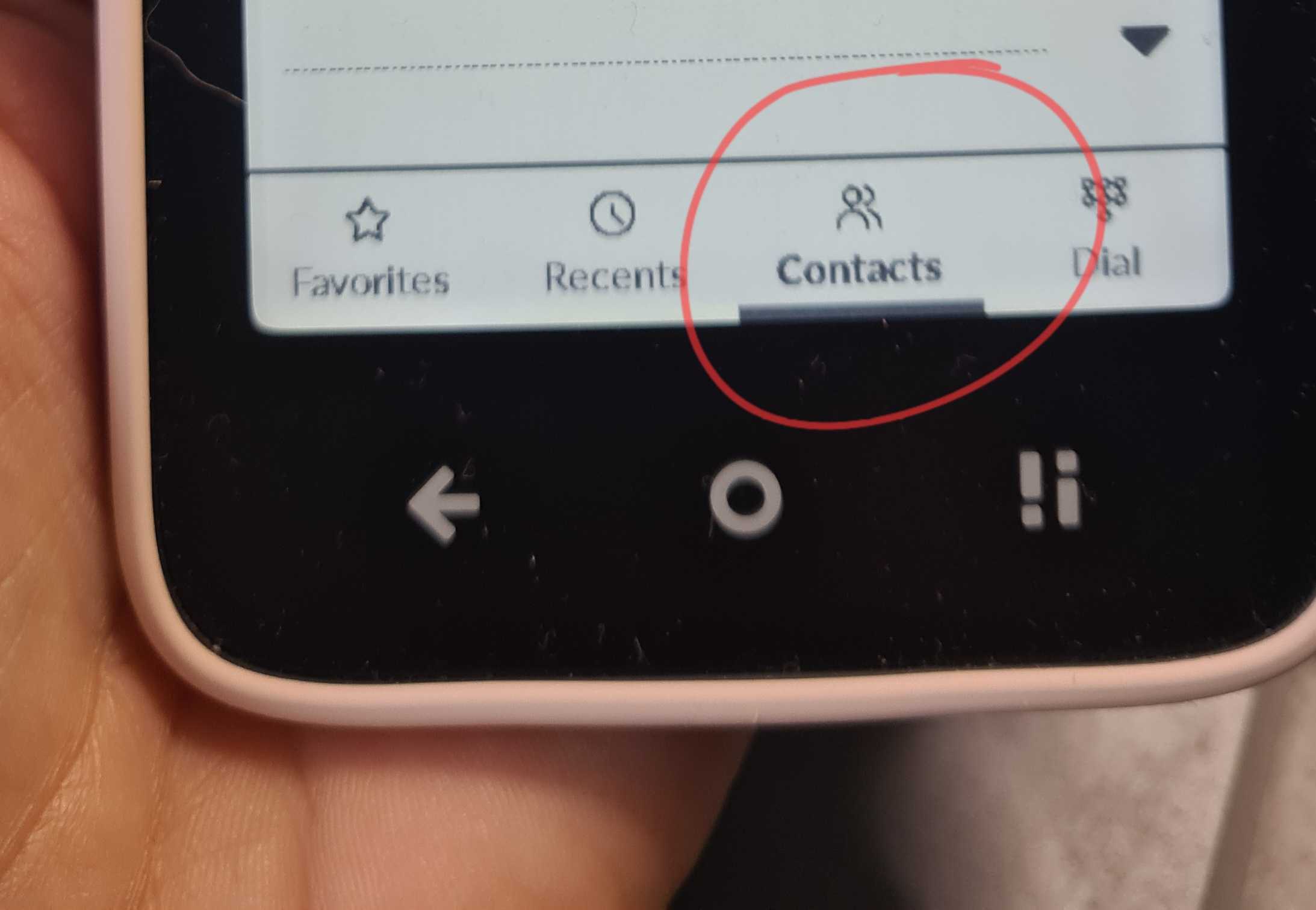
can someone tell me where to find cotacts on the MK, either I have hidden it somehow, or Im loosing the plot :o)

1 Like

You can access to your contacts from the phone app

thank you … turns out I had lost the plot :blush:

2 Likes