As many of you are discovering, there’s a hidden browser in the Mudita Kompakt. It normally is not accessible using the stock apps, but many sideloaded apps I’ve tried are able to access it. I found a way to remove this browser without destroying the functionality of most apps, so here’s a guide for anyone else interested.
The Problem
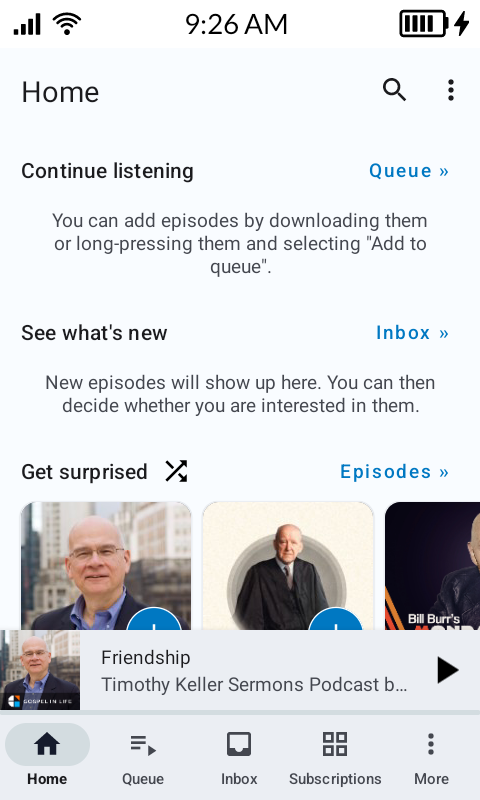
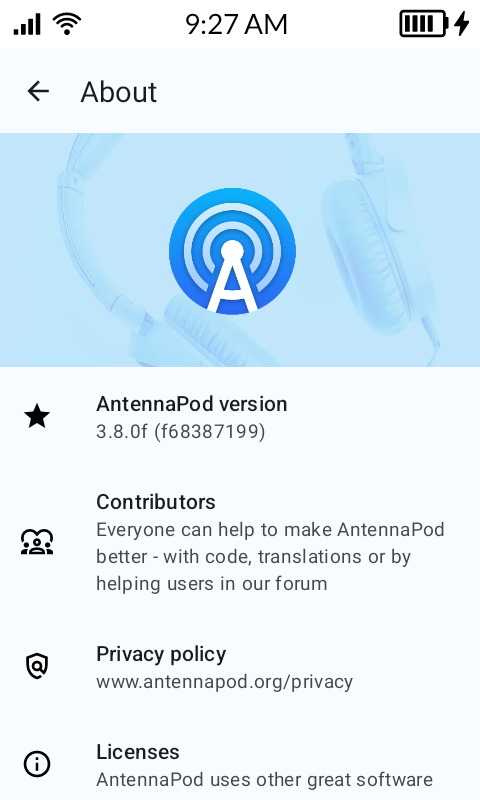
First, an example of the problem (skip down if you just want to see the solution). I’ll use AntennaPod to showcase the browser. Opening AntennaPod and going to More → Settings → About shows a link to their Privacy Policy; most apps have something similar in their Settings.
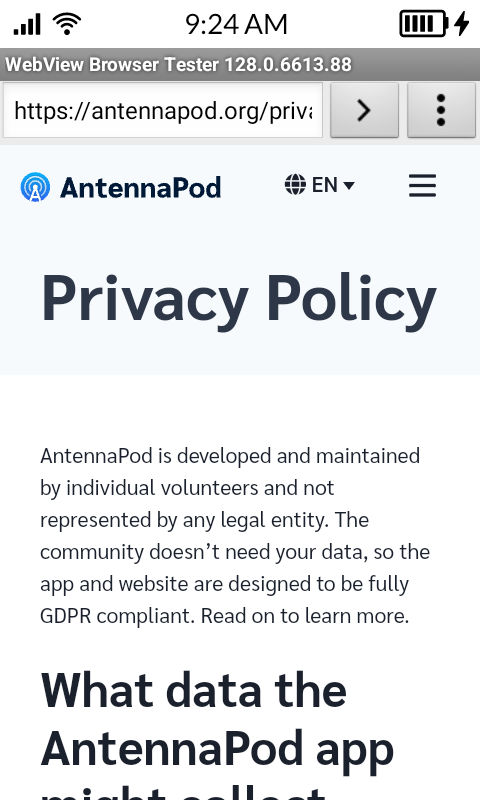
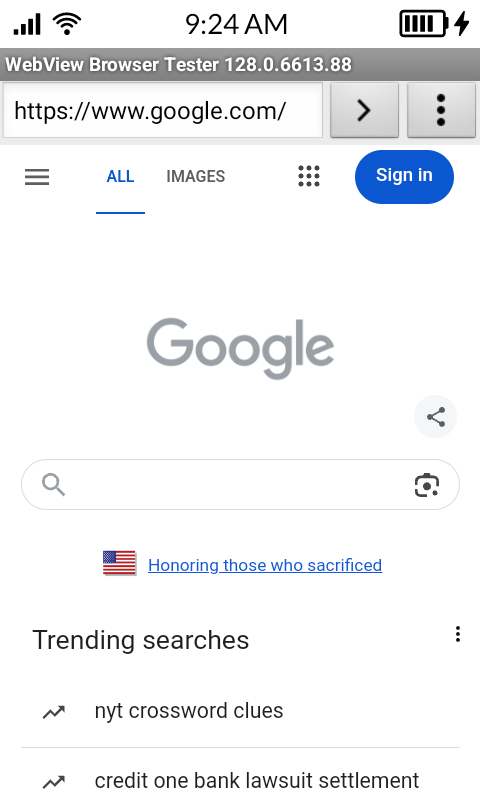
Clicking this link opens the WebView browser that’s standard on Android devices. The problem is the URL bar is fully usable, and you can navigate to any website using it. This was true for every sideloaded app I tried; I could hit Google’s website in all of them (see photos).
Solution
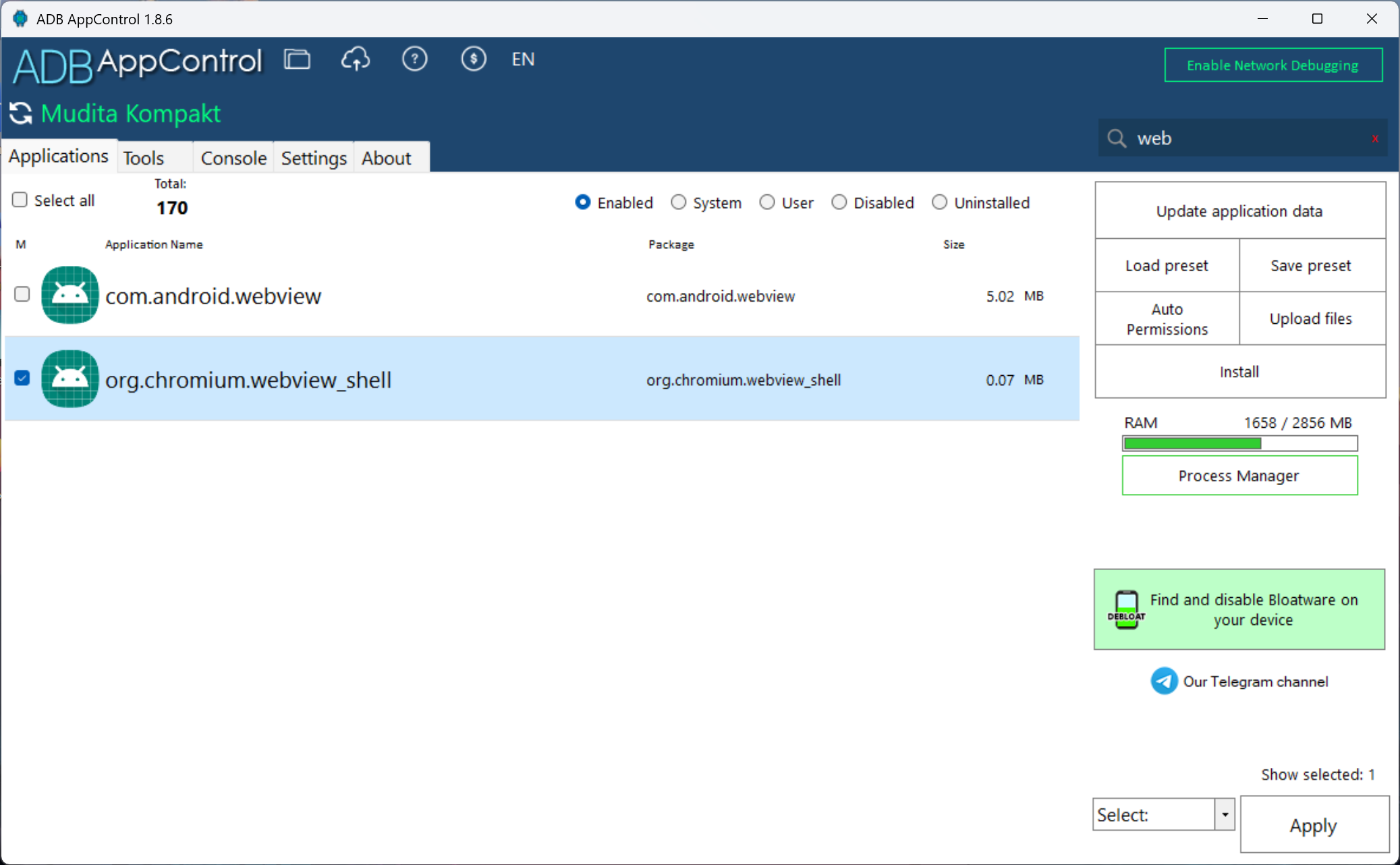
For the solution you’ll need access to ADB; I used ADB App Control on Windows for ease. Go to the list of installed applications on your Kompakt and search for “webview”. This part is important! There should be two options that show up: an “android.webview” and a “chromium.webview”.
You want to disable/uninstall the chromium.webview . The “android.webview” is necessary for most apps to work fully, including some of the stock MuditaOS apps. Removing the chromium.webview will prevent the webview browser from opening, but I haven’t experienced any loss in functionality for any apps with it gone.
Well said, which is why I am never putting a browser on my Kompakt, because I know the moment I am bored it comes out of my pocket and I am searching up random nonsense, My kompakt will be app free, only the ones it comes with
May I ask why there is not a simple option for disable/enable the browser? @anon7028788 I don´t know if you would search for random nonsense with an unoptimized browser for an e-ink display
Not really,I have set good boundaries, like I try to only have my laptop in a certain room, not say watching tv and I have my laptop with me, strategy is always the best option over trying to use willpower
I use cold turkey browser and have tons of websites blocked. Typically, if I find myself on an alternative browser I just add it to the list of applications / websites to not use. I have my timer set for my entire school program for better focus but I still find myself on my laptop wasting time. If I weren’t In school, then I would get a MacBook desktop rather than a laptop, so there’s a designated zone. I also didn’t have wifi for a period of time and absolutely loved it! LP2 user from 2023-Today!
I don’t have internet in my home, I go to the public library. The thing about will power is, brain drain. If you have to use effort to not to use something, it’s taking up mental energy. It’s really not about how often you use something or not, I could not go online at all, but am I as creative? No, it’s simply not the same as not having it. Particularly in those moments where I get incredibly bored, what happens after that, inspiration! And it’s just not something you can fake by simply choosing not to partake in limitless information/entertainment.
For anyone who may need to re-enable this browser for any reason, perhaps only temporarily, the following command worked for me in the app.webadb Interactive Shell:
For anyone who’d rather not use a terminal: I put the same switch on a page, Kompakt tweaks . Plug the Kompakt into a computer, open it in Chrome or Edge, press Connect, and it turns WebView Shell off, or back on, and shows which browser your links will go to. It also has a few other settings Mudita’s Settings doesn’t offer, such as default apps and animations off, each showing the exact command it runs, and each one can be put back from the page. Nothing leaves your computer; the page only talks to the phone over the cable.