I have been loving the kompakt but have a few minor to major issues id love any help with:
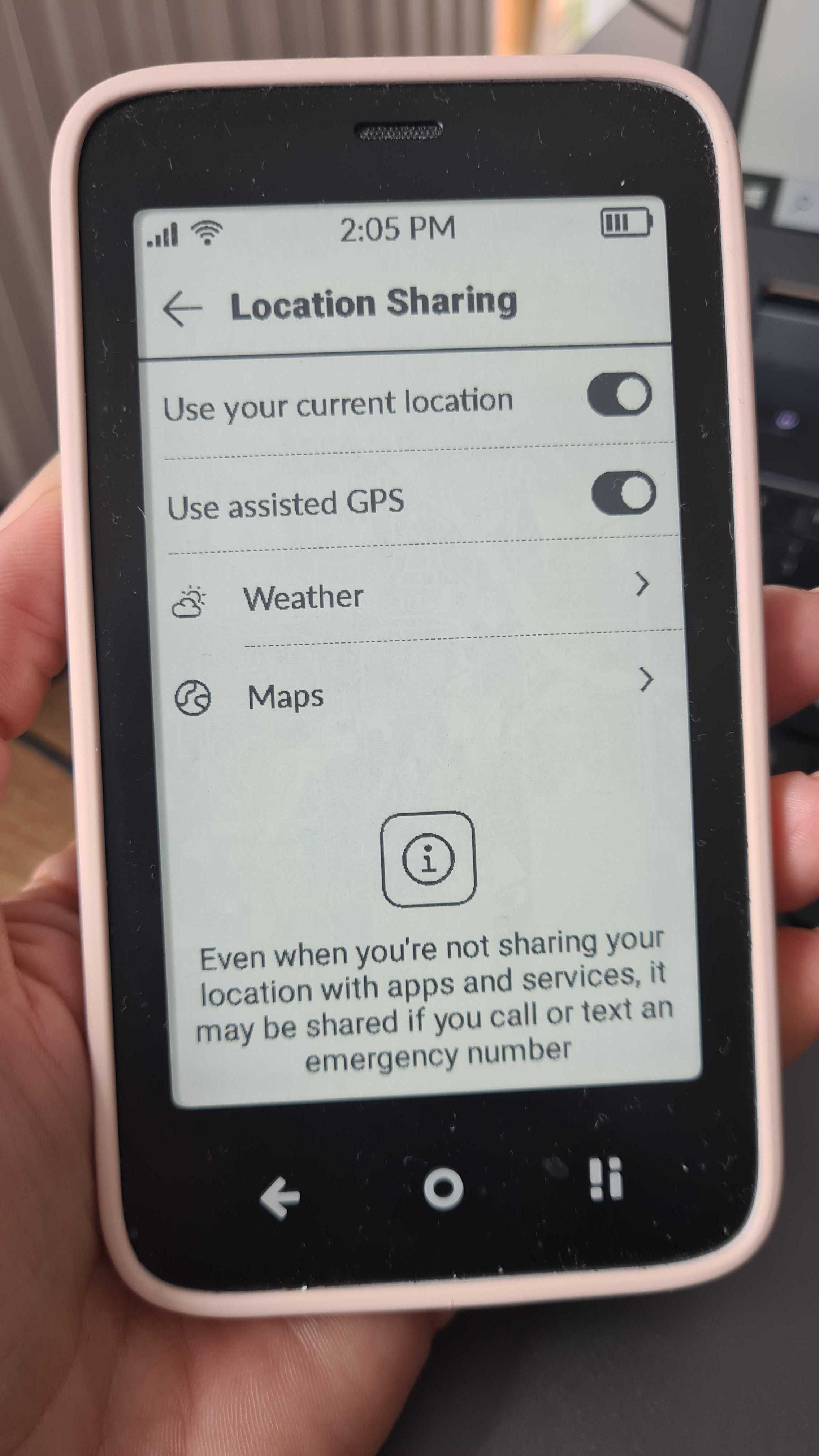
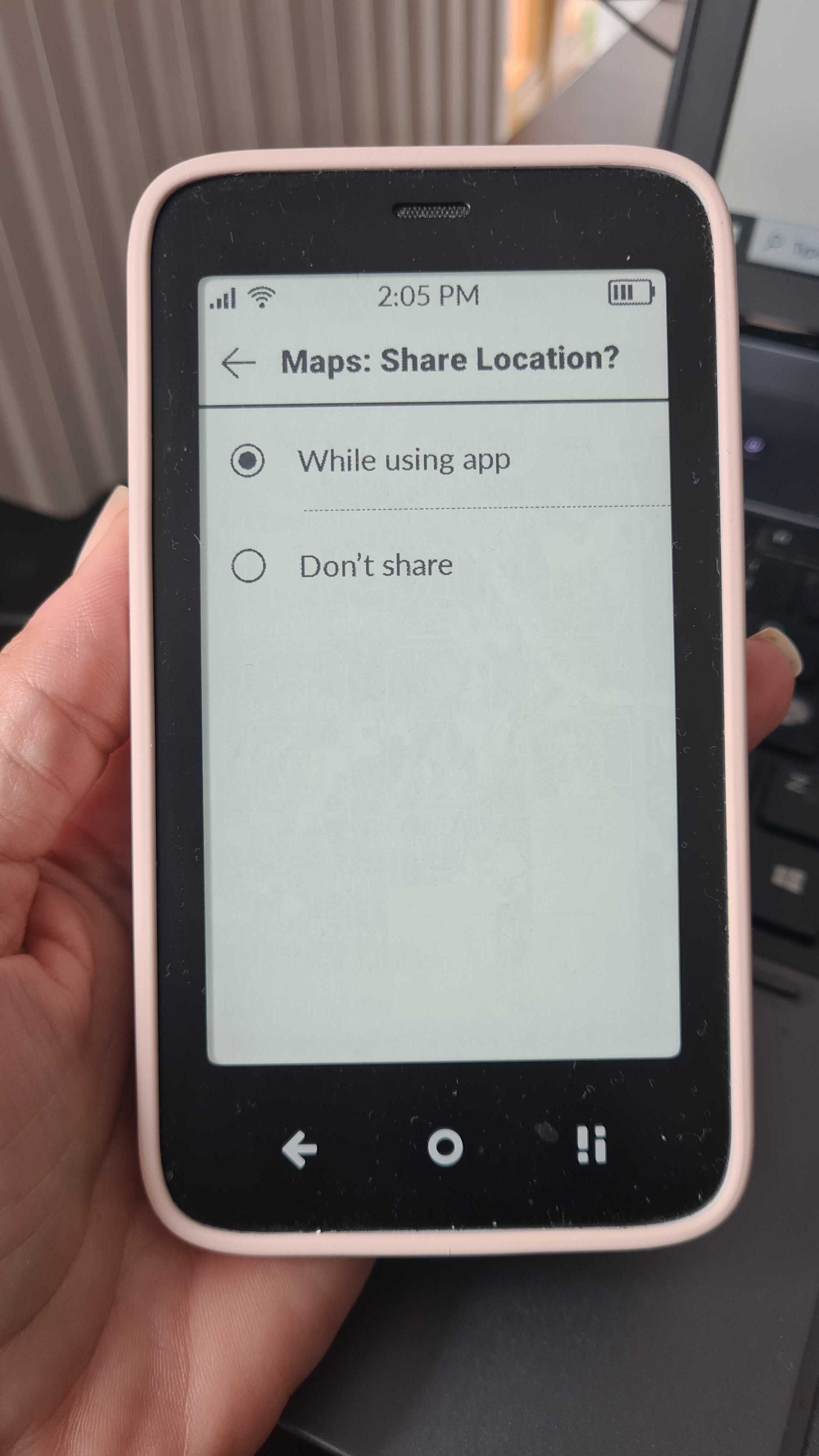
I’ve been trying to get the GPS on my lovely kompakt to work for months and despite all the advice of sit outside for awhile nothing has worked and its quite frusturating. I thought the new update which allows cell data to find location would work but it doesnt. This is a major issue for me, anyone found a fix? And has anyone been able to drive with it like plug it into a car that displays the directions on the screen?
every other time i go to talk on the phone it gets muted. Is this just me or does anyone else have this problem. any advice?
small but notifications linger on the apps like i get an sms and read it and then it sometimes still says i have a new sms
lastly, is there any way to view your voicemails without needing to call your provider on the kompakt?
I can’t help with the others, but I can tell you that no, there is no voicemail feature on the Kompakt, you have to call the voicemail number of your provider. I have mine saved in my contacts.
Advice?
Press the power button on the side to lock the screen when you are on a call, that might help prevent accidentally touching the mute option. The touch screen is sensitive.
Yes, I have seen this, it can be a few things, check your SMS settings and Phone contacts… if you have blocked numbers sending you messages they are hidden messages, it’s odd but the messages are received and hidden, unblock the number and you will see the message, then delete it.
One messing option is install whatsapp and do not use the SMS app on the Kompakt. Another option is to use a smartphone for messaging because the SMS on kompakt hahahaaa, seriously, it’s really bad, but maybe better than a Motorola T900 alpha-numeric pager