Hello, everyone! It’s my second day with Mudita Kompakt and I’m loving it so far. It helped me spend more time read and get ample amount of sleep, compared to before. I haven’t felt this excited about a device since Nokia E65.
Anyhow, I’ve seen a couple of posts sharing wishes to customize the lock screen or making it blank. While I’m happy to wait for the lock screen customizability to be included in the future update, I found a reliable trick for now.
Thanks for sharing, but honestly I’m personally don’t get the fuss about it. It just doesn’t bother me at all and even is a conversation starter, but of course I’m also happy about more options for customizability in future updates
While I’m in no rush at all for future updates on this, visual misalignment or imbalance, even if very small, bothers my brain. I’m guessing that others who made comments about it have similar tendency.
And, true, it does make a great conversation starter! I’m loving the phone so much.
Hahah
I’m quite fine with current lock screen, but if it just had the beautiful Mudita logo without the text, I’d love it even more. Whoever was involved in the logo design has stolen my heart.
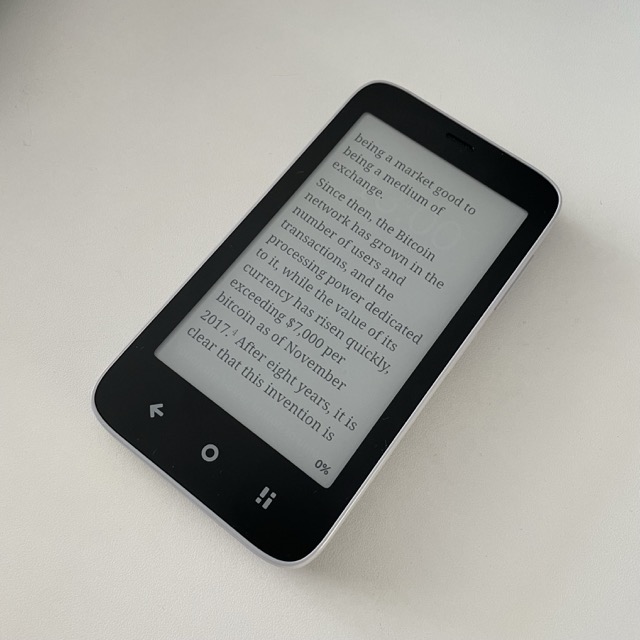
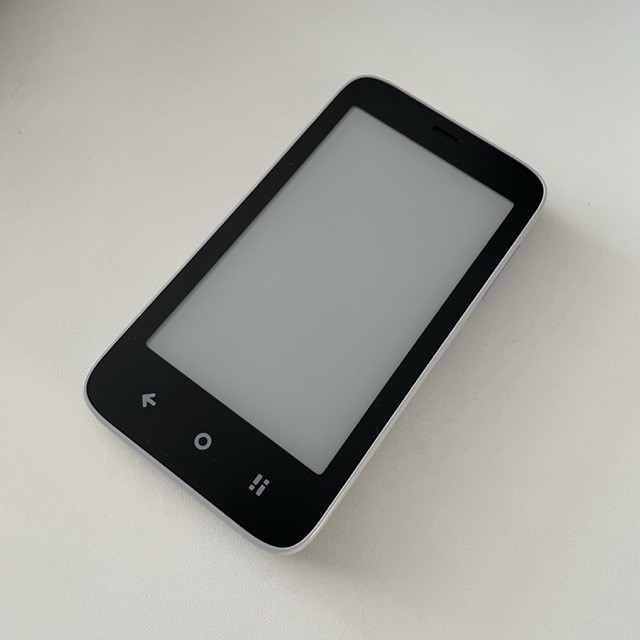


 I’m guessing that others who made comments about it have similar tendency.

