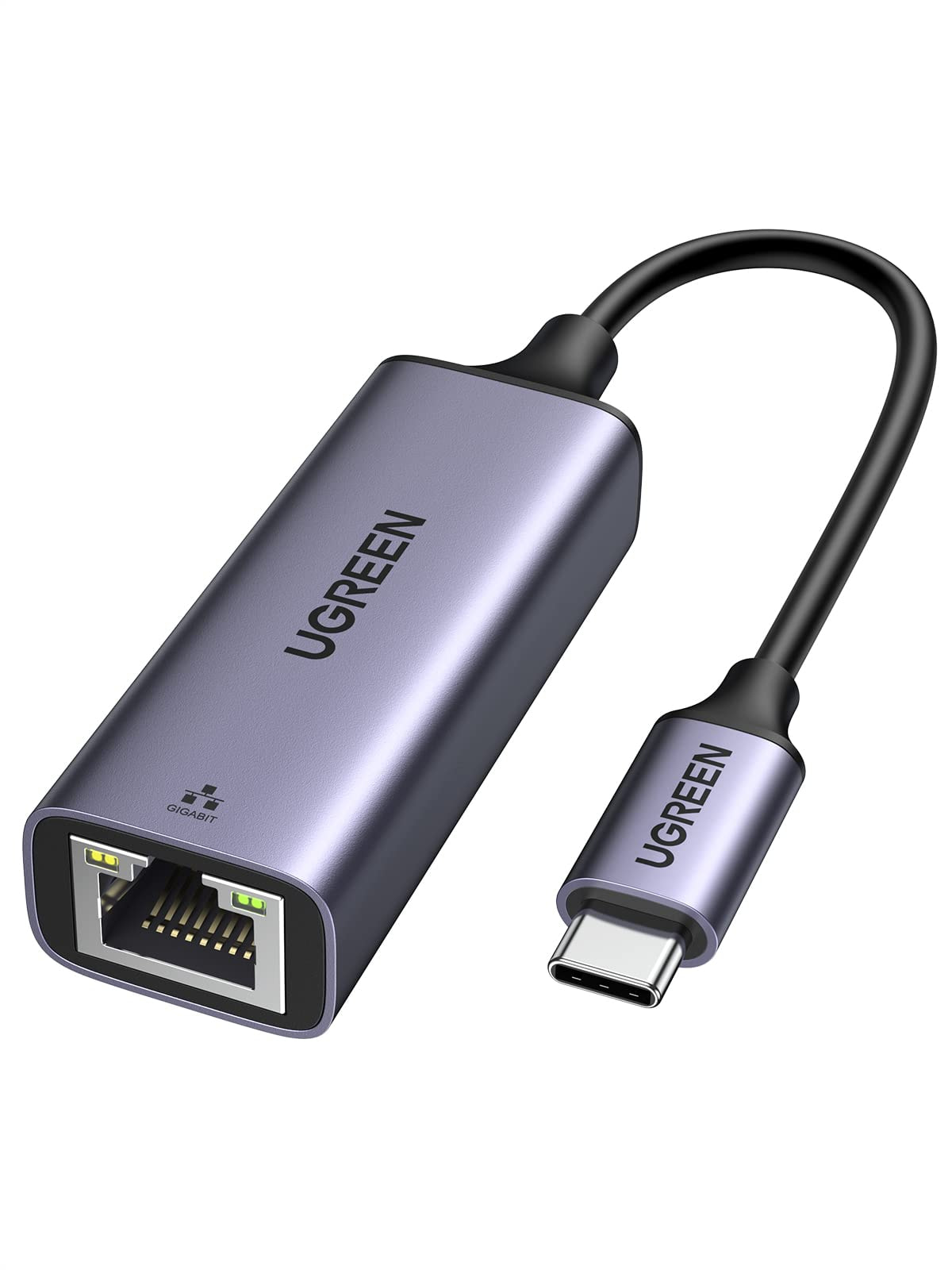
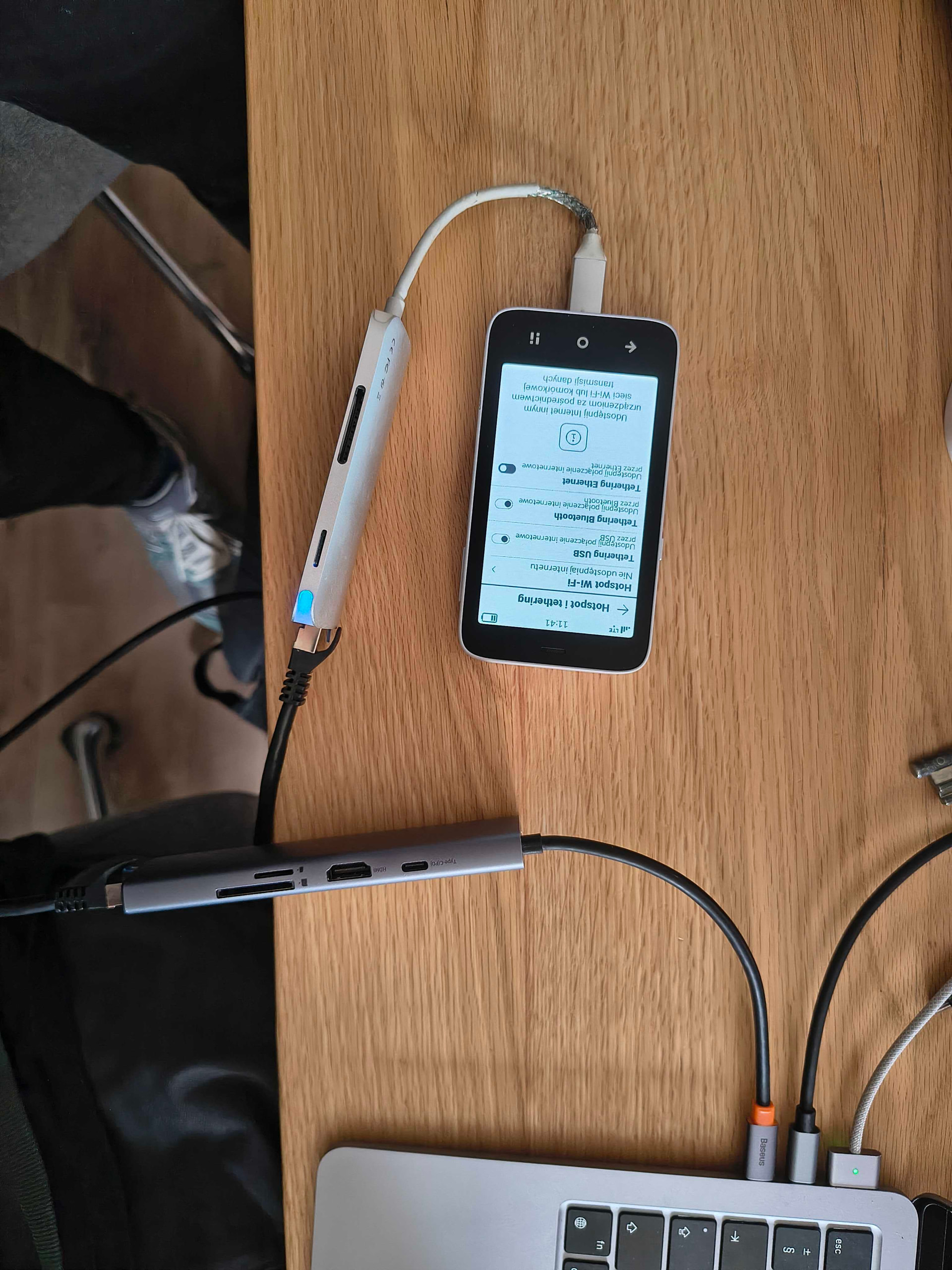
I would like to ask whether the Mudita Kompakt can use wired Ethernet internet via its USB-C port.
To clarify, I am not referring to USB tethering or using the phone as a hotspot for a laptop. That use case is already supported and works.
What I mean is connecting the phone itself to a local network with a USB-C to Ethernet adapter, so the phone can access the internet through wired Ethernet, without using Wi-Fi or mobile data.
Let me make sure I understand you correctly:
You’re not looking to SHARE your internet from your PHONE, but you’re looking for Mudita Kompakt itself to receive internet through a wired connection from an external source? Is that correct?
I have several of those devices and none of them is working. So you receive internet ON your Mudita via usb-c (FROM your LAN or router)? What settings do you use?
Yep! I didnt change any settings. I turned offline+ on and was able to browse the web when the usb c ethernet adapter was plugged in with the one I mentioned. I can try a HP ethernet hub later to see if that one doesnt work.
edit: Mudita dont block internet access when using usb-c ethernet while offline+ is on. This is perfect so we can use the phone without RF exposure.
Great to hear that it works and should work for me also. Not for me at this moment. Thanks for your help!
Are there more people with experiences (working / not working)? I use OS 1.40.
Could people please share the exact USB-C Ethernet adapter model that works or does not work on Mudita Kompakt, including whether it is Fast Ethernet or Gigabit, and the OS version used? It seems support may depend on the specific adapter chipset rather than a simple supported/not supported distinction.
I understand the RF-advantages to does who worry about them, but doesn’t this ‘bypass’ defeat the purposes of an Offline+ button. Isn’t rhe whole philosophy about the Offline+ button to be disconnect, soft- and hardware wise? Seems like a bug to me.
@Olaf last year, our team tested a UGREEN adapter & it seemed to work. They haven’t tested it since we launched the phone, so I will have to ask them again.
Could you share what adapter you used? I have not tried the one from Amazon mentioned, but I have tried 4 others, including one from ugreen and none work. That leads me to believe I am doing something wrong. I checked internet on all my apps with the physical switch both on and off, hoping that it was just certain apps that didn’t work, but unfortunately none worked. Is there some other indication that it ethernet is connected? Some setting that needs adjustment? Perhaps some modem internet settings? Any help would be appreciated!
Thank you for reaching out. I’ve asked our team about this. However, from previous discussions, I’ve learned that some apps may not work correctly over Ethernet (like for example the weather widget would not refresh) so, downloading a map may be the best way to check whether the connection is active.
But like is there an app that does work that I can test to make sure the adapter does work? Because I have tested all my apps with each of the adapters and none of them work. What did the team use to test to show that usbc to ethernet adapters worked with the device?
They tested in on a Mac, and it worked without any special configuration. However, the test was performed over one year ago, and we do not have this specific adapter in our office anymore & we cannot defectively say which testing method was used.
What you are talking about now is tethering. The topic of this thread is for getting internet access to the Mudita Kompakt, not getting it from it to another device using tethering. Did they test getting internet access on a Mudita Kompakt through ethernet from a modem or router?
I tested with a similar usb-c to ethernet wired to a router with the phone in airplane mode and wifi disabled and can confirm I was able to connect to the internet.