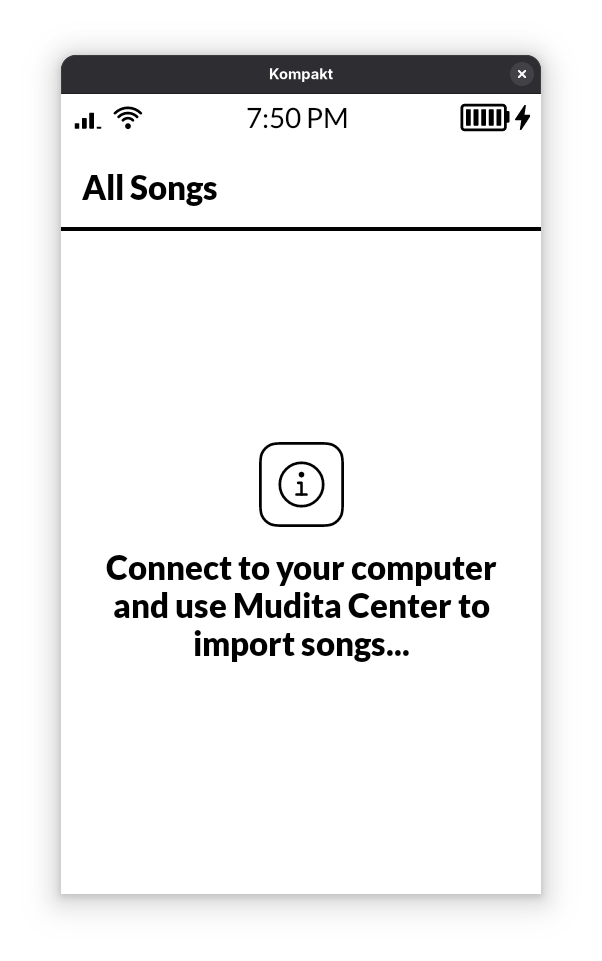
I tried everything: different cable, different outlet, reinstalling Mudita center, even restoring the MK.
And yes, I tried on a PC and it works there.
I tried everything: different cable, different outlet, reinstalling Mudita center, even restoring the MK.
And yes, I tried on a PC and it works there.
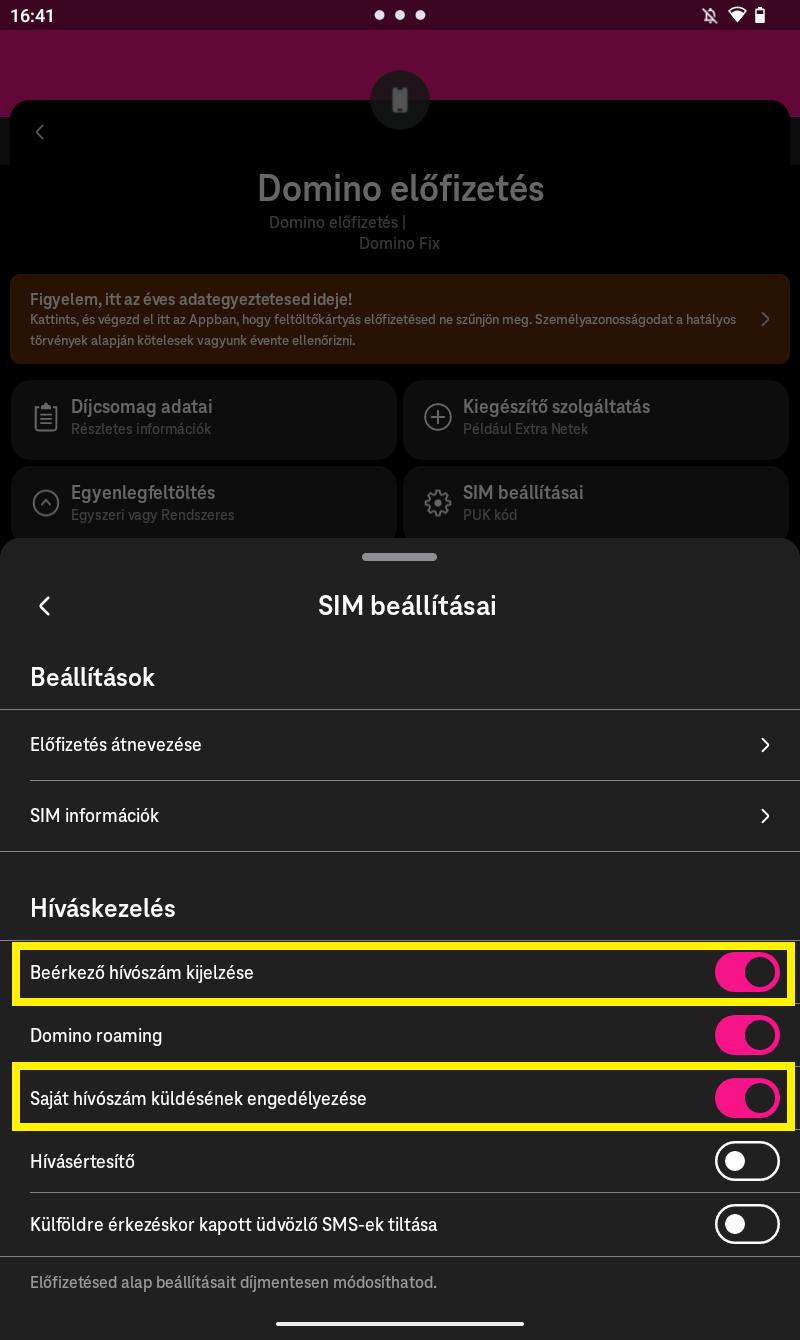
My caller ID does not show up when I call someone. It says ‘unkown’ on their phones. Any solution to this?
Your Kompakt STILL will not connect to Mudita Center? Are you getting any error whatsoever? Any message?
What network are you on?
Thats right, my Mac simply does not see my MK, nor in Finder nor in MC. On the other hand my PC sees it.
I am on Telekom (Hungary). But I assume this would be a setting in the phone. Usually you can edit this on the phone settings.
I’m wondering if it’s on the network level- you can request Telekom Hungary to adjust your caller ID settings at the network level. This can be done by contacting their customer service.
With my previous phone this was not an issue. So it must be the MK which is to blame. Please let me know how can I adjust it in the phone.
We’re on it, @nyitray . I’m waiting for clarifications from the technically gifted part of our team.
Do you have the Telekom app on another phone maybe? I think you can change it yourself in the app. But I’ll check when I get home.
Any updates on shipping? I still have not got a email notification, I am a kickstarter backer number 1000 and something forget, are you guys still on track to get all kickstarter orders out by this week?
Can you post this in the appropriate thread? Thank you.
Thank you for this idea!
@nyitray could you test it?
Also, a whole lotta questions and ideas incoming—this issue seems to be on the line between the phone and the operator, so I need a bit more data:
I hope this isn’t too much to ask! Looking forward to hearing from you.
@nyitray So I checked, in the Telekom app there is option both for incoming and outgoing phone numbers to be shown or hidden. They can be found under the settings of the SIM card. (only valid for Hungary/Hungarian telekom numbers)
Thanks this worked! But maybe adding this to the settings in MK would be nice, if this is a common issue.
I agree, I used MTP to remove the sample songs from the phone, but there is no way to remove the meditation cards from the app, through Mudita Center, nor through the filesystem (they’re aren’t any EPUBS other than those I import).
I would also like to be able to to remove the digital versions of these cards.
Yeah. I’ve at least loaded enough epubs that the meditation cards are no longer on page 1 of my e-reader library. Out-of-sight, out-of-mind for now!
Hey I have a “pixel issue” on my screen. I have one pixel which seems to be always black. I know its not an actual pixel as its e-ink, but still, it doesn’t go away. Its not on the surfice, I tried cleaning, and also it is visible that its on the e-ink. I made a video I cannot attach it here so I send it to Mudita via Facebook. But did anyone have this issue? Is this a software problem with a solution, or its a hardware issue so we need to repair/change the phone?
Maybe dead pixel.
@nyitray Can you take a picture of it & send it to our support department at support@mudita.com. They will be able to help you. If you do have a dead pixel, that does qualify for an exchange.