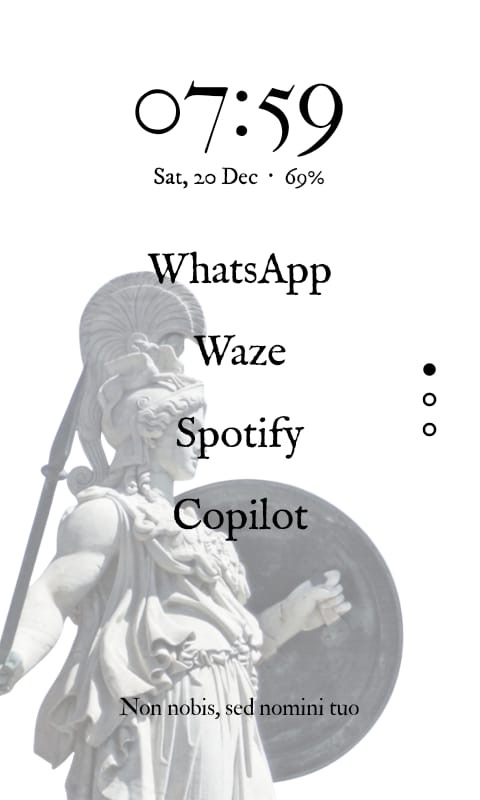
Wanted to share one fun way I got to customize my Kompakt with the InkOS Launcher from Github: GitHub - gezimos/inkOS: Text based & E-ink friendly Android Launcher
Instructions on how to install it are here: https://www.youtube.com/watch?v=dAmHJ5aFLWA
And here: https://www.reddit.com/r/MuditaKompakt/comments/1orzz4s/instructions_to_install_inkos_using_macos_or_linux/
Basically, once I installed the InkOS launcher, I designed a wallpaper that fits the InkOS design perfectly. If anyone wants me to do it for them, message me directly and we can discuss. But basically I can design something similar with any photo you prefer.
Here is the result of the one I did for my Kompakt with the Pokemon theme:
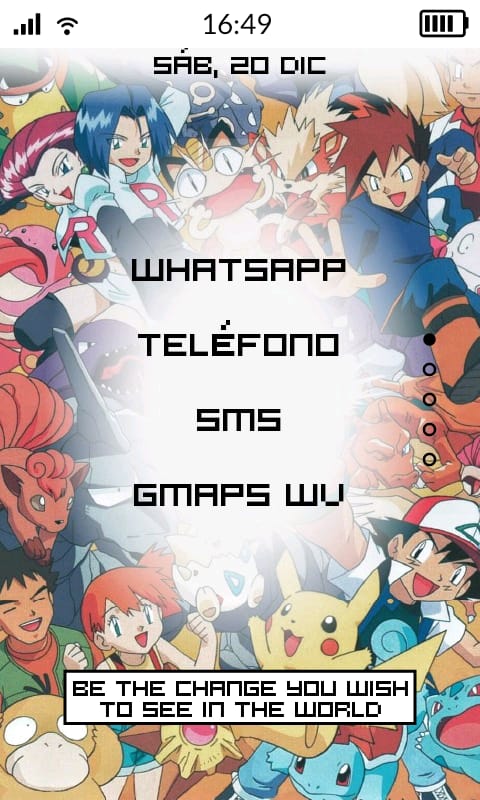
*Obviously on the Kompakt it shows up black and white.
I should add that the quote “Be the change you wish to see in the world” is part of the InkOS launcher and you can customize it to say anything you wish.
Other fun ways I customized this InkOS launcher:
*When I click the custom quote, it opens up the camera.
*When I swipe right in the home screen, it opens up an app of your choice. I chose the Easy Currency Converter app, as I use it constantly.
*When I swipe left in the home screen, it takes me to the InkOS notification center, where I can see the notifications in more detail.
*When I double tap on the screen, it shows me the list of all the apps in the phone, as I can’t fit all of them in the home screen menu.
*When I tap on the date it takes me to the alarm clock.
*For the font, I chose HOOG, which is fun and pixelated.
*Last but not least, with the InkOS launcher you can upload any background image you want.
The cool thing about the launcher is it tells me which app sent me a notification, so now I don’t have to guess anymore. And it does it in a very nonintrusive way.
Hope this is helpful to some of you who want to play around with customizing the Kompakt! Enjoy!