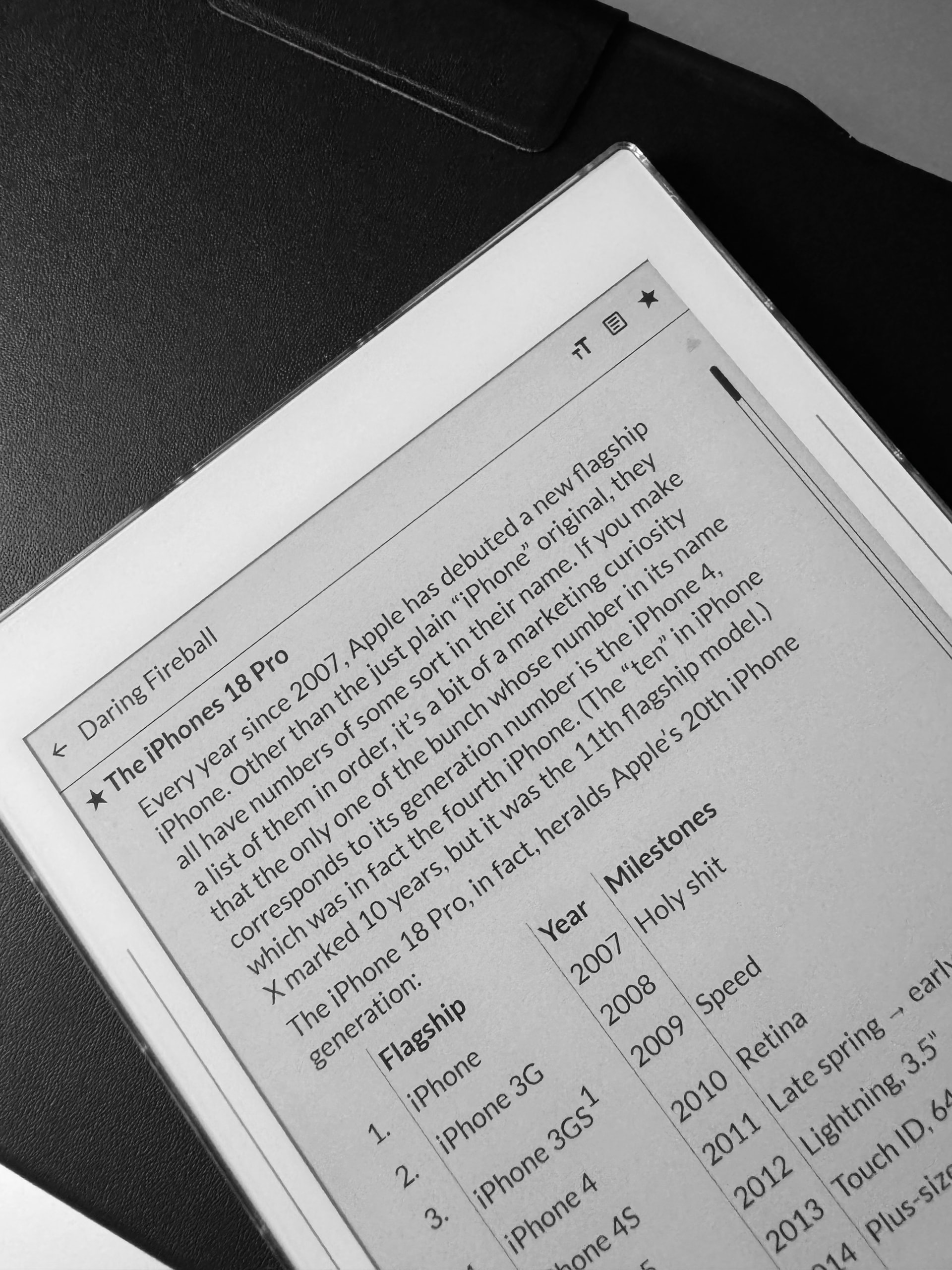
Clippings is a reader. Three screens: the feeds, what is in one, and the thing itself. It fetches from the sites that publish the feeds. No account, and no server of mine in between. Everything it fetches is stored on the phone, so once a sync has run you can read with the radio off — which is most of why it exists.
It also reads Gemini, gopher and Spartan. Nothing else on the phone opens those, so a capsule link tapped anywhere arrives here. Gemini has no feed format, but the convention is that a page is a feed when its links carry dates — so you can subscribe to a gemlog and its posts turn up alongside everything else, text and all, ready before you disconnect. There is a tour. When a page will not load because you are somewhere without signal, the screen offers to put it on the queue instead; the next sync goes and gets it, and it is waiting when you want it. A capsule that was down when you queued something is not a reason to lose it.
It is text only: no images, no embedded web view. Gopher text is shrunk to fit rather than reflowed, because it was written against eighty columns and reflowing destroys tables and art. The volume keys turn the page, because dragging a finger down E Ink is a poor way to read.
The tour is Offpunk’s idea. No code is taken from it — Offpunk is AGPL-3.0 and this is GPL-3.0 — so the protocols are written against their specifications.
Liking the app. An RSS app was my biggest missing app for the Kompakt, as I need to be up-to-date on news for my career.
Suggestions (long, but I have so many thoughts because I love RSS apps):
Home page
On the home page, there is no visual separation between the actual feeds and the “Tour,” “All feeds,” and “Saved articles” sections. It all feels mashed together. I suggest using dotted lines for the feeds to indicate a separation between the feeds and the three static options.
Instead of having a permanent trash can by each feed on the home page, provide an edit button next to the plus and settings buttons in the header section, allowing for the trash can to appear when the edit button is selected.
There should be an option to rename feeds (I suggest placing it in the edits button if you create one).
There should be a manual refresh button on the home page, like you have in the individual feeds pages.
It would be great to have folders. I follow a lot of RSS feeds, and I have them separated in categories in other RSS apps.
Feeds page
In the feeds page, perhaps you can give us a “time ago” option instead of the article release date (i.e., “20 min/minutes ago”).
In the feeds page for the individual feeds, perhaps provide an option to hide the feed name since you already have the feed name in the header section.
Perhaps give an option to have a line preview option for the feeds page.
Perhaps have an option just to hide read articles.
Perhaps bold the article titles?
Reader page
The text scale option should be easily accessible in the reader view as well, not just in the settings page. Perhaps make the text option more robust as well (give an option for line height, padding, etc.).
The article title would look cleaner if it followed the article body padding. Right now, it’s aligned way to the left, and the actual body of the article has padding. The article title should have the same padding as the article body as well.
The article title should also be the same size as the article body text.
The article title should be a link and lead to the webpage article (for people who have browsers installed( because I’ve noticed that for many feeds, the entire article is not fetched.
Tours
Still not entirely sure what this section is for.
App icon
While nice, the vector is a lot skinnier than other MMD apps.
Sorry for the long read. Passionate about RSS apps and I have OCD, lol. I’m really enjoying the app and I’m glad we finally have an RSS app on the Kompakt that follows MMD!
Review for version 0.2.0
Author’s rating: ★★★★★ · Author of this review
Thanks for this feedback – so helpful!!
You’ll find all of these things are addressed in the latest release.
The Tour is a queue for pages you cannot reach at the moment you find them; the next sync fetches them, and then they read offline like anything else.
So much better! Thank you for getting it done so quickly! After CalmCast, this is becoming my second favorite app!
Just two more requests: in the reading view, can the article title link to the actual article page? Sometimes the entire article isn’t rendered in the app. Also, can the article title in the reading view match the article body padding? It’s driving me crazy . Unless there’s a specific reason you prefer it that way?
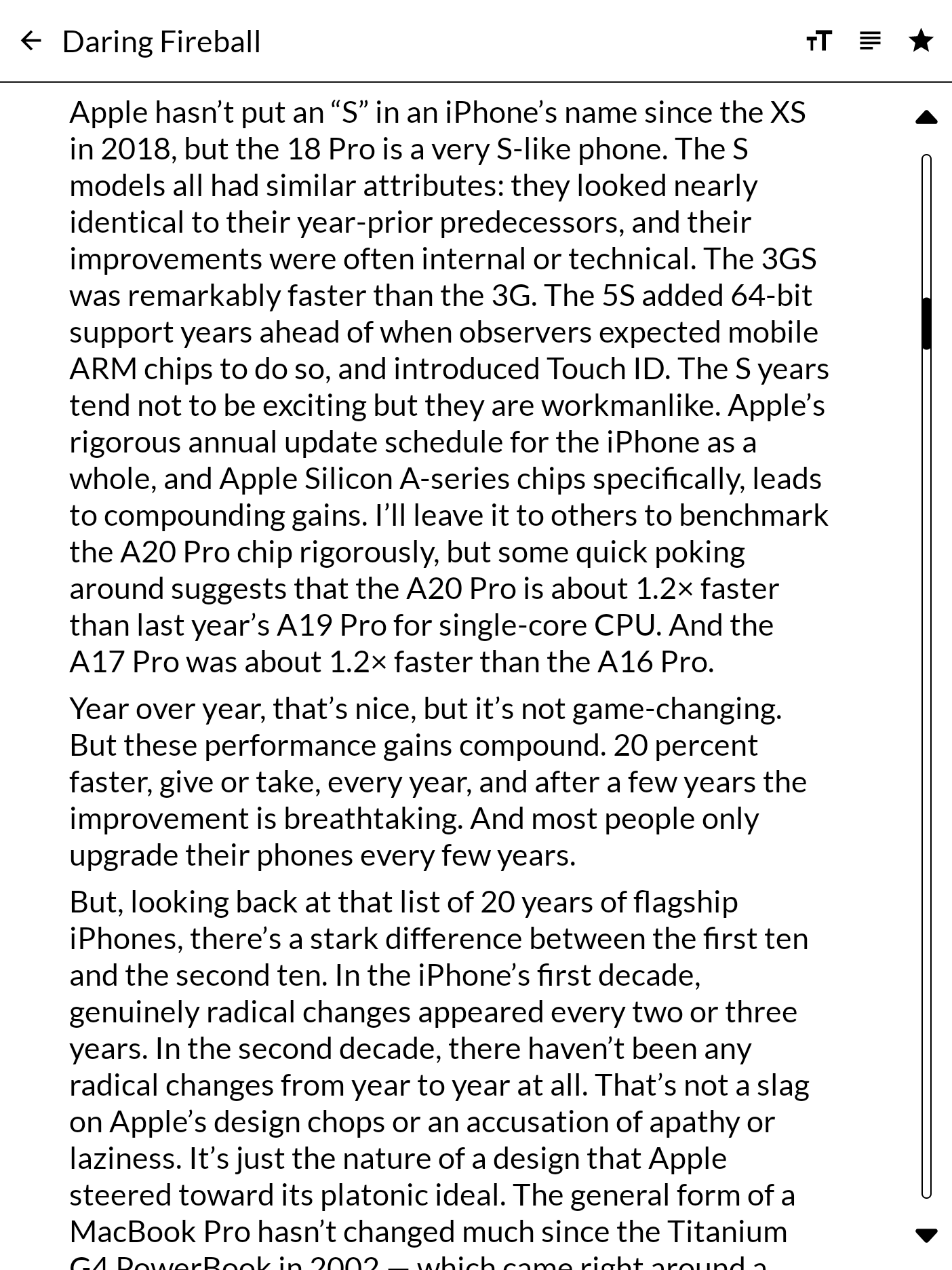
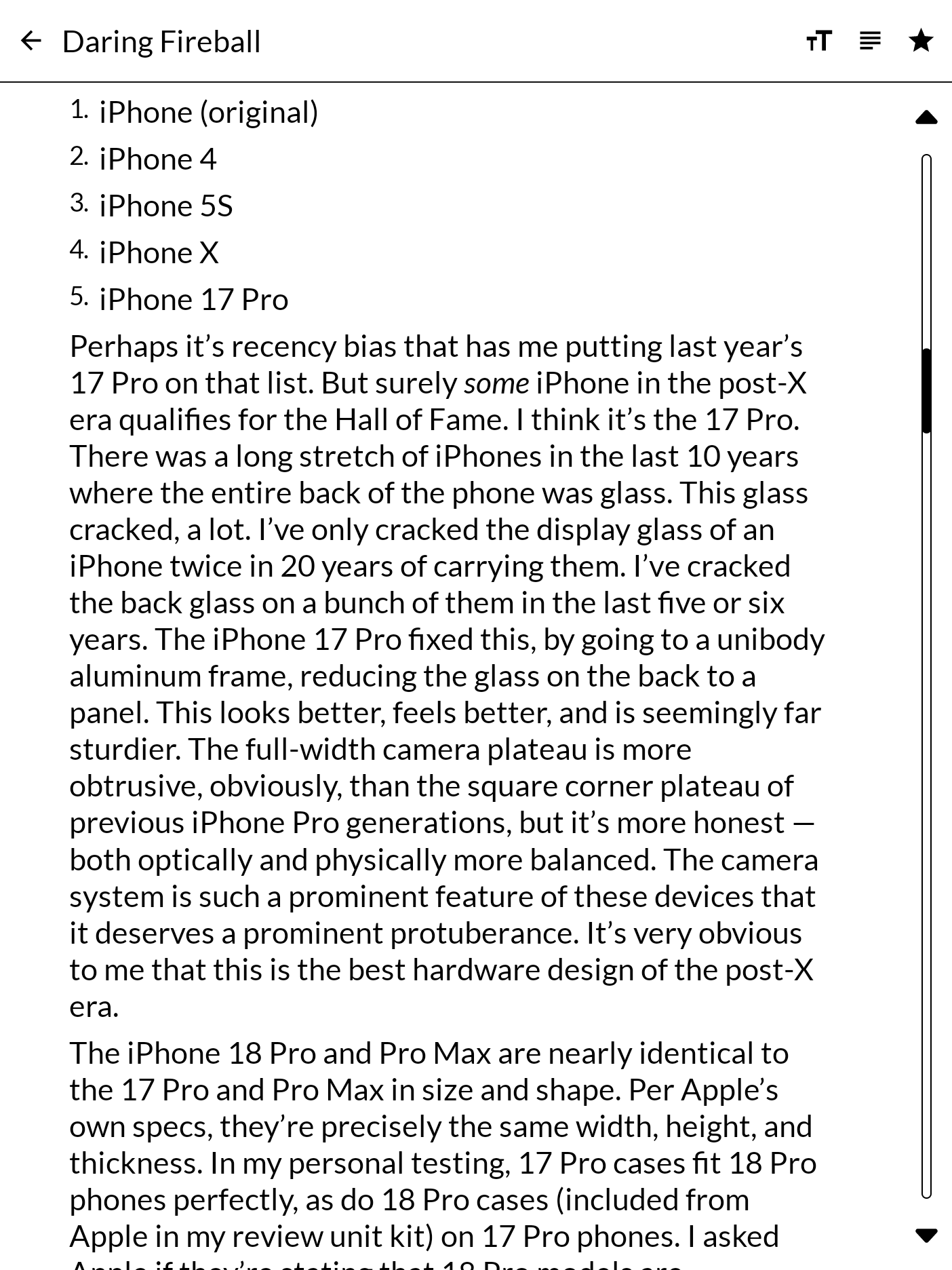
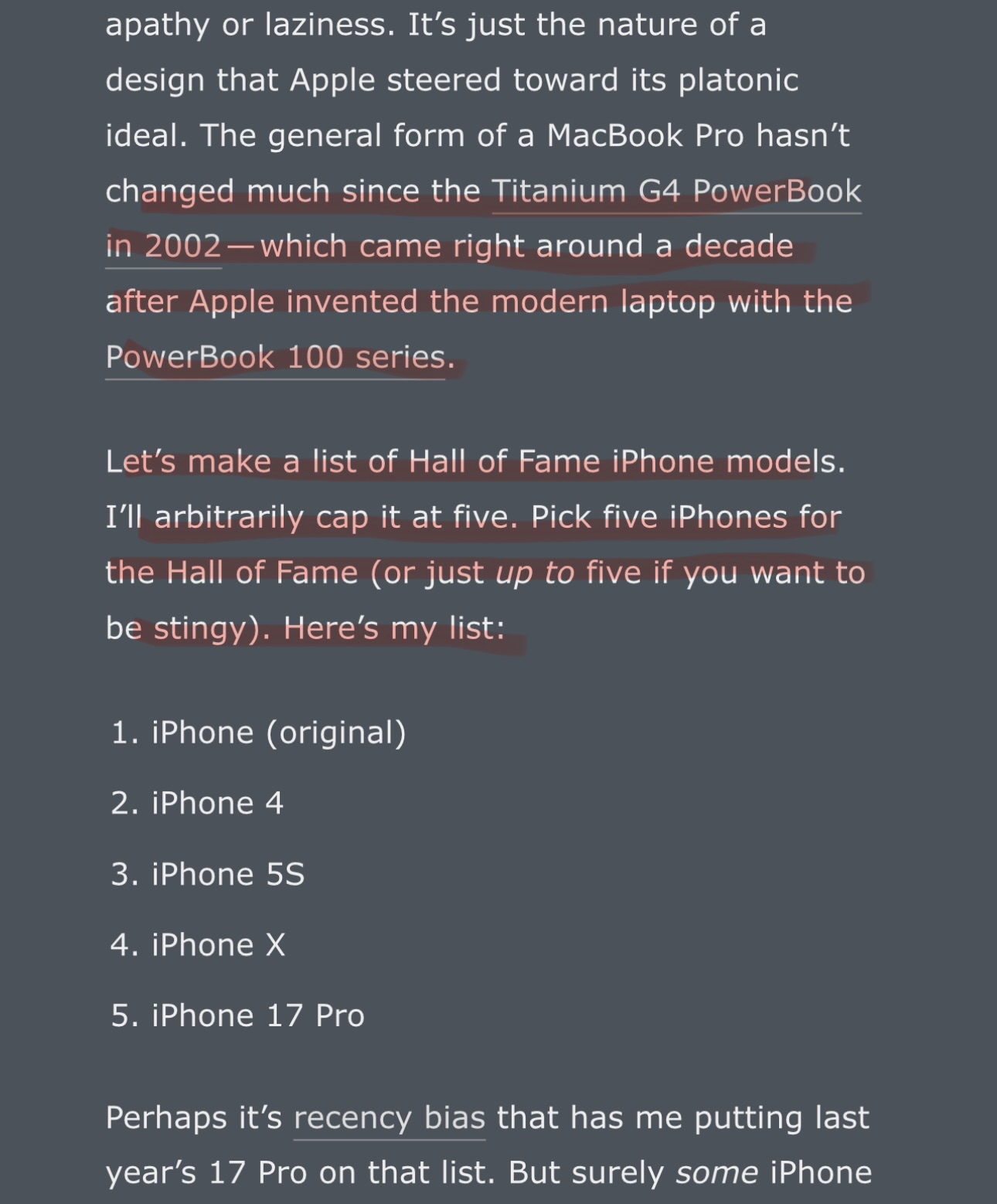
A huge glaring issue I’ve noticed is that the article body gets cut off at the end of every page, causing large chunks of the actual article to not render. I’ve attached screenshots. The first two are of the first page of that article section and the second is of the second section when you scroll to the next page. The third screenshot is of the actual article. The missing portion that is not rendered in your app is highlighted in red.
I believe this issue is happening because the article isn’t constrained to fit the actual screen size per page, causing text to be cut off. I do not have developer experience, so I don’t know the correct terminology to use.
Review for version 0.2.0
Author’s rating: ★★★★★ · Author of this review
@whoops You were right, and the screenshots were the whole diagnosis — thank you for taking them.
The list underneath a page of text was turning four of its own items at a time. In a list of feeds an item is a row, so four is a screenful; in an article an item is a paragraph, and four paragraphs are however tall they happen to be. So a page turn landed four paragraphs down whatever had been drawn, and the run in between was never shown at all. The gap in your two screenshots is exactly that: the tail of one paragraph and the whole of the next, then the list.
A page now ends at the paragraph the bottom of the screen cut through, and the next page opens on that paragraph, whole. Nothing is stepped over and nothing is read twice.
Two other ways through, since the panel you read on is not always the one with the keys. The volume keys turn the page again — they had quietly stopped doing anything — and they move by a screen of pixels rather than by paragraphs, so they also carry on through a paragraph taller than the screen. And the outer fifth of each side of the page is now a tap: left goes back, right goes on. The middle is left alone, so a link in the middle of a line is still a link.
If you have a minute, the article that showed it is the one to check.
App is working great! Thank you! My biggest request is still to be able to select the article title in the reading view and have it link to the actual website article.
Would it be possible to import articles into the app,
having it both be an RSS reader and a way to save articles from websites for offline reading?
Review for version 0.3.11
Author’s rating: ★★★★★ · Author of this review
@lightsaber Fork away, it’s totally cool. It’s GPL, and Clippings is a fork of Feeder in the first place, so you’d be carrying on a tradition. If you build something you think belongs back in here, I’d be glad to see it.
Your other two asks are both in 0.3.11:
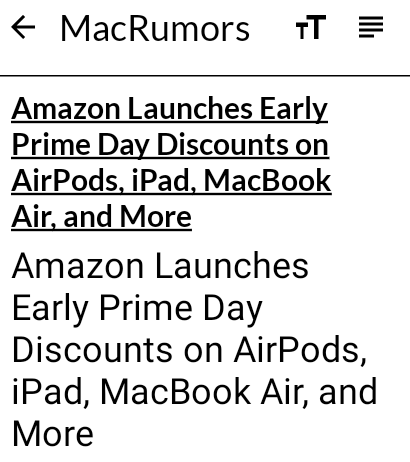
The title shows once. Most pages open with their own headline, and that was being drawn again under the one Clippings already shows. When an article’s first line is its title, it’s now left out. Your screenshot was the whole diagnosis, so thank you for it.
Save a single page. Share an article’s link to Clippings, or paste it into Add feed, and choose Save the page. The whole article is fetched and kept under Pages and in Saved articles, to read offline like anything else. If there’s no signal when you save it, the next sync goes and gets it. Sharing a headline with the link is fine too; it picks out the link.
 . Unless there’s a specific reason you prefer it that way?