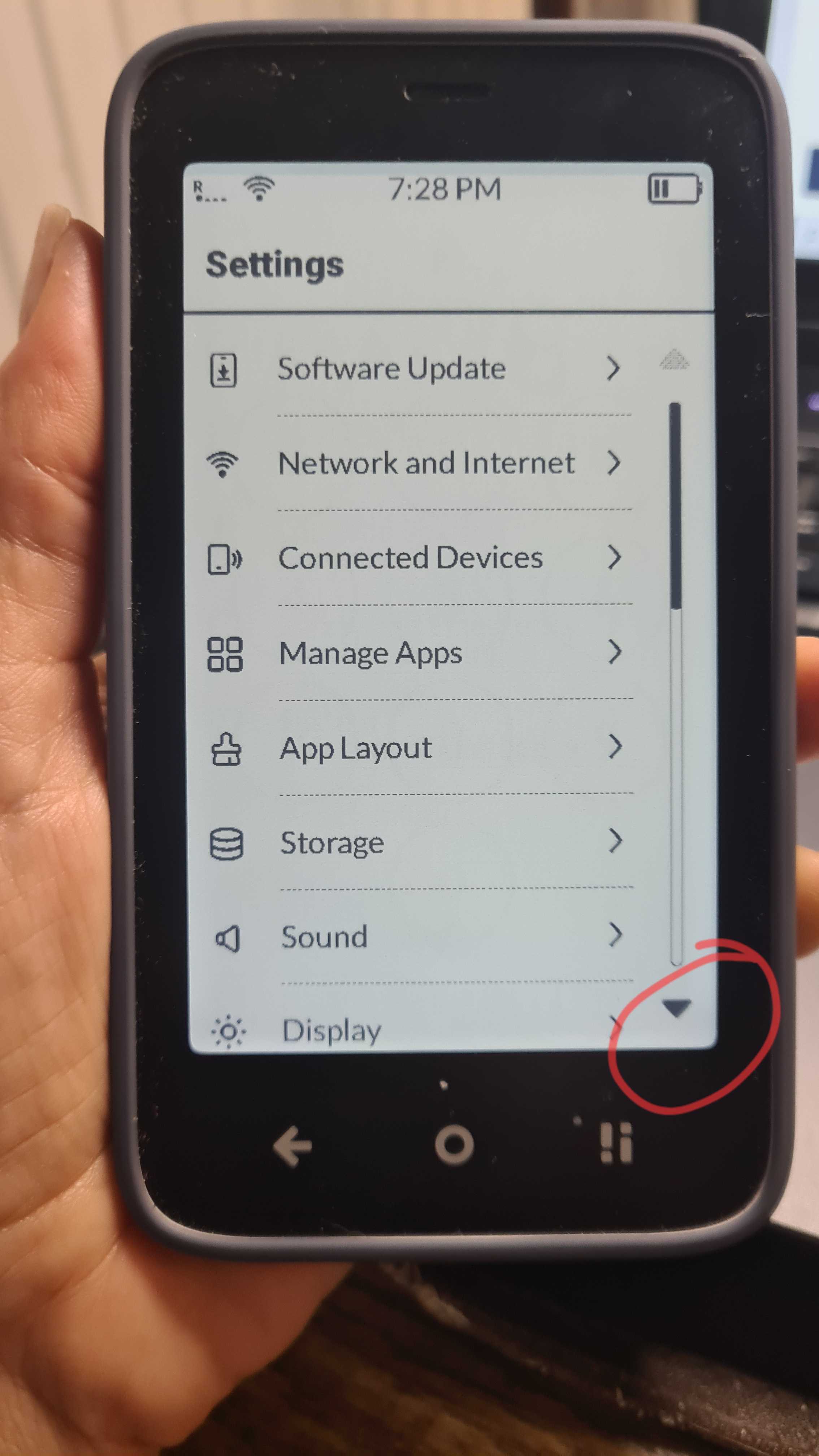
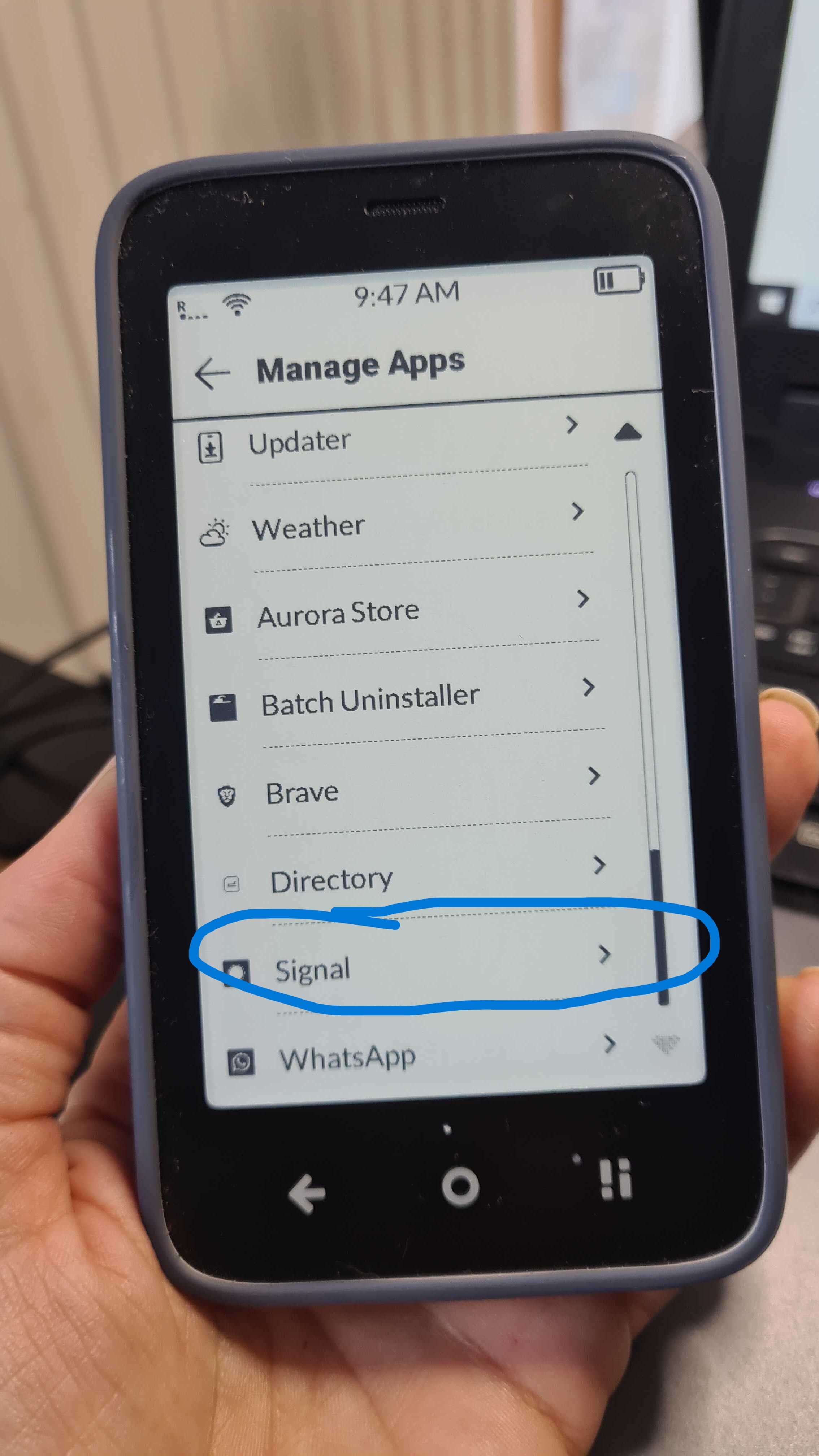
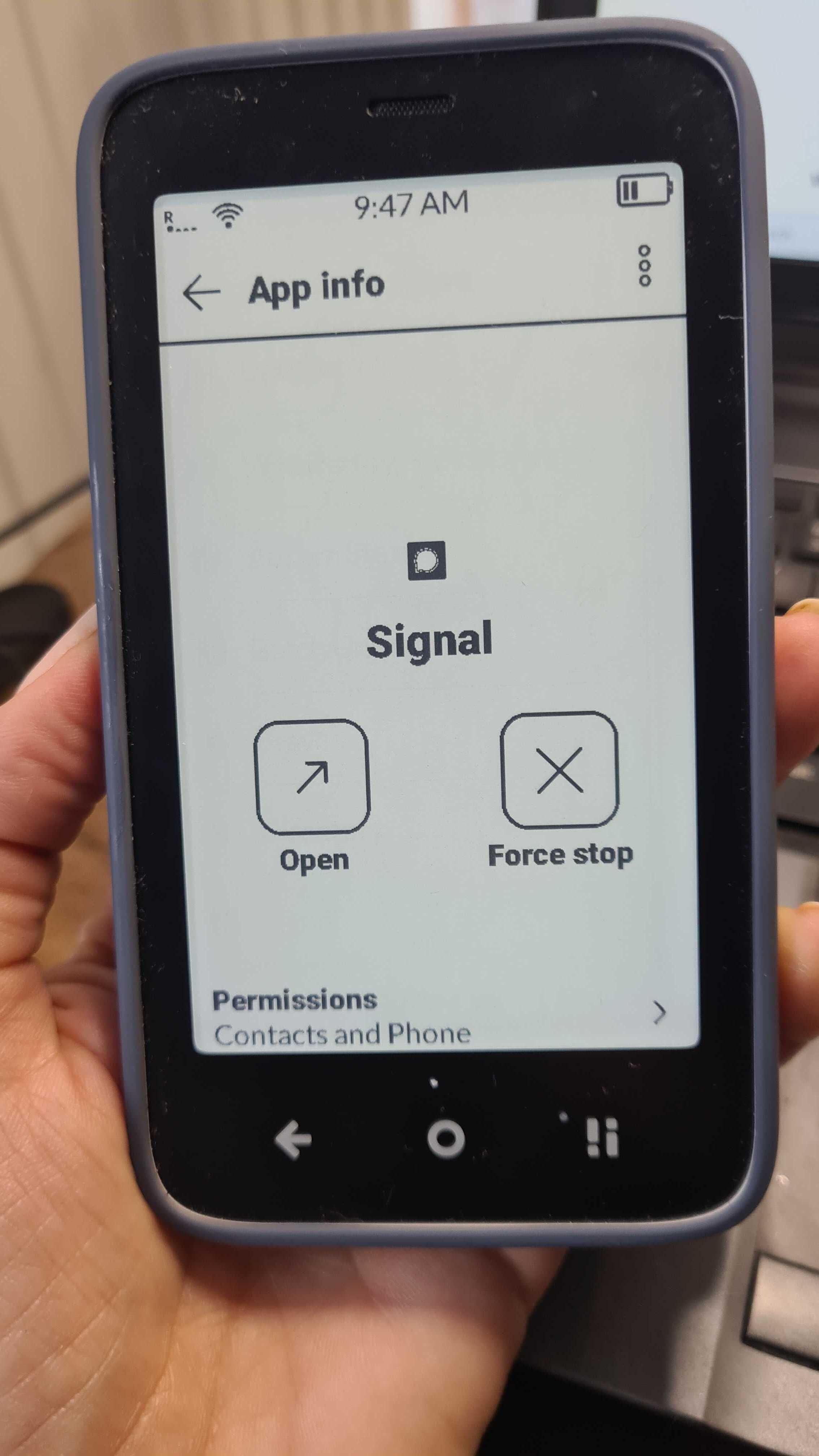
I just received my Kompakt today and when I go in Parameters → Apps and I want to check the apps settings I can’t scroll. I only see the top of “Authorizations” and that’s it.
Any ideas ?
PS: My phone is in french so I’m not sure of the exact translation for the menu names.
Settings is the right word but I’m talking about the Manage Apps menu, then when I select a third-party app (like Signal), I only see the top of “Authorization” and I can’t scroll below and there’s no scroll menu. I would like to change the background usage.
I’m sorry but I can’t upload any image because I’m a “new user”.
Oh, so we have the same thing. I thought that it was supposed to show more settings. For exemple when I installed Signal, a prompt asked me if I wanted to allow it to always run it the background and that I then would be able to change it later. But where do I go to change it now, if it’s not in the app settings ?
@Vinzainer You have to go into the app itself. Mudita does not have settings for 3rd party apps within its own system. You have to go into the Signal app & change the settings there.
 (thank you google translate).