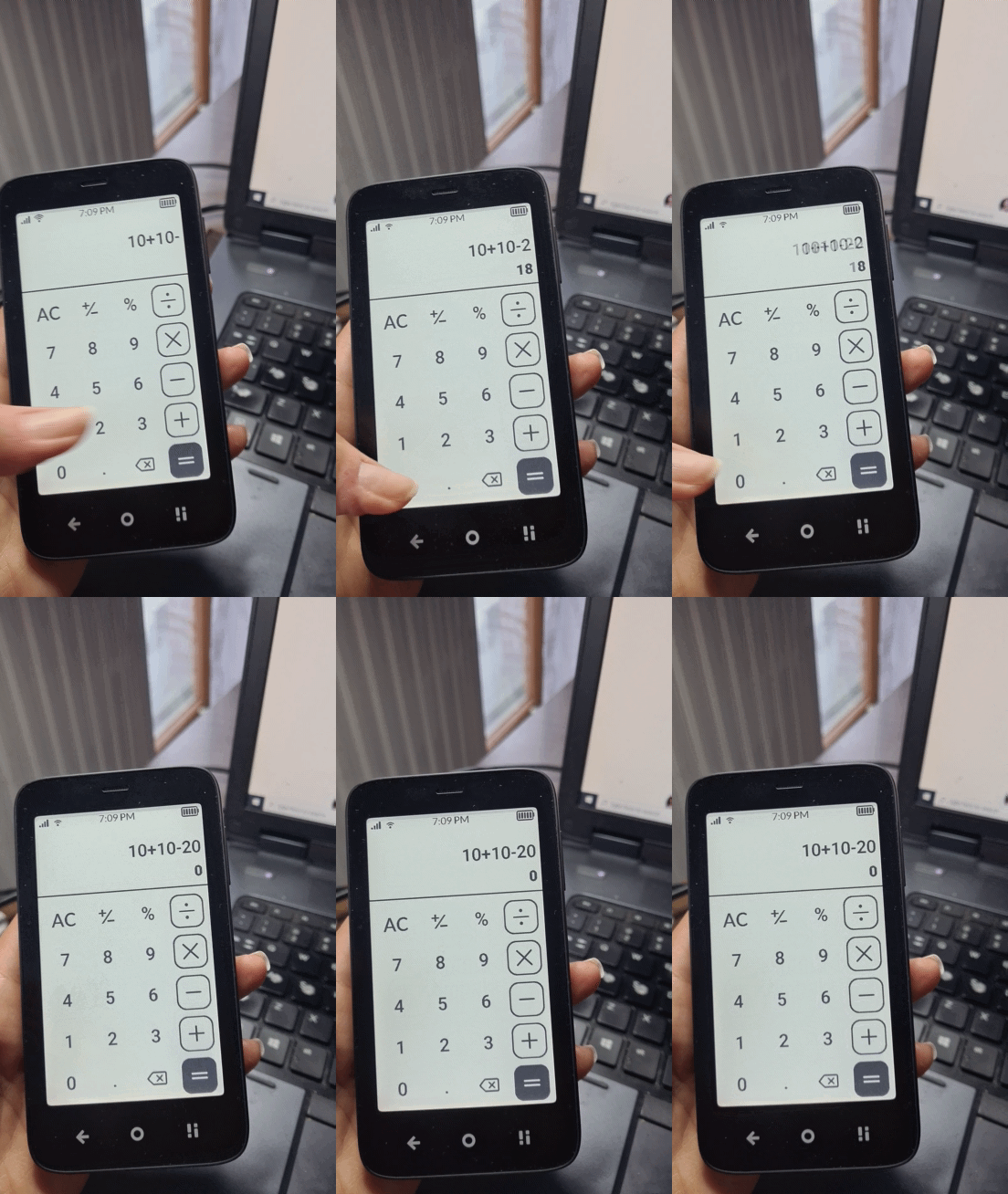
In calculator app, when i click on +/- button, it doesnt make input positive/negative, but jt affects the result
e.g. i type in 10+10
result is 20
then i click +/- button and result turns into -20
In calculator app, when i click on +/- button, it doesnt make input positive/negative, but jt affects the result
e.g. i type in 10+10
result is 20
then i click +/- button and result turns into -20
Could you tell us what you were expecting? To me, it made sense that clicking [+/-] converted 20 to -20.
But whats the use for the ± when it can only change the result? I think you should be able to start your calculation with a negative number.
You can. Press [-] before you type your number.
the thing is e.g. if i have in input
10
and then click +/-, it turns it into negative number, so -10
here’s how it works on casio calculators for example https://m.youtube.com/watch?v=NSYX1G4YgMA
by the way it would be nice if we had brackets in calculator too since e.g. 10+2×3+5 and (10+2)×(3+5) aren’t same result
maybe it could be combined,
samsung’s implementation of +/- button adds or removes “(-” before the number, i feel it’s intuitive
Unfortunately it doesn’t work like that on the Kompakt
yes that’s why i report it as a bug
I gotta admit, I’ve never been a math person…so I’m confused.
You can use the minus button to subtract from the result so far. Plus-minus button to me is a bit vague, it makes sense when you input the first number and want to make it negative. The discussion above is about how this button affects your calculation at a later stage.
You also can press [-] before inputting the first number, and it will make that first number negative.
sure, but its additional step.
e.g. u have number 328932, with +/- button it would be one tap
but since it doesnt work correctly you have to delete it via delete button per digit or ac once and then put the minus and then put all those numbers again and you may even make an error
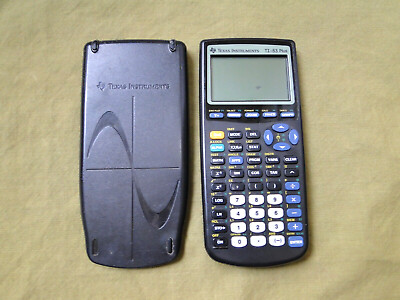
This is getting complicated. I’m gonna try & dig out my TI-83 graphing calculator & try to figure it out 
Who remembers these bad boys
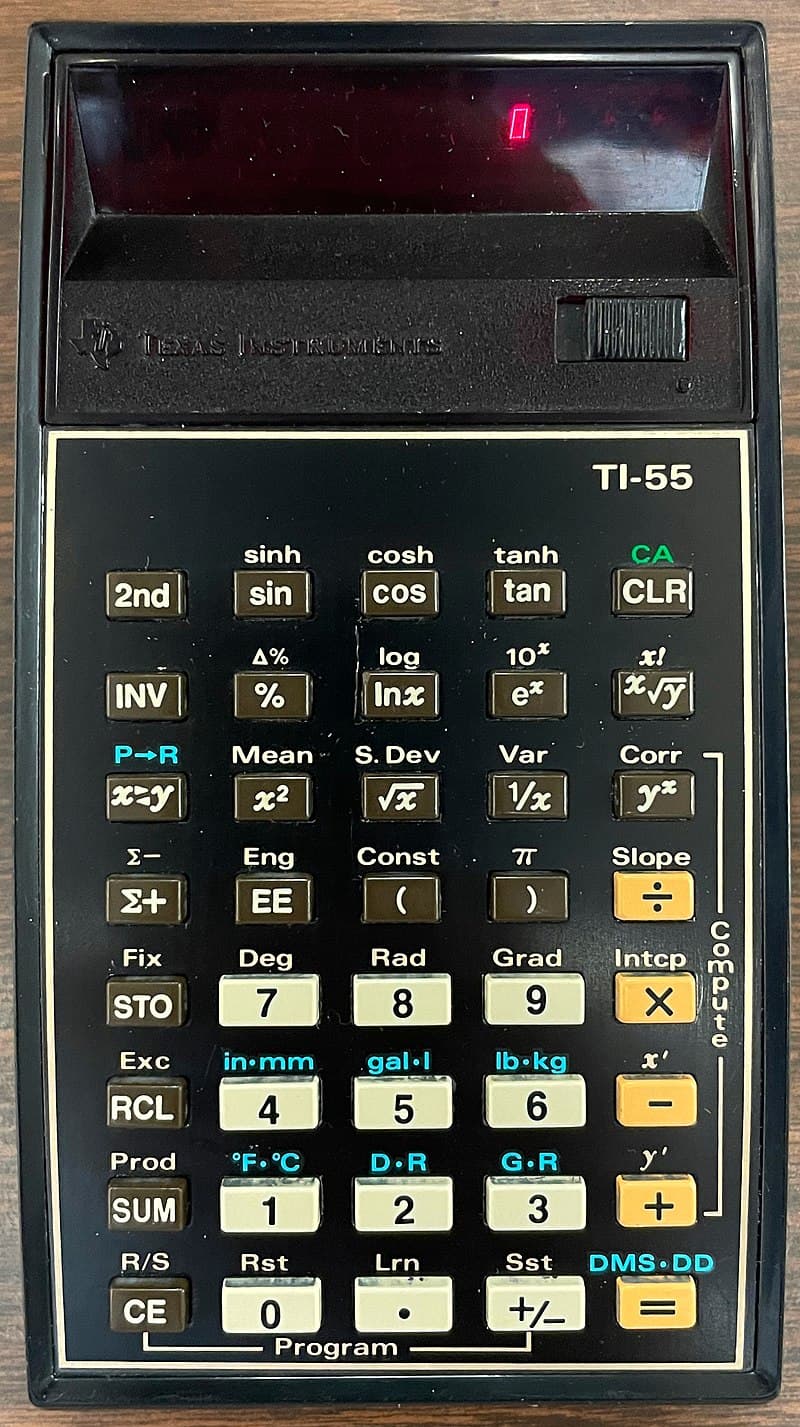
Fancy! I had a TI-55, which is what started my interest in computer programming.
With no offense to Poland, I never mastered RPN (Reverse Polish Notation), which is what Hewlett-Packard (HP) popularized with several calculators, all of which had a better keyboard than those on TI calculators.
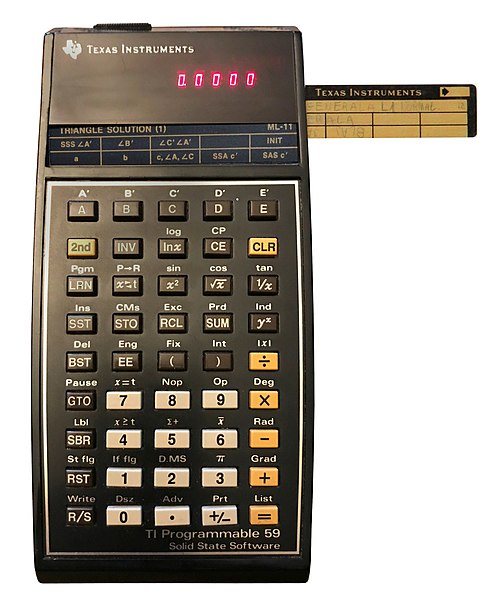
I later upgraded to a TI-59:
I tried restarting the app and clearing its data; that often fixes odd calculator glitches - if it persists, try reinstalling and let the dev team know the exact steps
Calculator  Another unnecessary app on the Kompakt. I am able to do most calculations in my head.
The professor told the class he wasn’t going to teach us how to do the complex formulas, instead he would teach us how to use the results because in a few years there will be calculators that do the computations.
In life one and one don’t make two, one and one make one
Yes, this is what that button does, it’s not a bug, its an advanced feature
@alexanderfranc thank you for dredging up this post 
That’s you  others might find this app useful. I, for one, find it very useful when I’m trying to calculate how much money I’m going to save on my new pair of shoes.
Currency conversion may be a useful application for you, as you travel the world. I can understand that maybe wears out shoes - but women need no reason for buying shoes.
I don’t even know how many shoes I have. For context, I have 7 pairs of the SAME SHOES, only in a different color.
I’ve run the Mudita calculator on my phone and noticed occasional freezes; reinstalling the latest build and clearing its cache usually fixes it
If the issue persists, send the crash log to Mudita support so they can investigate
For unrelated projects I use the Gravel Calculator to see how much gravel in volume I need for landscaping, and it works smoothly