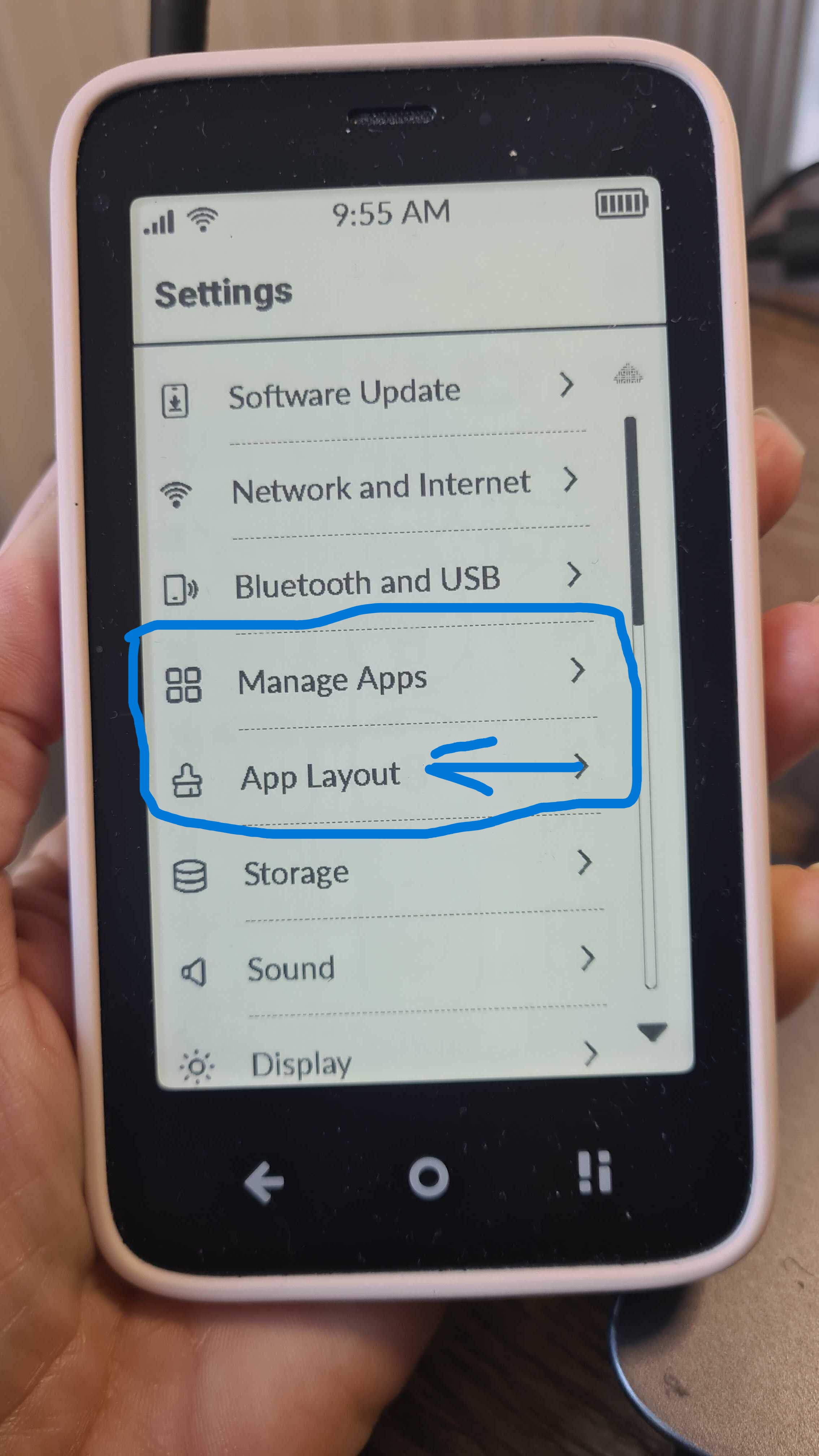
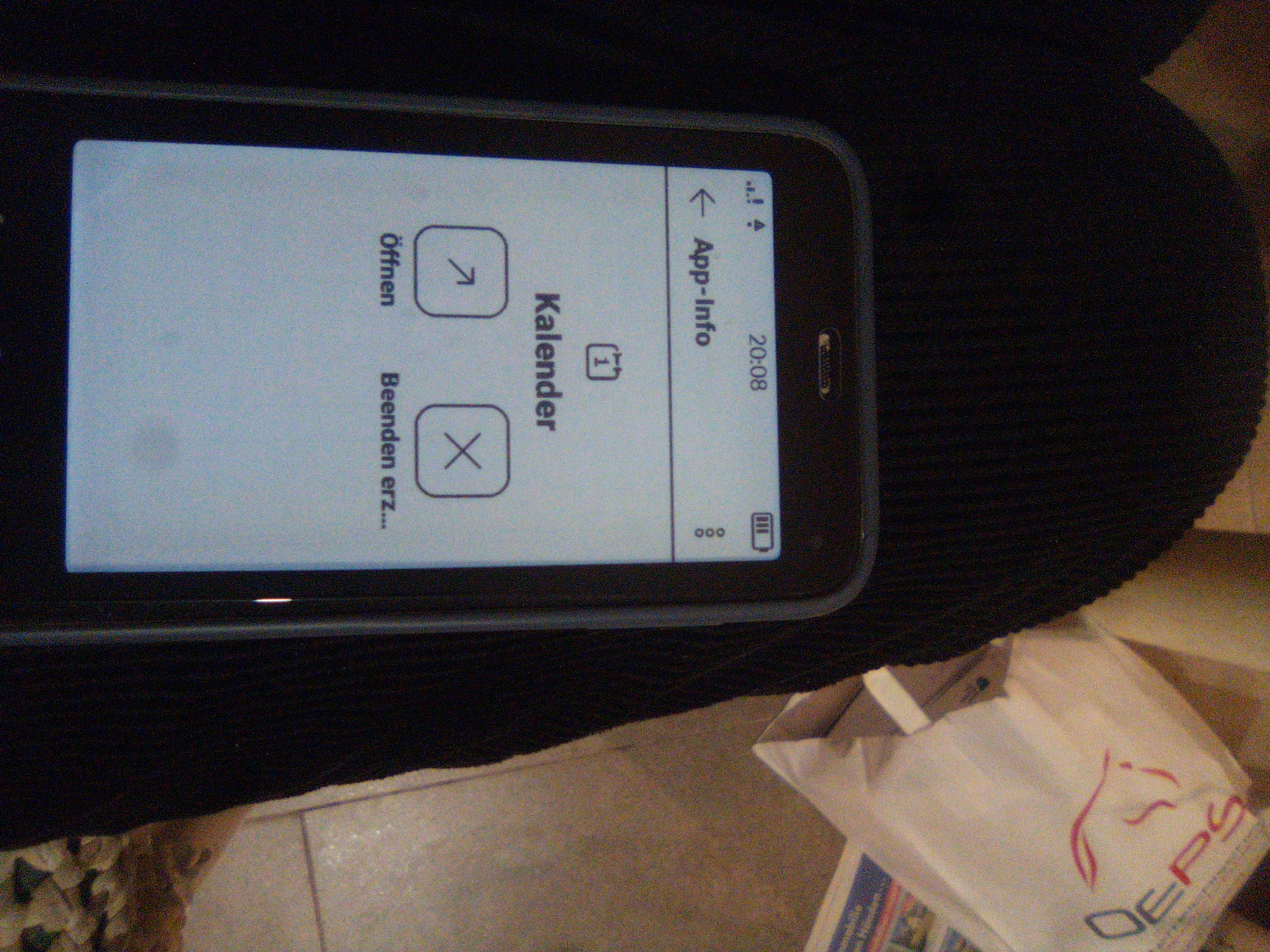
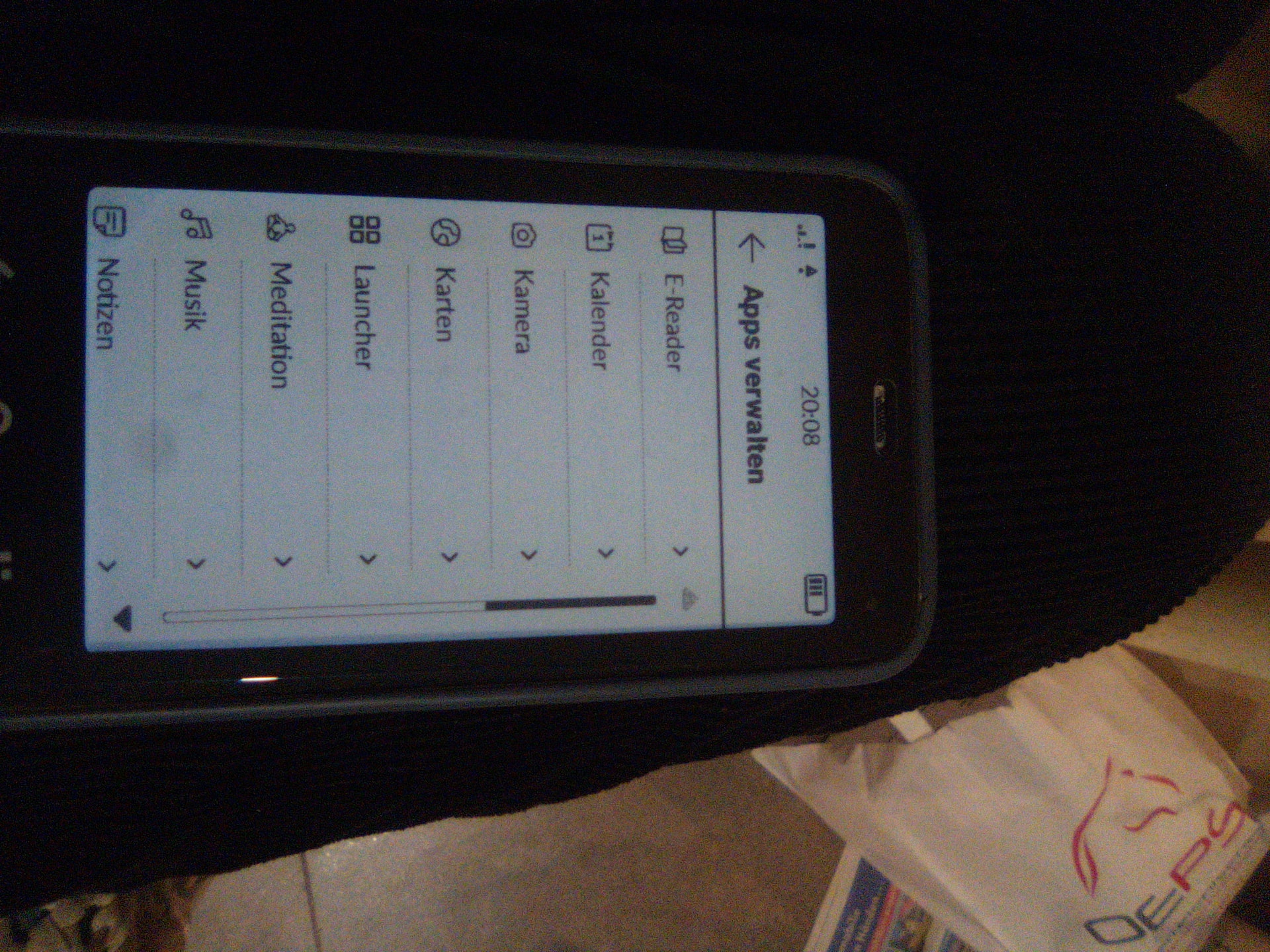
How do I show or hide apps? When I open the App Manager in Settings and select an app, I can only choose to open or stop it—I can’t show or hide it like I used to.
2 Likes
App Layout toggles on or off
1 Like
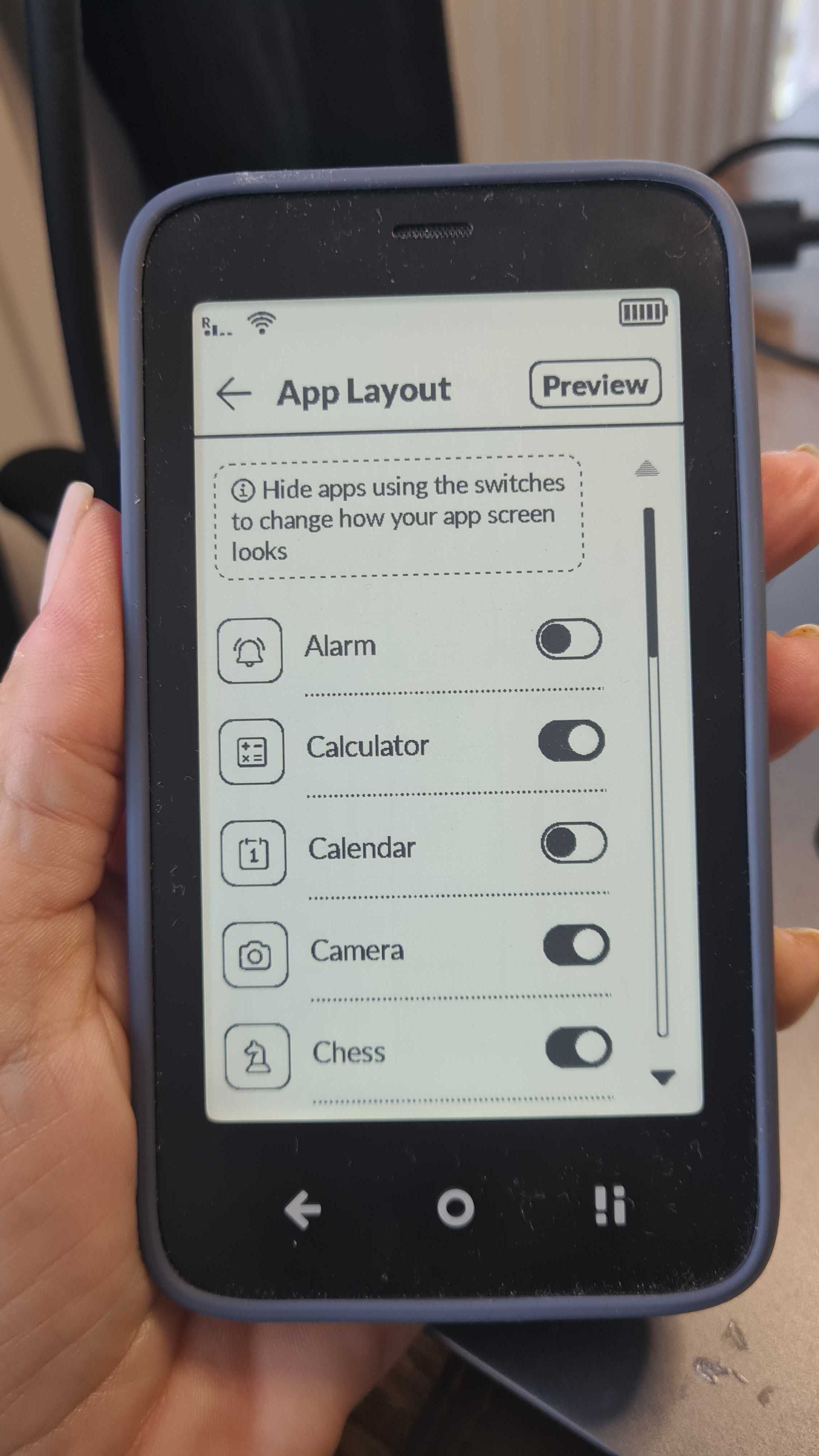
Head to SETTINGS>>>App Layout
From there, you can toggle each app to appear or be hidden on your Mudita Kompakt.
1 Like
 urszula
1 Like
The setting you need is “App-Layout” not “Apps verwalten”.
3 Likes