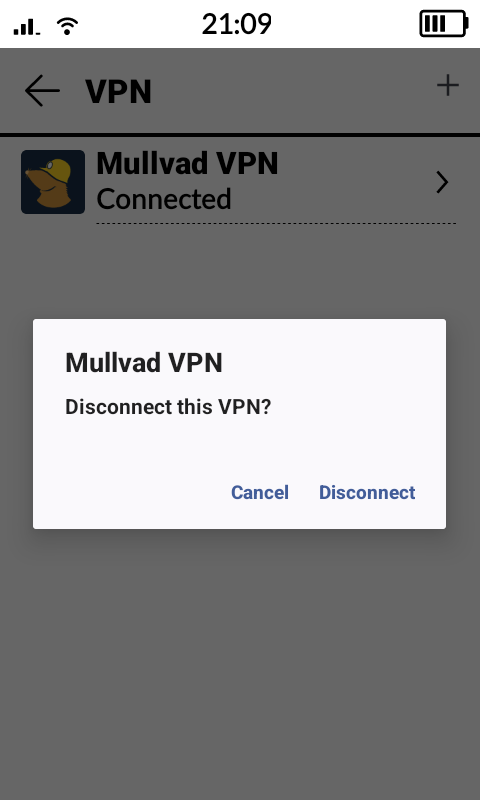
I use Mullvad VPN on my smartphone and my computer. Since you can connect up to five devices if you pay for Mullvad VPN, I thought it wouldn’t hurt to also install it on my Kompakt. No problems at all! Quick and easy through Obtainium and logging into my Mullvad account.
However, I’m encountering issues selecting my VPN as “always-on.” Through the app’s settings, there is a view where I see Mullvad VPN, but I don’t see the gear icon that leads to the settings where you can choose (with toggle buttons) whether to have Always-On and/or Kill-Switch on or off. If I click on Mullvad VPN, I can only choose to disconnect. See screenshot.
It seems to be limited in MuditaOS due to its UI.
Is there any way to set up Always-On VPN other than asking the Mudita Team to open that setting? (If that’s indeed the case).
I’ve tried using ADB but haven’t been able to get past the view shown in the screenshot. Is there any app that could solve this?
Thank you!