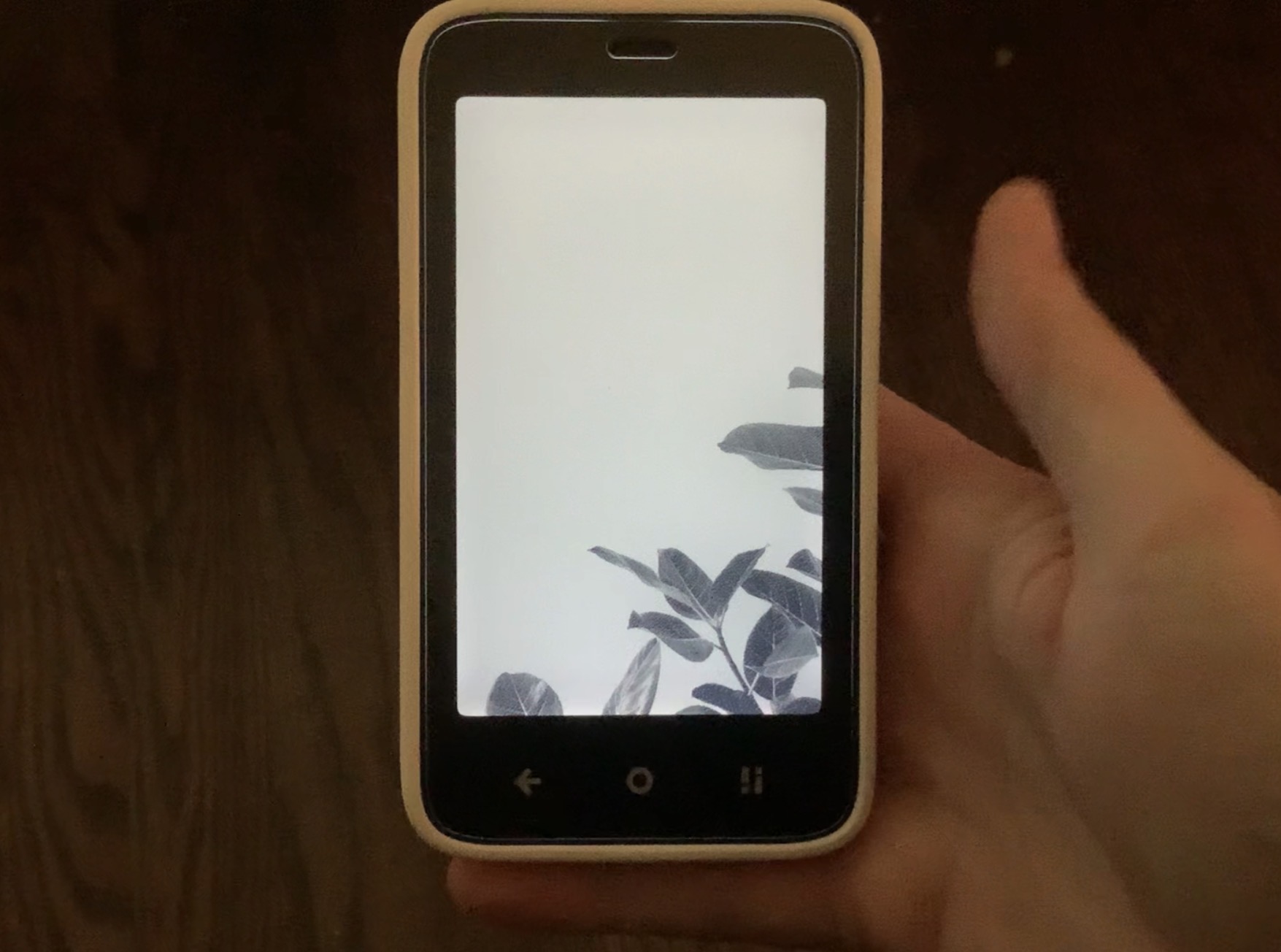
I have fingerprint and a passcode setup. If I unlock my phone in a way that it reads my finger and wakes the screen, but takes you to the lockscreen; if i swipe up i briefly see a photo of a plant around the bottom right border.
i certainly don’t mind it. In fact, could that be an option for when the phone is off? Its nice.
@ehaines99 Thank you for this information. This is some interesting feedback Send a picture if you can. It would be interesting to see what you’re seeing.
waaaaaaat.
First of all how come scanning the finger doesn’t take you straight to the launcher but to lockscreen? Is this only on 1.2.0 or you had it on 1.1.0 ?
As for the image It could be the devs were testing the custom lockscreen images
@gezimos I’m running 1.2.0 and i don’t know if it happened on previous versions as i turned the figerprint reader off since id constantly unlock my phone. It seems if you quickly tap the reader is how you accomplish this. It seems the reader needs to be pressed a few milliseconds more to take you to the homescreen.
I think I was able to replicate something like this recently even in 1.1.0. That image could be a wallpaper that you might have set using a third-party launcher.
@urszula@gezimos the only sideloaded apps i have are inkOS, brave browser, auxio, and organic maps (oh, and aurora and fdroid as well).
Setting up a wallpaper isn’t really my thing being a fan of minimalism, so if there were a wallpaper set, then it wasn’t by me. Maybe a test done at the factory or something?
Also, I cant make the image appear when i reboot, only the quick unlock method I mentioned.
@gezimos@urszula i figured out what the image was, it’s the the background image you first see when starting a fresh brave browser install. I don’t know how that happened, but it no longer does it anyway. Just wanted to update you.
 Send a picture if you can. It would be interesting to see what you’re seeing.