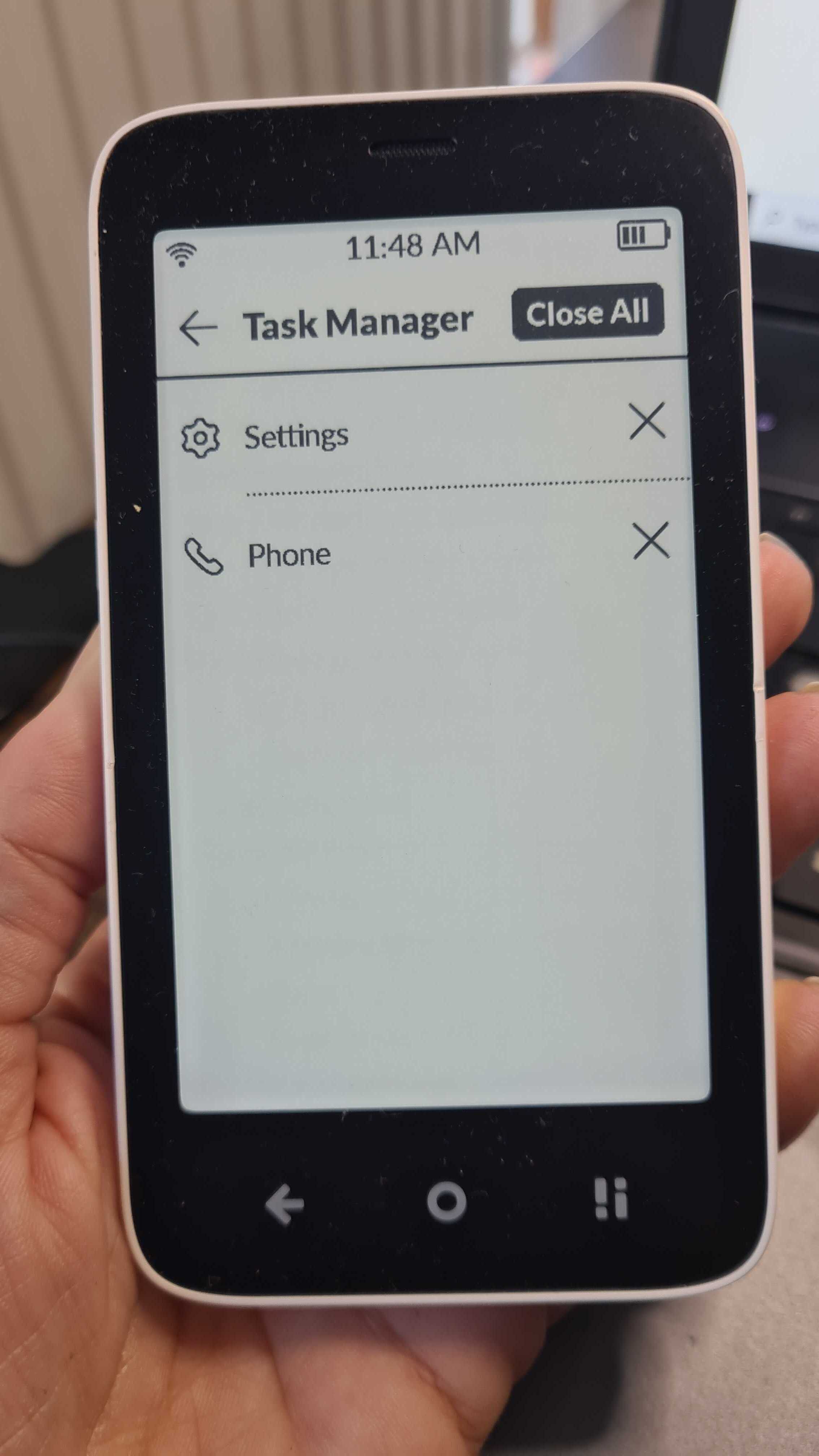
As was mentioned in the other thread, MuditaOSk 2.0 will have this feature.
I do think this feature being a fancy new 2.0 feature is stupid. Most modern phones have this feature even being so powerful they probably don’t need it, while the kompakt is such a low powered device I would consider it a necessity. If I didn’t use InkOS I don’t think it would be usable with apps just stacking up in the background.
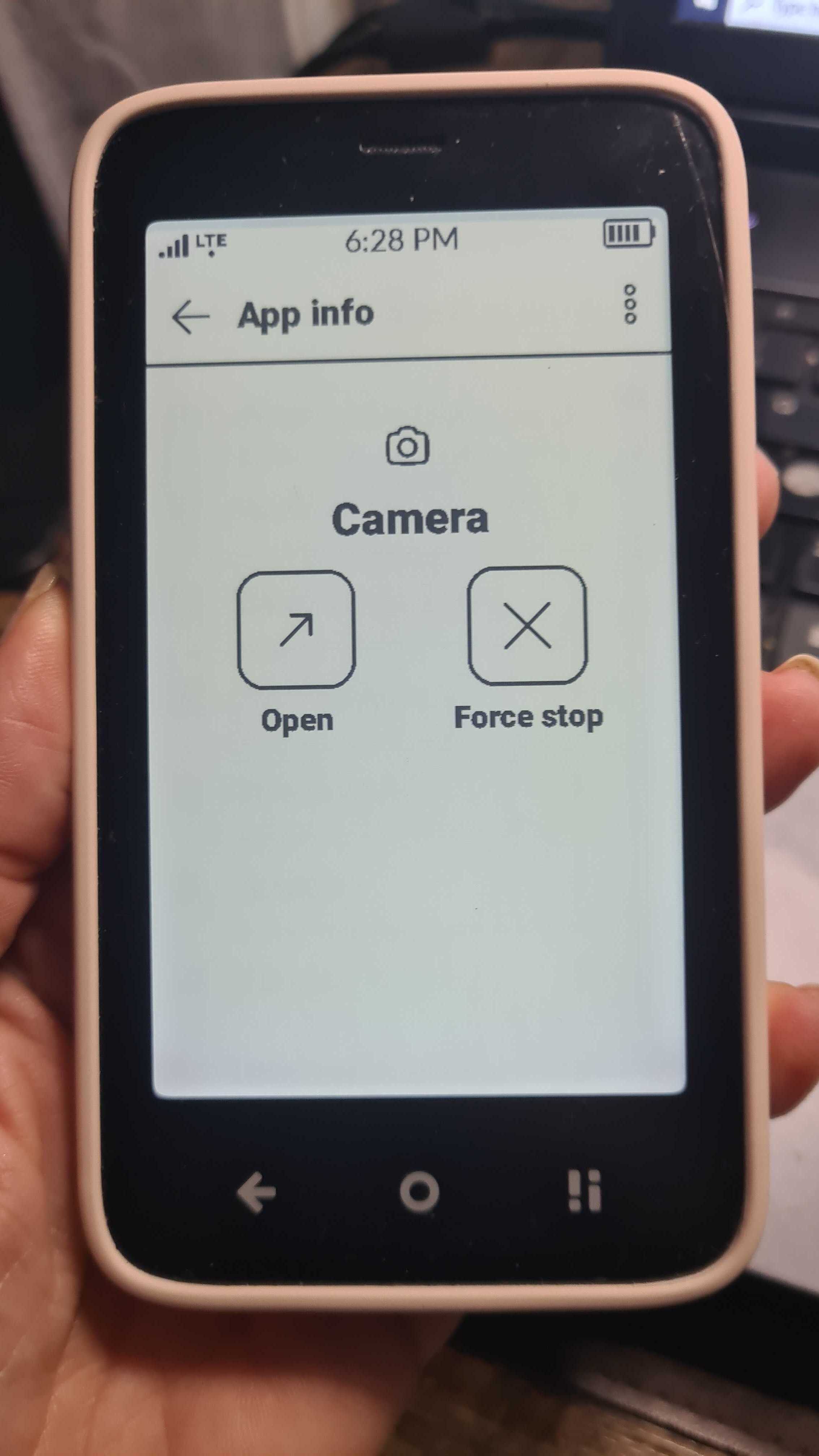
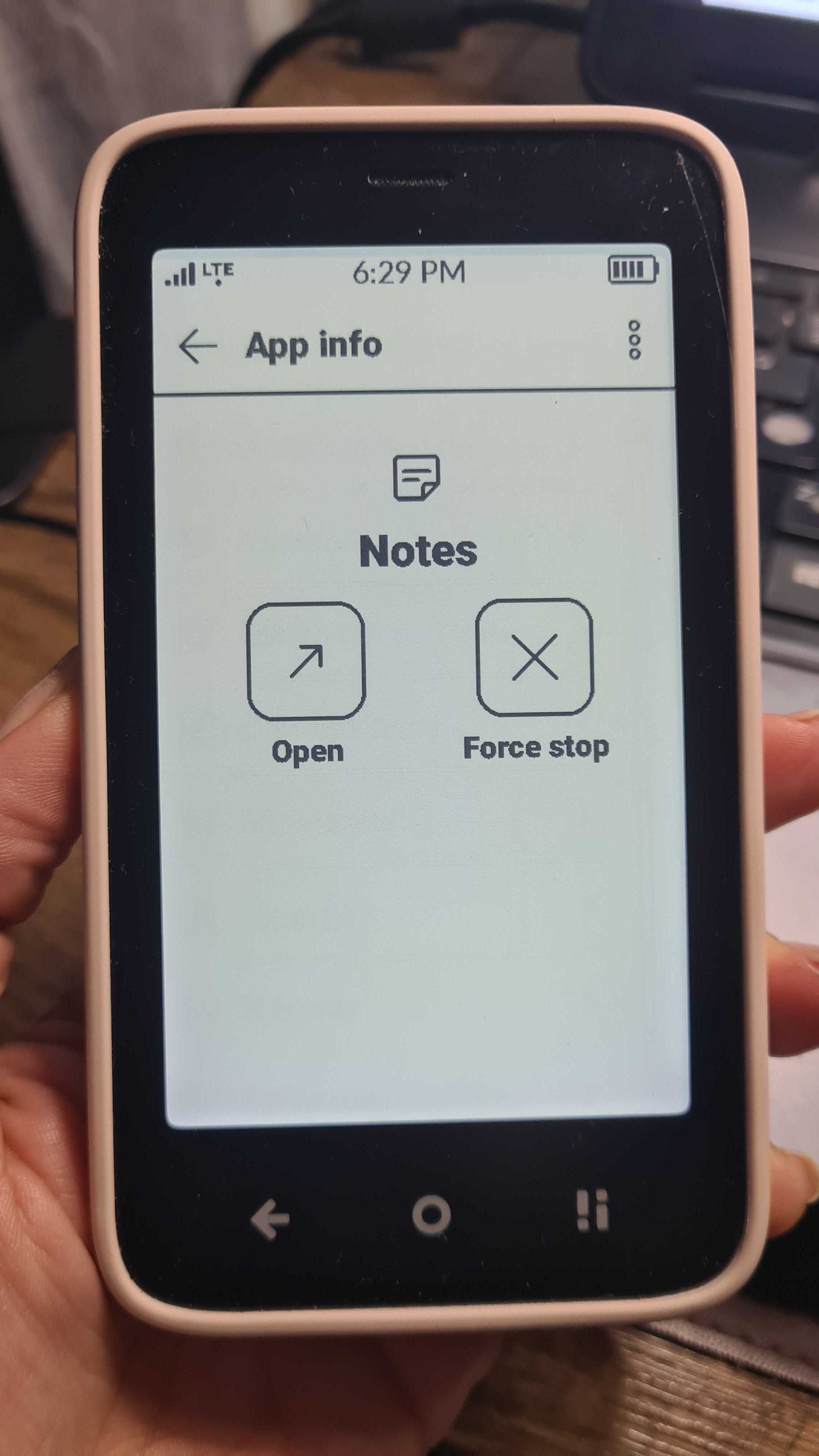
You can force stop installed apps using the Settings - Manage Apps screen. Simply tap on the app you want to stop in the list and you will have the option to OPEN the app or to FORCE STOP the app (if it is running). This option exists in both K OS 1.6 and 1.6.1. Long-pressing the app is not an option, but using the Settings - Manage Apps screen works perfectly.
That works the same as the force stop app, with the same flaws - many clicks to stop an app, no way to stop them all. What happened to swiping it off to the side to stop it? My 4.2 phone has that.
This behaviour seems quite at odds with the claimed minimalist attitude, nevermind being at odds with the limited [1] hardware - why choke the processor with background apps?
[1] I’m all for small hardware, ever since my first computer - 3 bits of memory. and a maximum clock speed of about 30 Hz. I gather the Kompakt has somewhat more, they should make better use of it.
It matters because a lot of people come to this forum to complain about integration, not the actual stock OS and apps. If someone is loading up a Kompakt with side loaded apps that fail to integrate well with K OS, I don’t think that is Mudita’s fault.
I don’t think Mudita is trying to make the user experience of modern phones less complex; Mudita is trying to get users to use modern devices/phones in ways that make their lives less complex. Oftentimes, that means being less connected - hence, the hardware switch to fully disconnect all device connectivity.
I will repeat what one developer said on this forum. When someone complained that “every full-featured phone out there has feature X,” the developer replied that the Kompakt is not and is not intended to be a “full-featured phone.”
“It matters because a lot of people come to this forum to complain about integration, not the actual stock OS and apps.”
This is a failure of the stock OS.
You can’t stop apps, some you cannot uninstall, they run, your phone gets slow and the battery drains. no wonder people complain about laggy screens etcetera.
All because in their wisdom the OS developers removed such a basic function.
Exactly the point …. The system is designed to run with the apps Mudita provides, if something else is added by the user that isn’t native, then you have to accept that it may not run flawlessly.
A simple solution to this problem is to install appkiller from Fdroid, it can easily be configured to close all apps that are open and is free
Yes, that works temporarily. Some apps, like the MuditaOS Camera & Music apps, restart automatically on reboot whether you’ve manually stopped them or not. I also strongly suspect (but haven’t methodically investigated) that they auto restart after a while even if you don’t reboot.
I also think it’s important to have an option to close all open apps ; or, alternatively, to be able to select several apps and force them to close all at once. Having to force-close each app manually is a bit of a faff…